Atari 800XL
July 15, 2026
The Atari 800XL was my first computer and remains to this day one of my favorite computers I have owned. It was pure raw fun both for the games and for the many hours learning how to write programs on it in the built in BASIC language. I purchased mine in 1983, when I was 21 years old and in the U.S. Air Force, stationed in Ramstein, Germany. I made many Atari friends on base and in the local community.
The Atari 800XL that I have now I have owned for about 12 years. I found a seller that had some in a warehouse that had never been opened. It was super exciting to get one again as I had given my old one away many years ago when it felt obsolete and impractical compared to newer things.
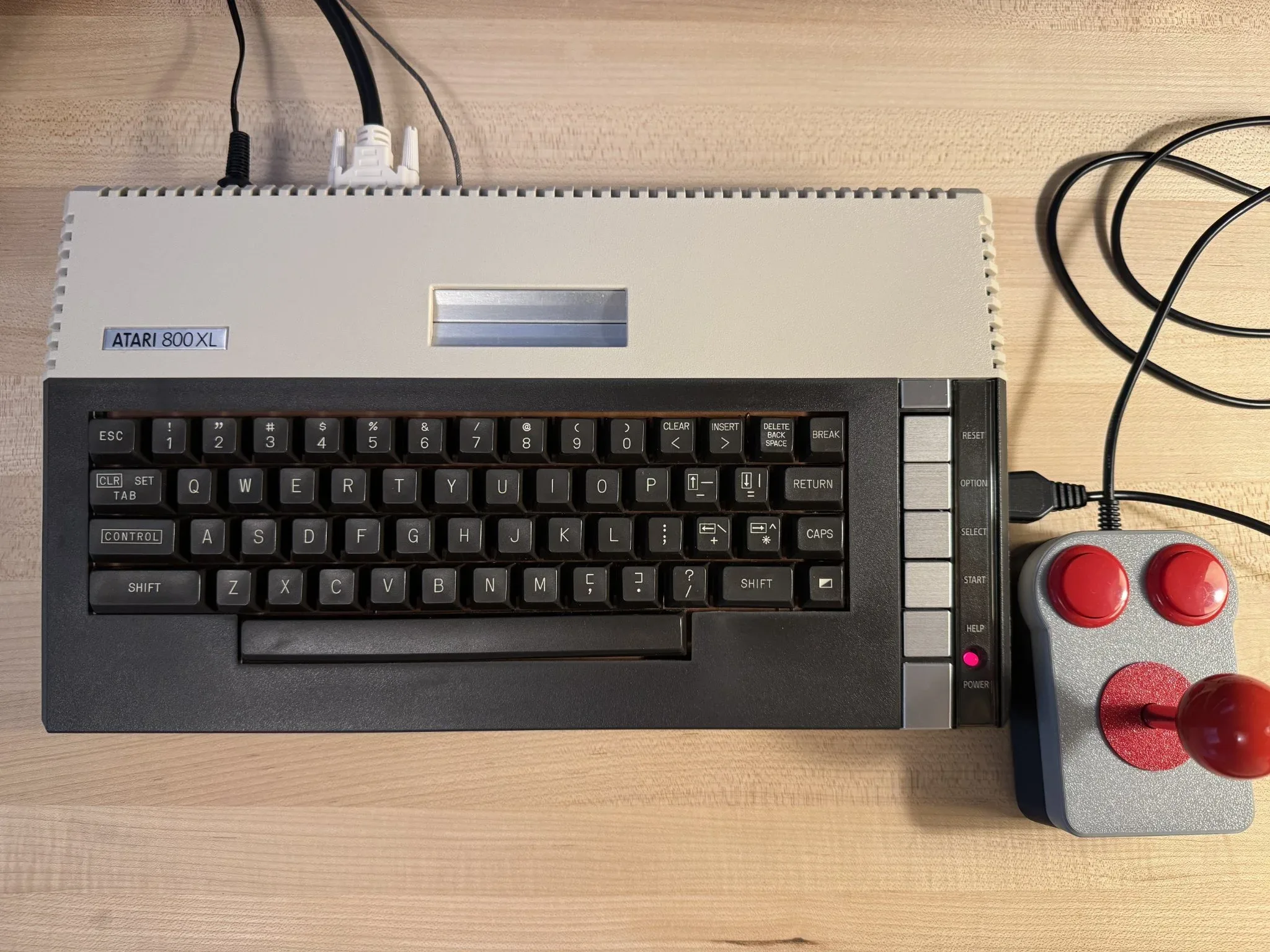
Now I have a hobby of collecting, restoring and modernizing old computers. I have made some modifications to this one that allow me to use it in modern days without some of the limitations of the past. Primarily, I don’t have to use cassette or floppy storage as I have a cartridge that stores a library of programs on a modern SD card. I also have modified it so that it can be used with a modern monitor instead of with an old television or CRT. These two things, fast load time and a modern screen, make 8-bit computing enjoyable again without regard to how obsolete the computers are compared to computers today.
Like other retro computers, you don’t really need to own an actual Atari 800 or 800XL to enjoy the computer’s software library. All popular retro computers have emulation software. For the Atari 8-bit line, the Altirra emulator is exceptional. For most people, I would recommend checking out emulation before going through the trouble of acquiring the original hardware.
However, I believe that using the original hardware on 8-bit systems is better because of the individual characteristics of the computers at the time. Each computer had its own special keyboard character set and function/console buttons. An emulator can map these keys to other keys on a modern keyboard, but for me it just isn’t the same nostalgic experience.
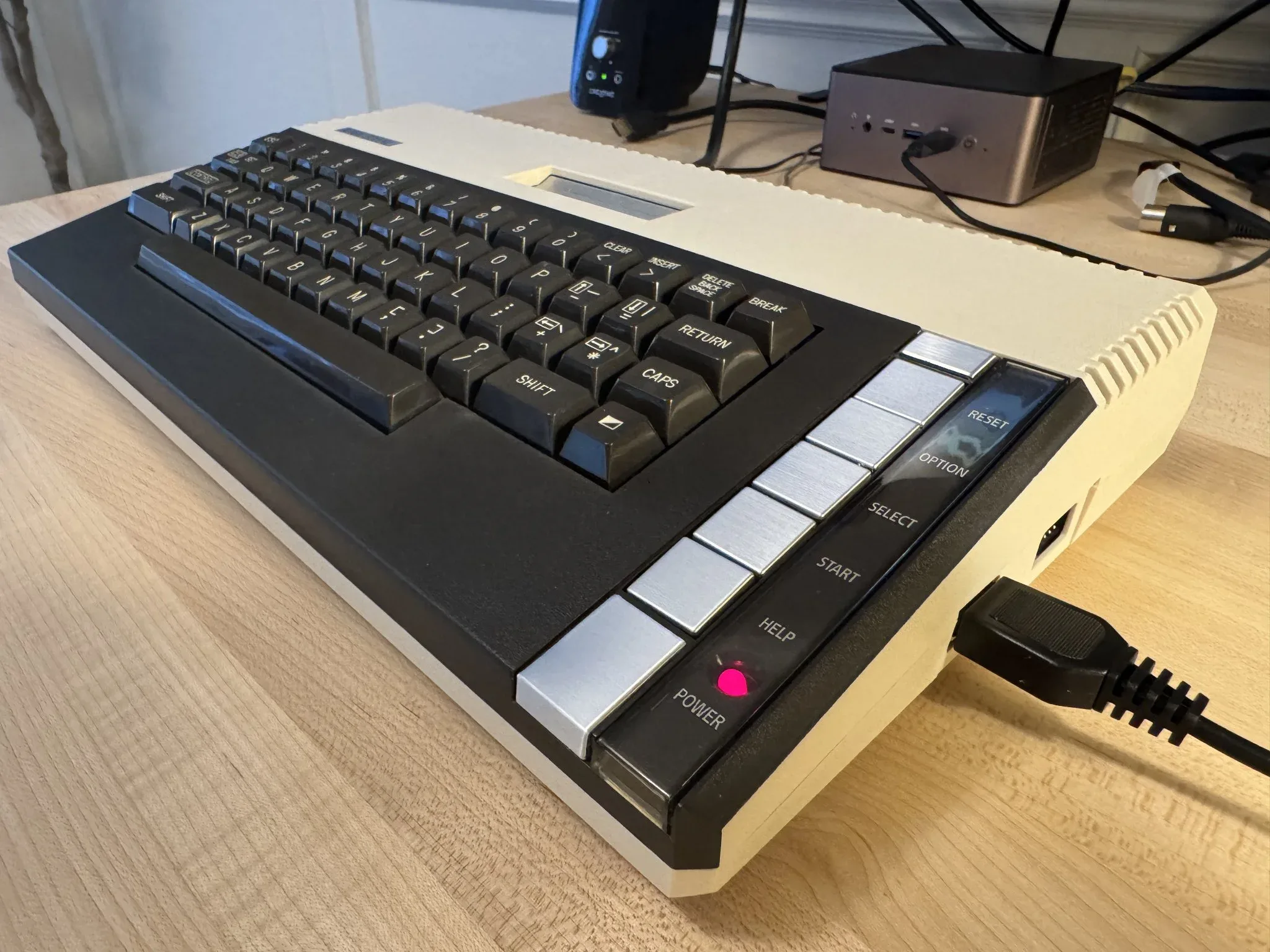
The Atari computers had a set of “console” buttons, “RESET, OPTION, SELECT, START and HELP”. RESET would re-initialize whatever was running to a beginning state. OPTION and SELECT keys would often be used to change program or game defaults, such as difficulty, level or number of players. START would be used to proceed after options were selected. I don’t think the HELP button was used commonly but the running software could detect a HELP button press like the others.
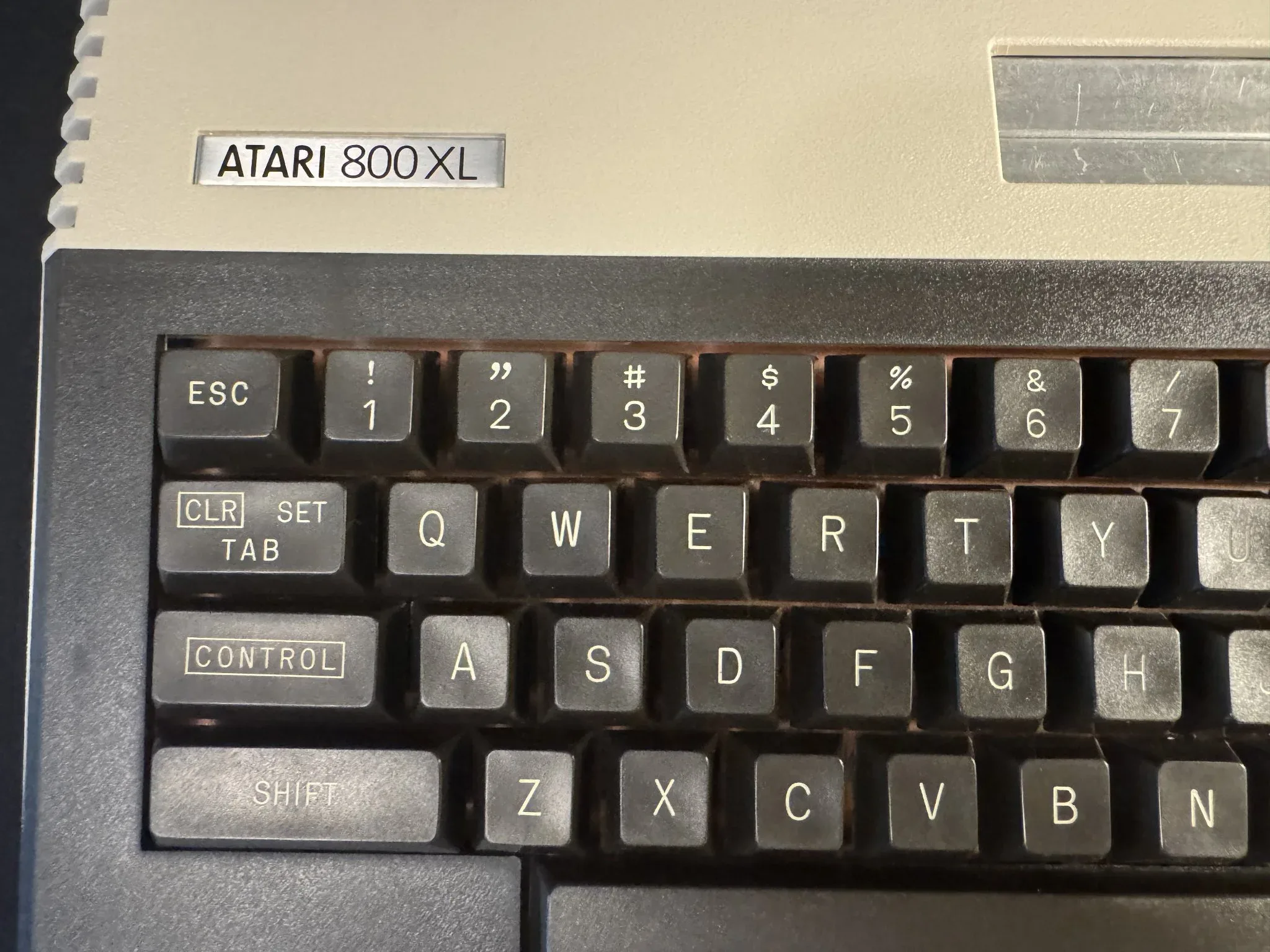
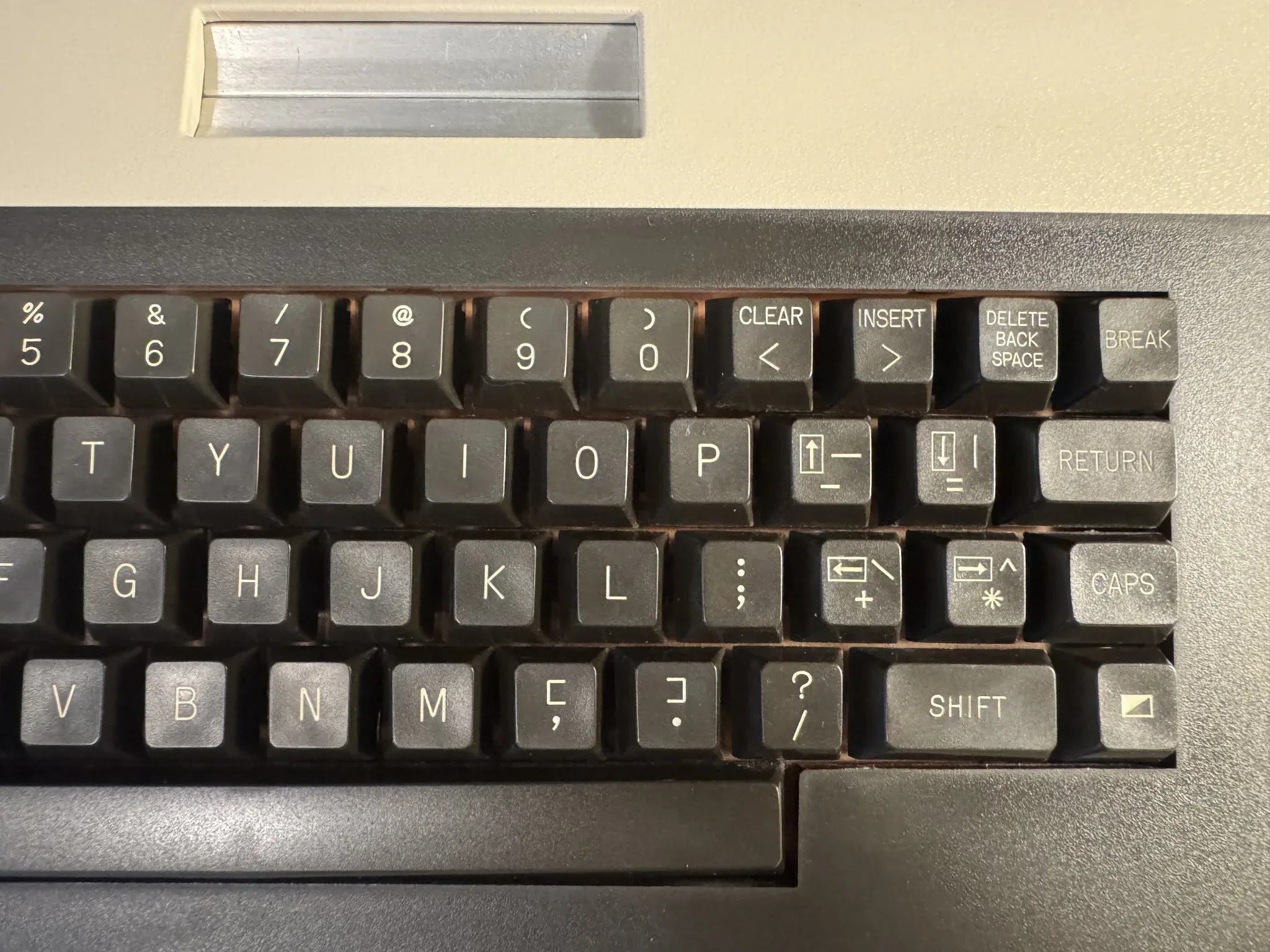
As keyboard layouts were not standardized you will see what might be now considered odd choices. The “quote” character is Shift-2 for instance. Trips me up anytime I’m typing on it now. There is a key for setting and using tab stops. I wrote many papers on AtariWriter when I was taking night time classes while in the Air Force. At the time, the keyboard felt very natural and I was efficient at using it.
On the right side of the keyboard you can see there was no dedicated arrow keys. The Control key was used to enable four keys as the arrow keys. (The Commodore 64 had an alternative solution for arrow keys that was equally cumbersome.) There is an “inverse” key that would allow you to alternate the foreground and background key colors. The Break key would be used to stop a BASIC program at the current instruction.
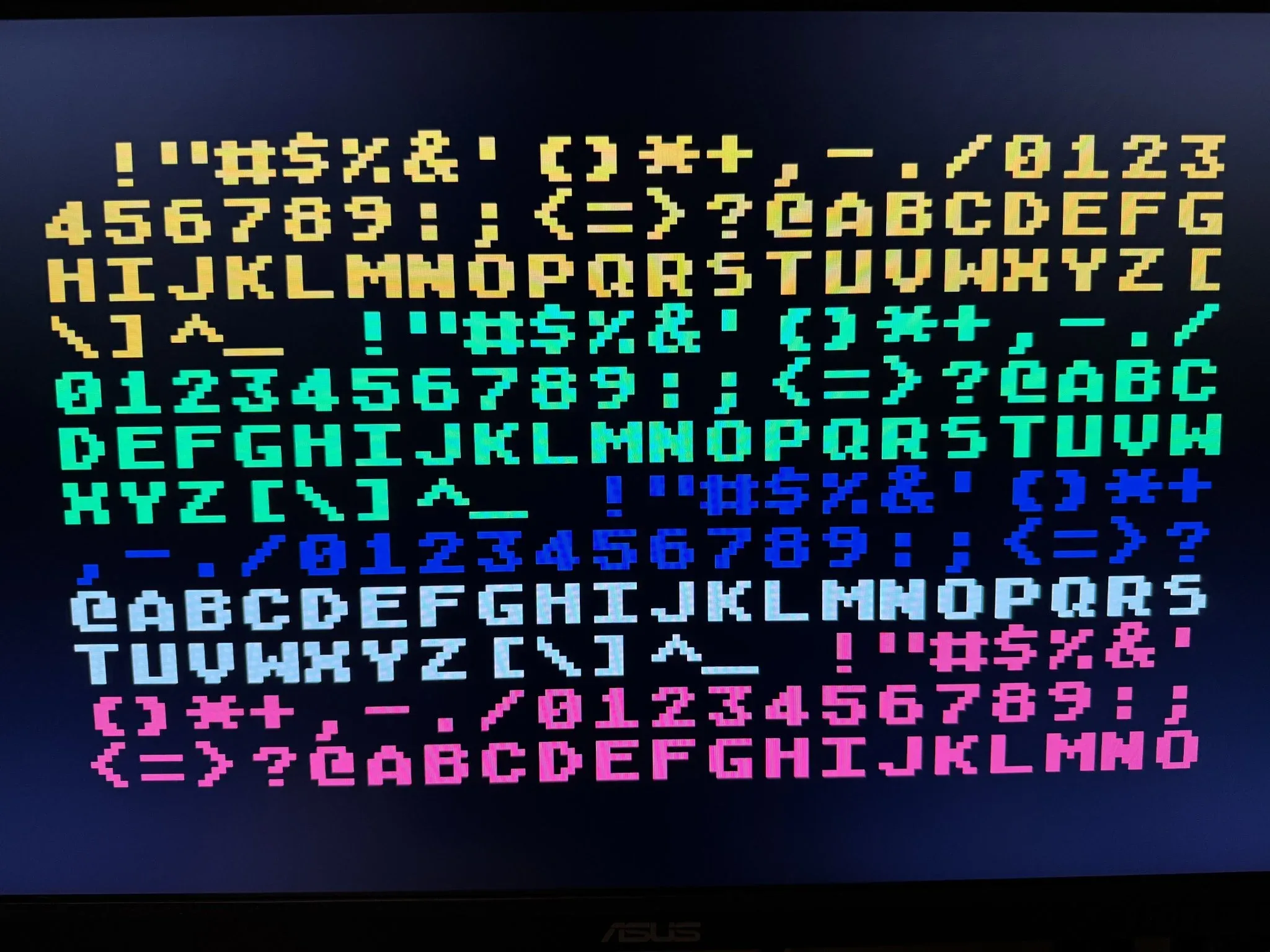
The Atari 8-bit computers had a limited character set of 127 characters. This page has a page from COMPUTE! magazine’s 3rd book of Atari that lists the different characters. Programmers could remap the character set to other graphics as was common for some video games.
Atari Archives is one of may great resources for literature about the Atari 8-bit computers. Also, the Atari Projects site has been a great source of inspiration to me when getting back into the Atari 8-bit world.
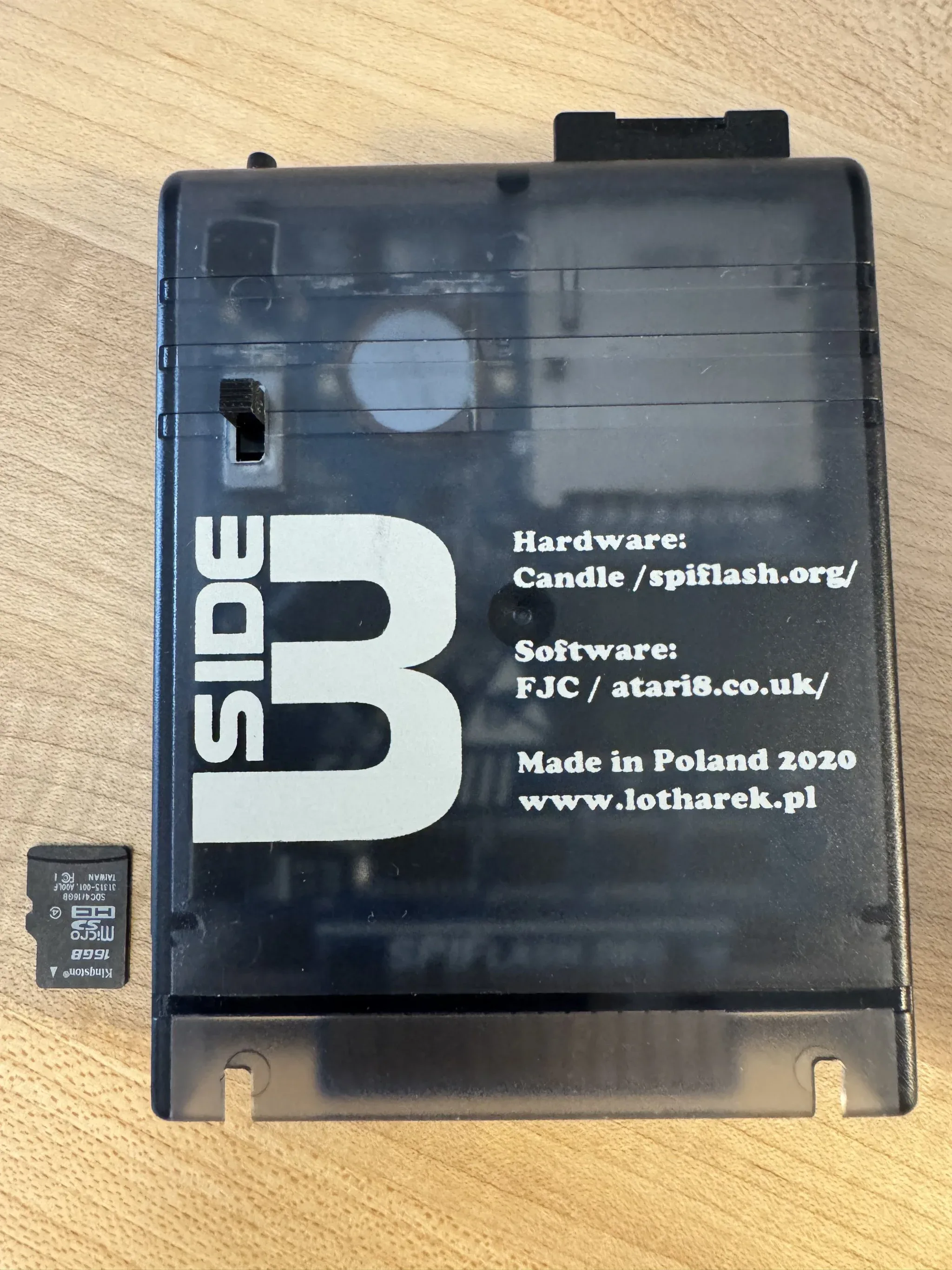
To load software, I use the Side 3 cartridge. Atari Projects documents that here.
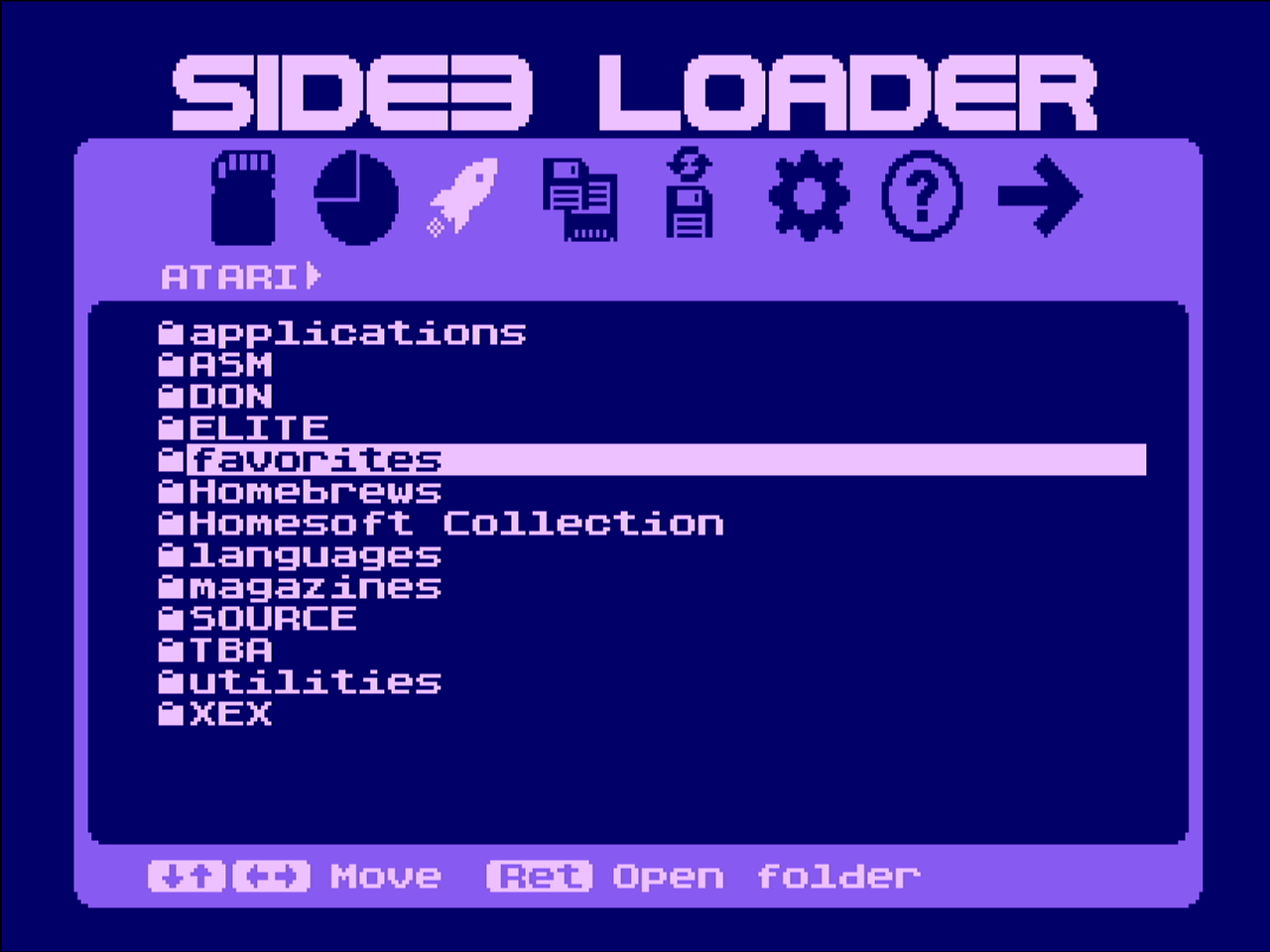
The cartridge renders a menu folders containing files that I can select to load an application or game.
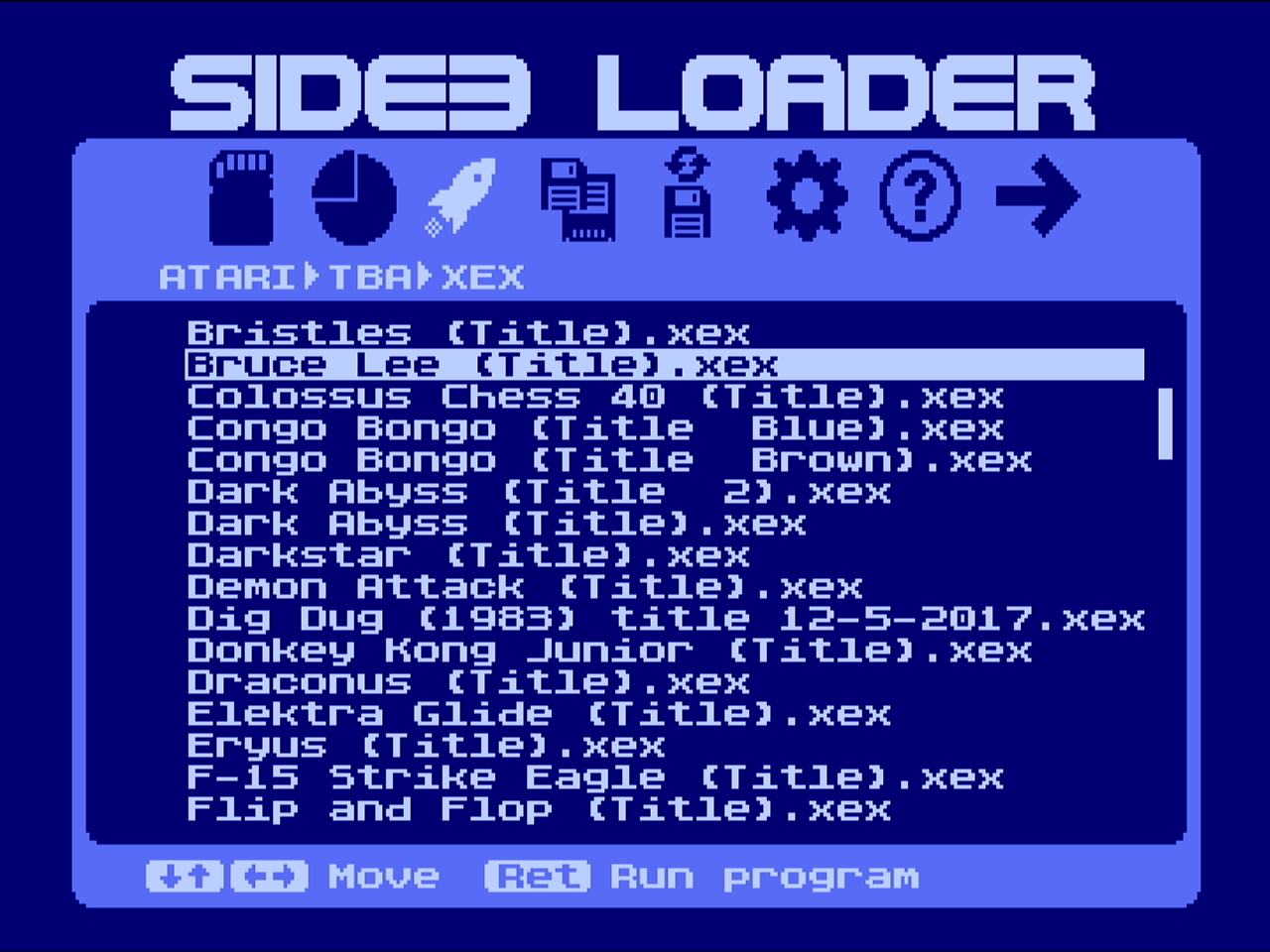
Here I’m selecting the Bruce Lee game.
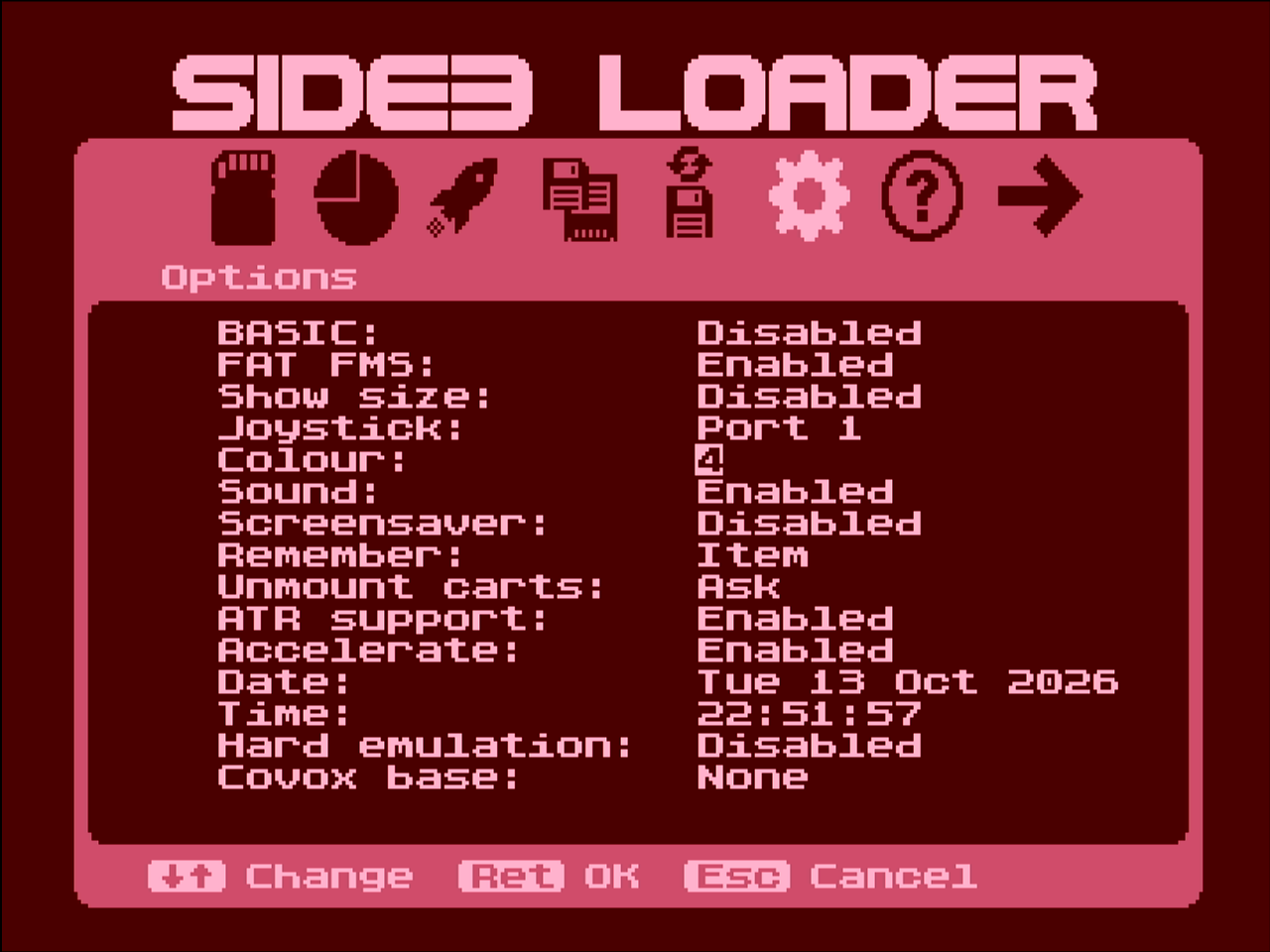
You can change the color scheme of the Side3 Loader program from one of the menus. The cartridge also works nicely with a Ultimate 1mb internal upgrade we will see in a moment.
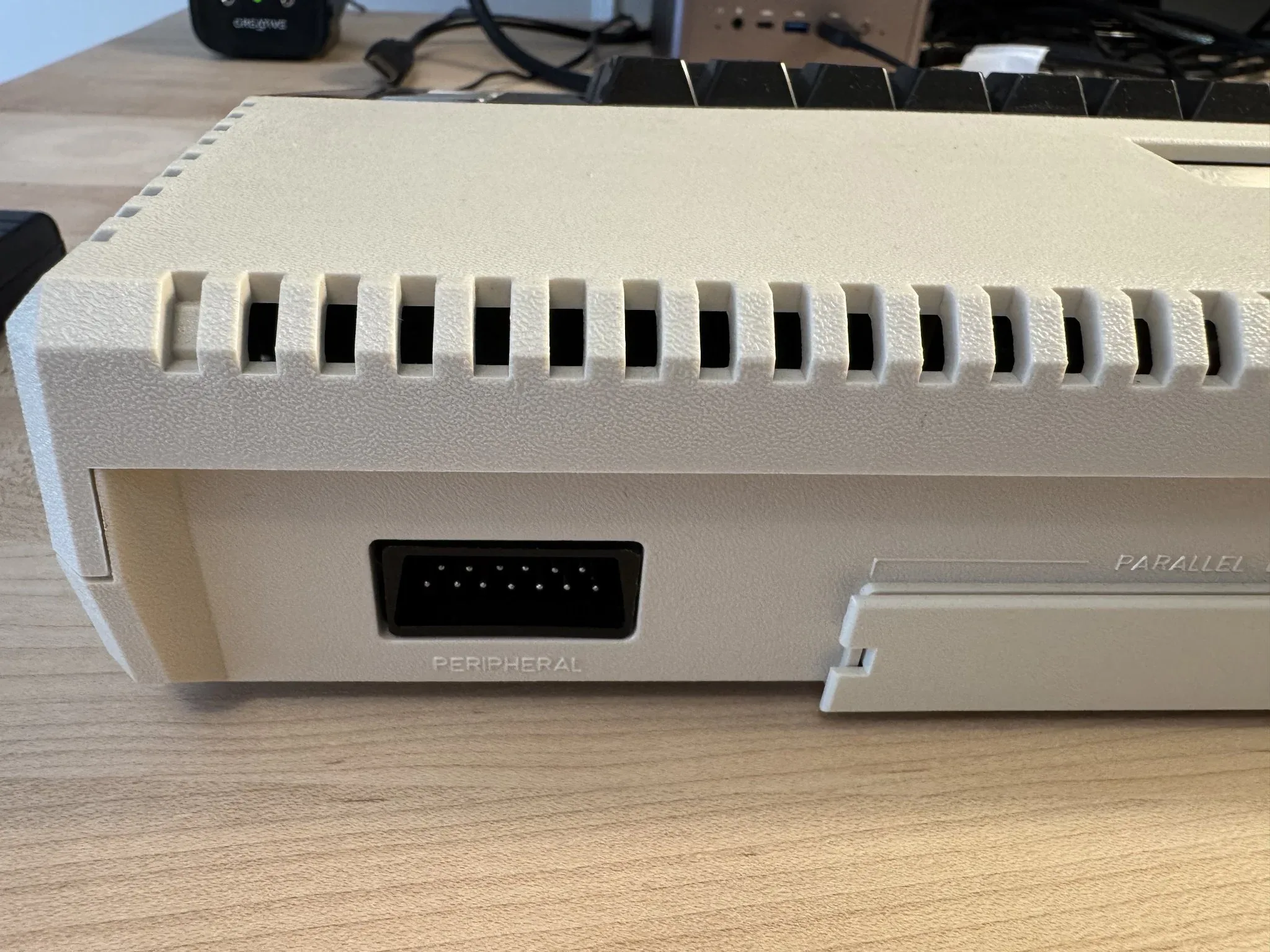
Turning the computer around to the back we see an SIO peripheral port, which by today’s standards is a ridiculously sized interface port for floppy drives, printers, modems etc. The devices plugged into this could “daisy chain” so that if you plugged a floppy drive into it, the floppy drive would have an additional SIO port to plug your printer or other device into it. This required each accessory to have two SIO ports to support the daisy chain.
Also on the back is a plastic cover that can be removed to expose a parallel bus interface for high speed direct access to computer memory. I never had a device that plugged into this.
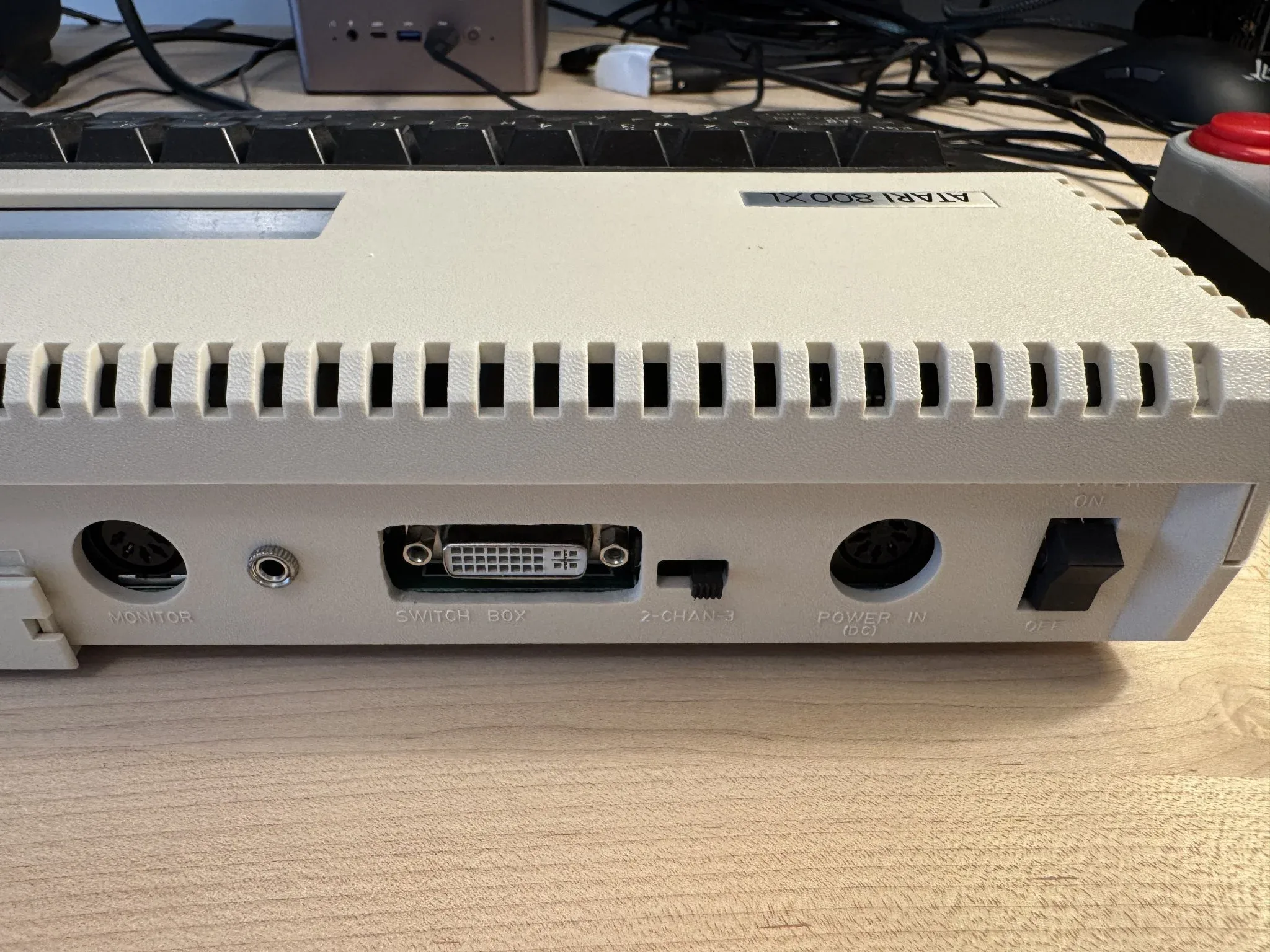
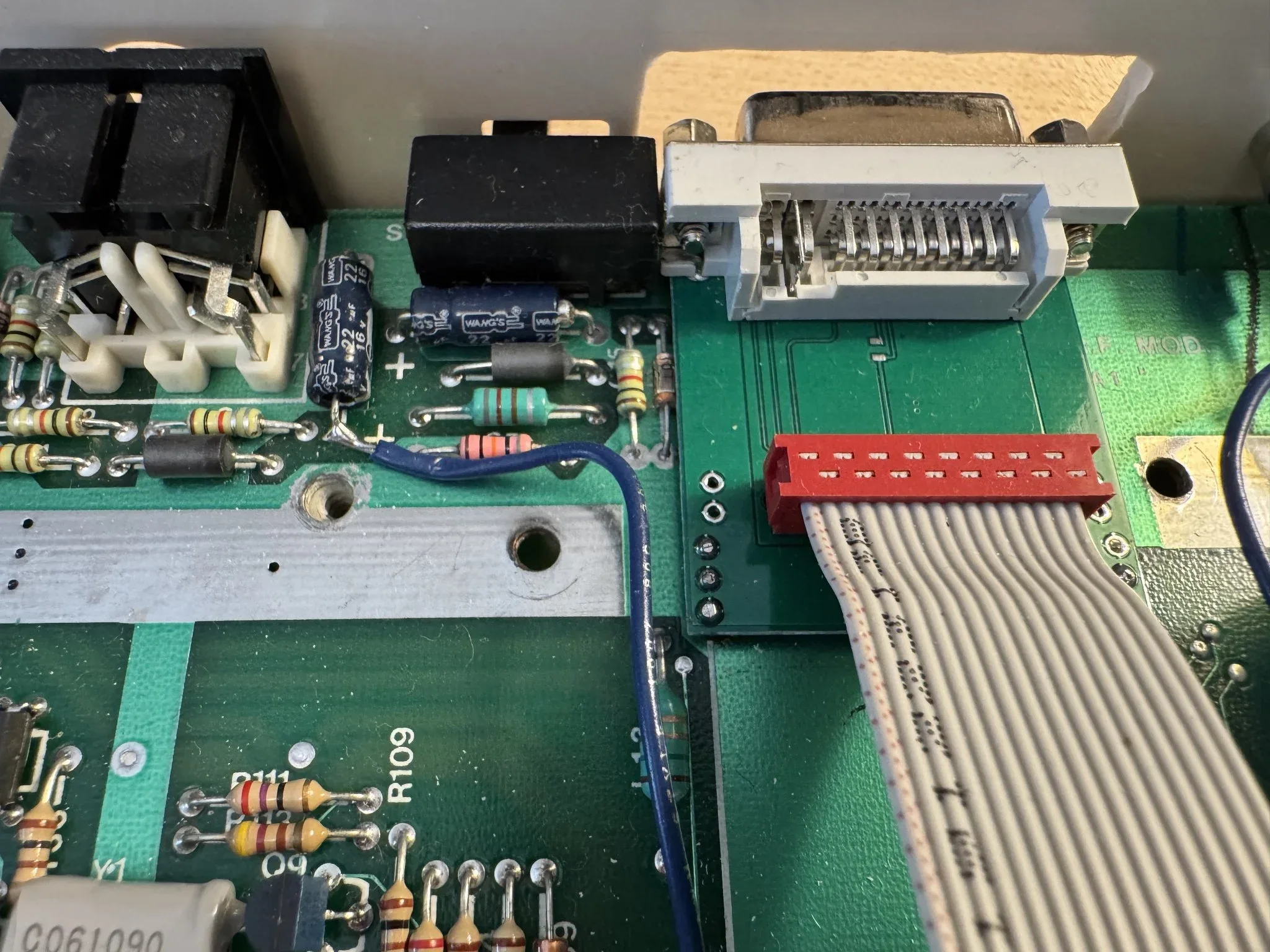
Also on the back is a monitor port. Where there used to be an RC jack (for connecting a TV) you see that I have added an audio jack and a DVI connector so that my Atari 800XL can be connected to a speaker and a modern monitor. A channel 2-3 selector switch used when connecting to a television is still there but does nothing now. There is also a DIN connector for power and an on/off switch.
The Monitor and power connectors are similar so I remember that the power connector is next to the power switch.
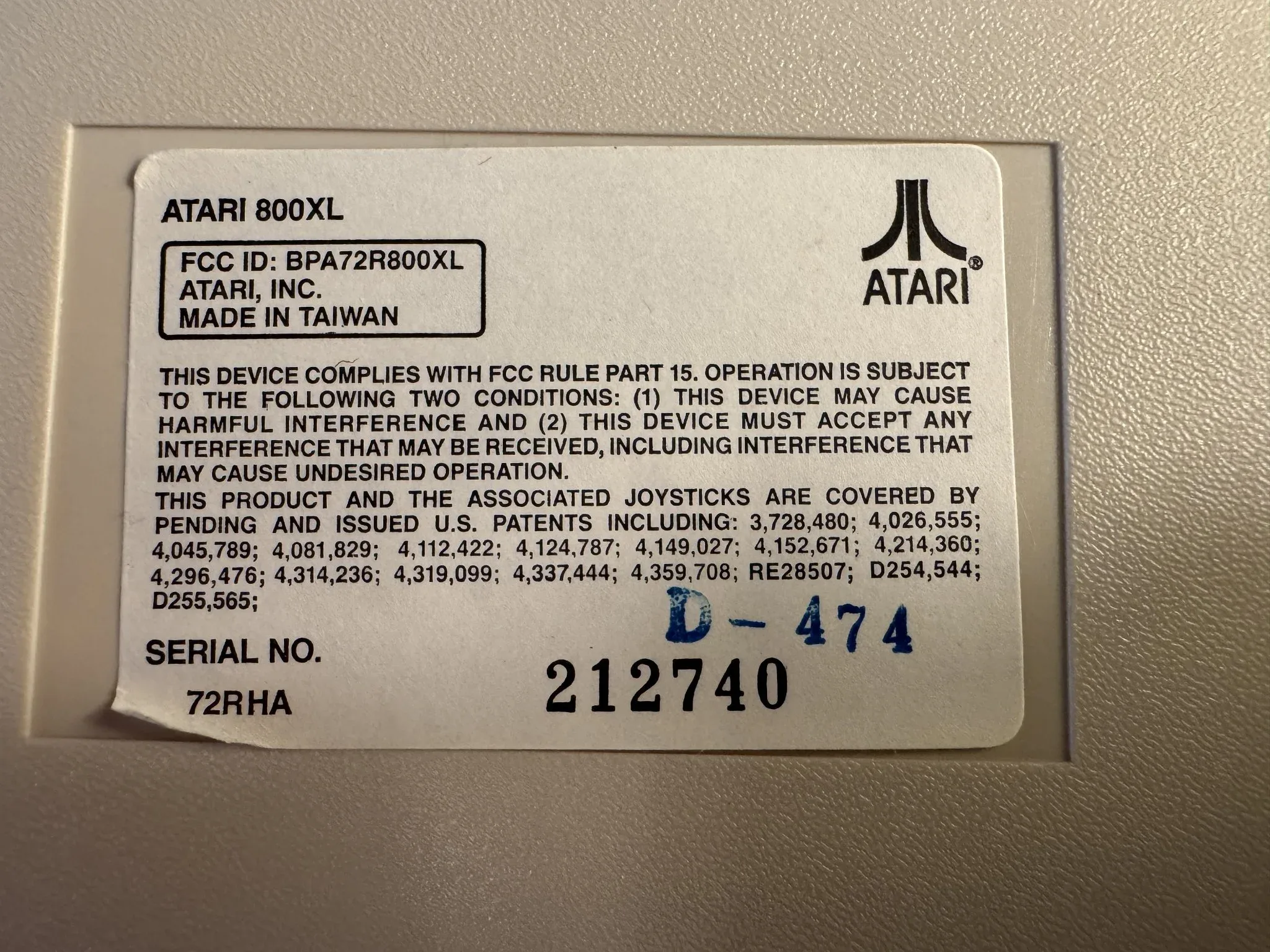
On the underside of the computer is a serial number sticker. I lost the rubber feet and have sloppy alternatives stuck on so the computer doesn’t slide on the table.
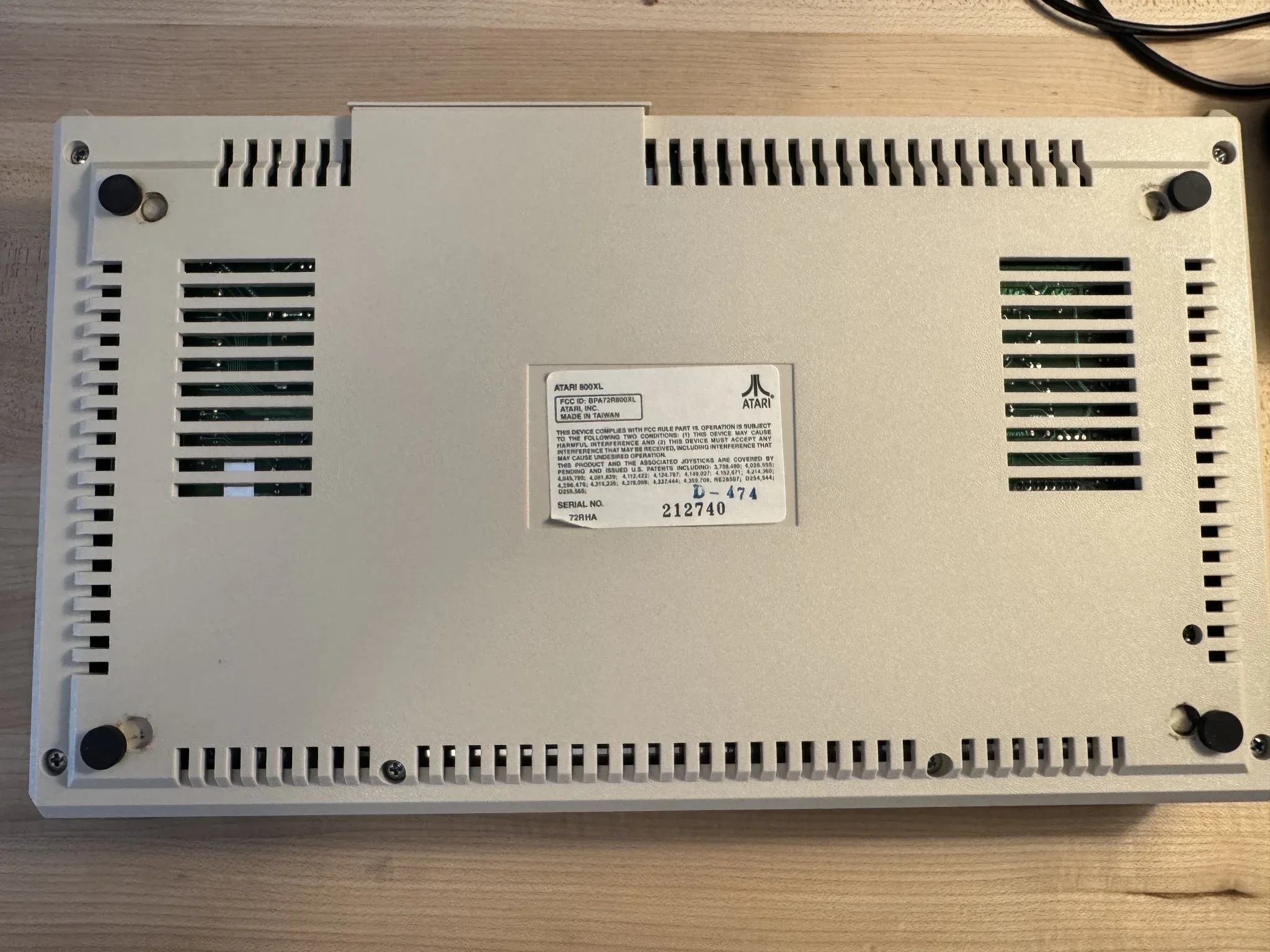
Here is a close-up of that serial number sticker.
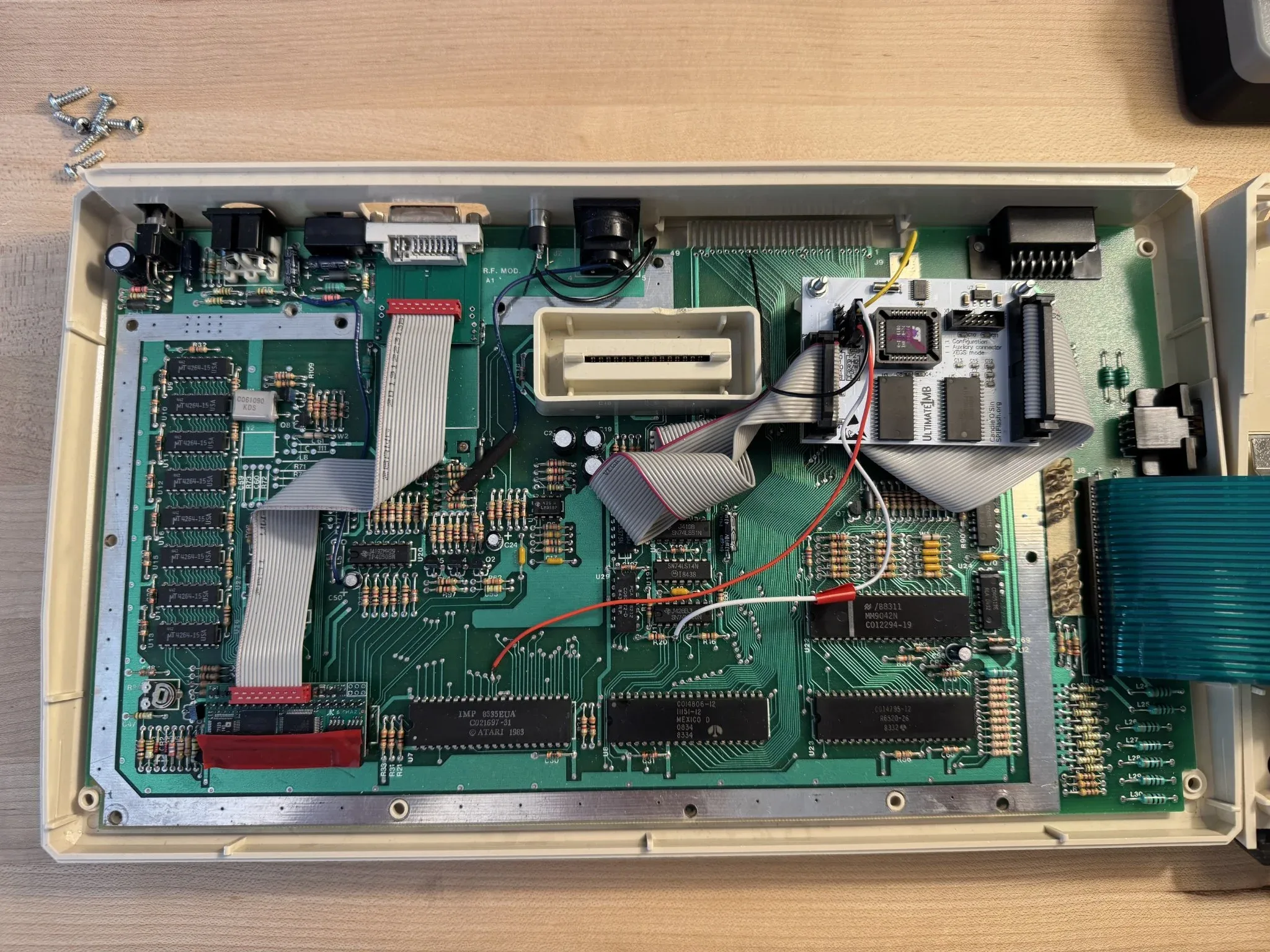
If I remove the six screws on the back, I can take the cover off and here is the inside. I have added the Ultimate 1mb upgrade and a “Sophia 2” video enhancement that outputs via the DVI connector.
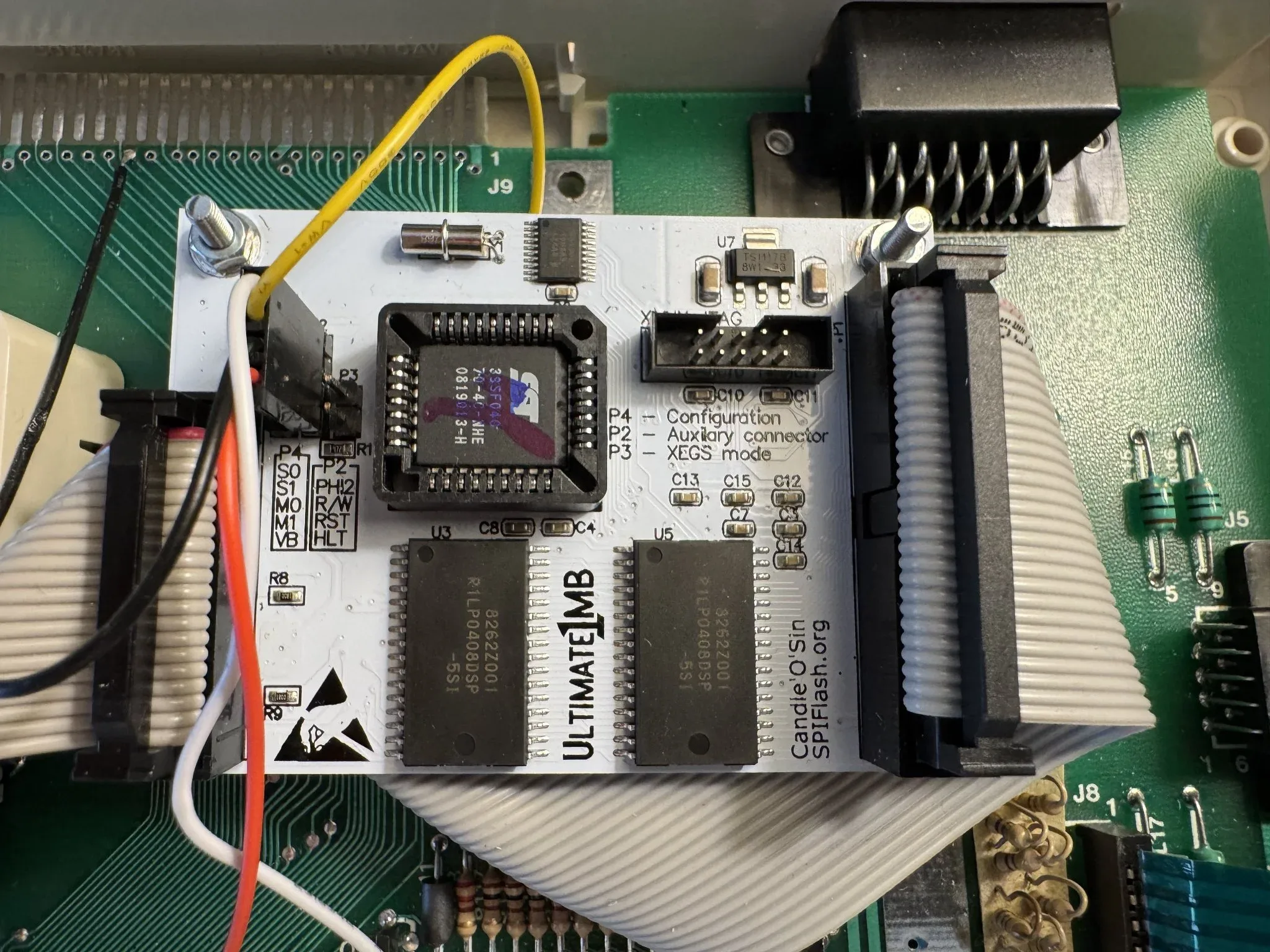
Here is a close-up of my Ultimate 1mb board. This board expands ram and allows booting alternative operating systems including SpartaDOS and BASICs. The Atari Projects site has an overview here and official firmware docs are on the flashjazzcat page here.
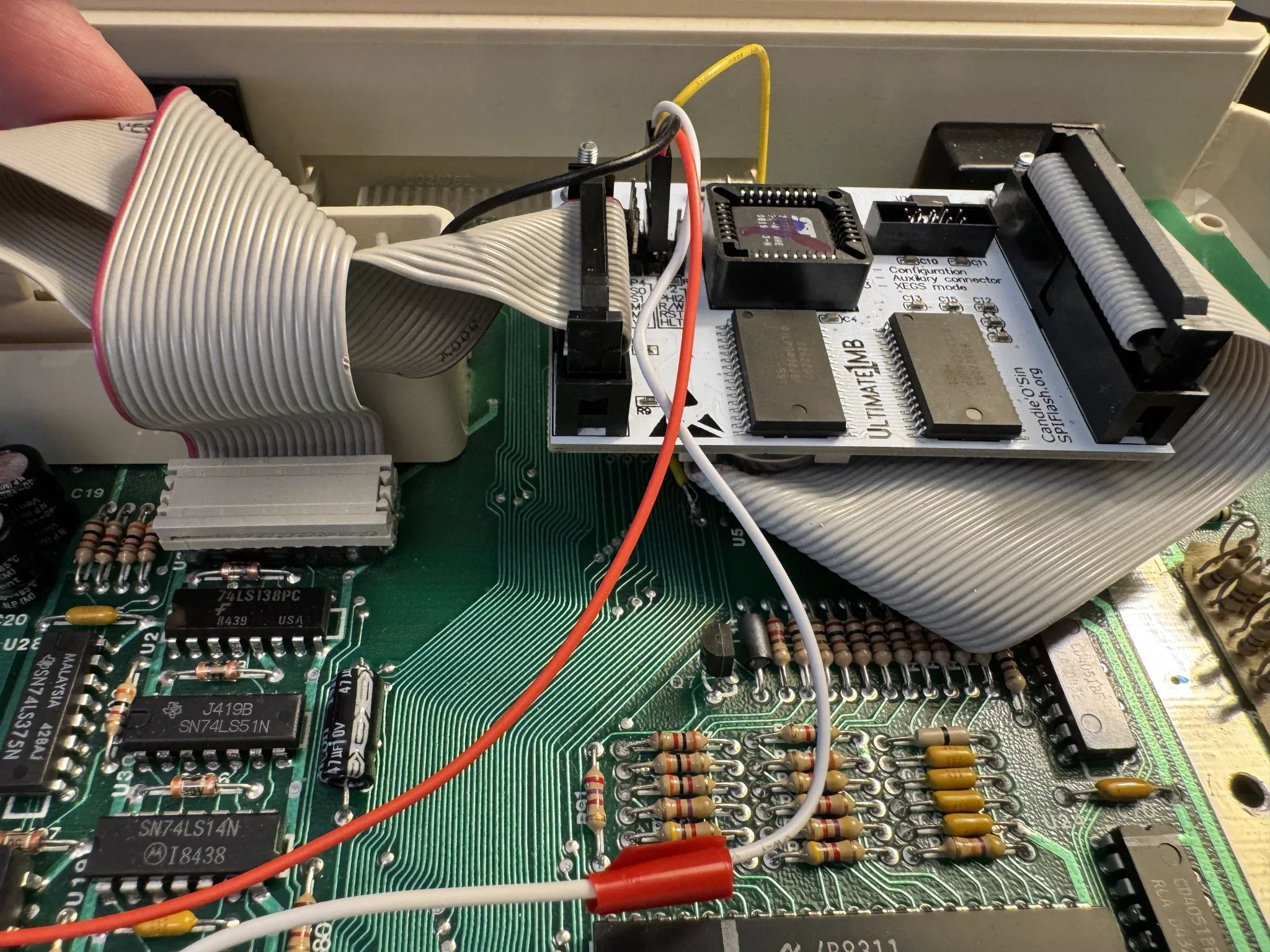
My cable routing is less than elegant.
This is the Sophia 2 board that replaces the “GTIA” chip for DVI output. I see that a new Sophia 3 version is available from The Brewing Academy. When I post the details about my restored Atari 800 computer, you will see that I installed a Sophia 2 on it also. I consider these upgrades as must haves in order to fully enjoy an Atari 8-bit computer today.
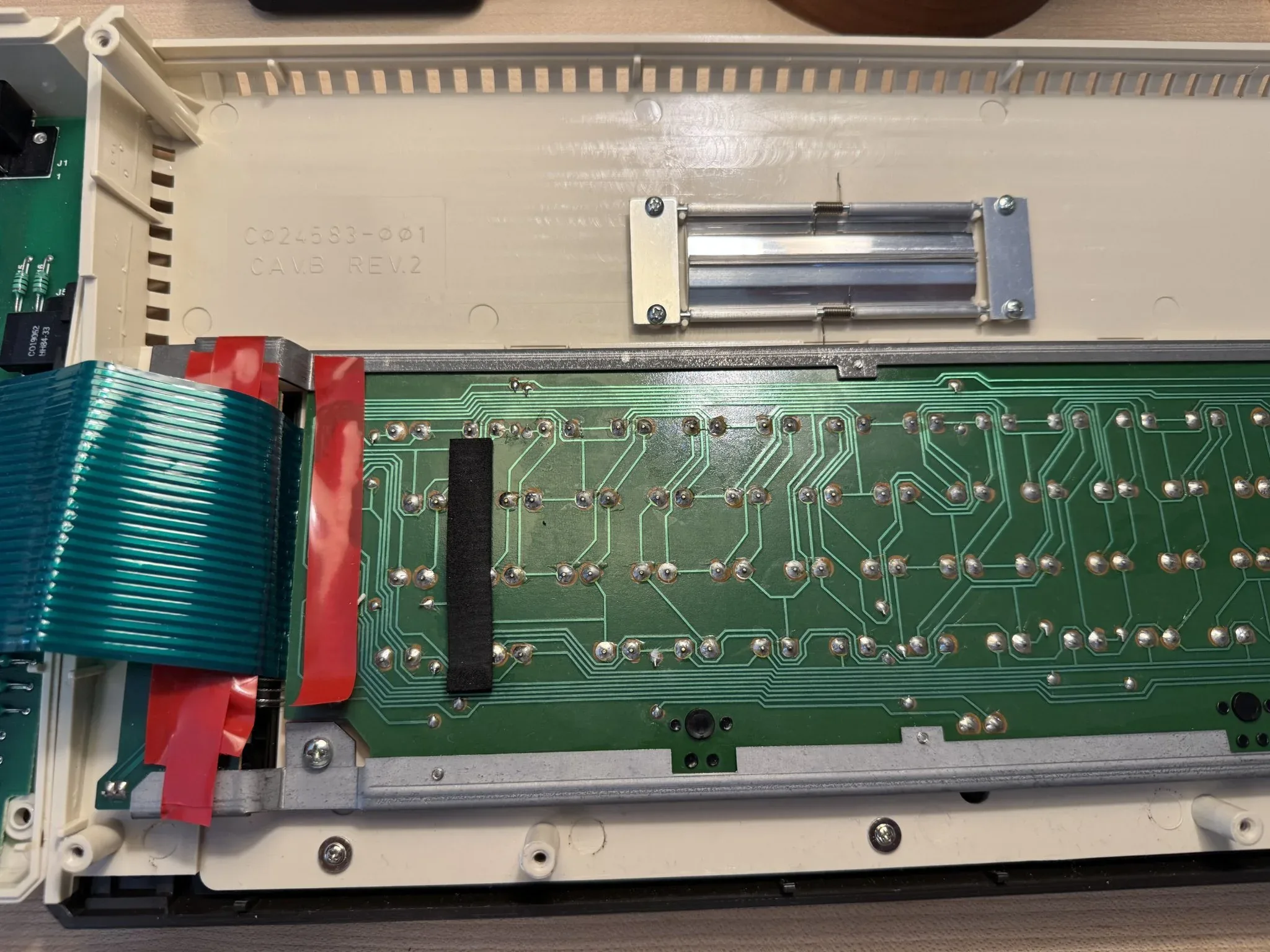
The electrical tape is present because I was using it to avoid an intermittent electrical short.
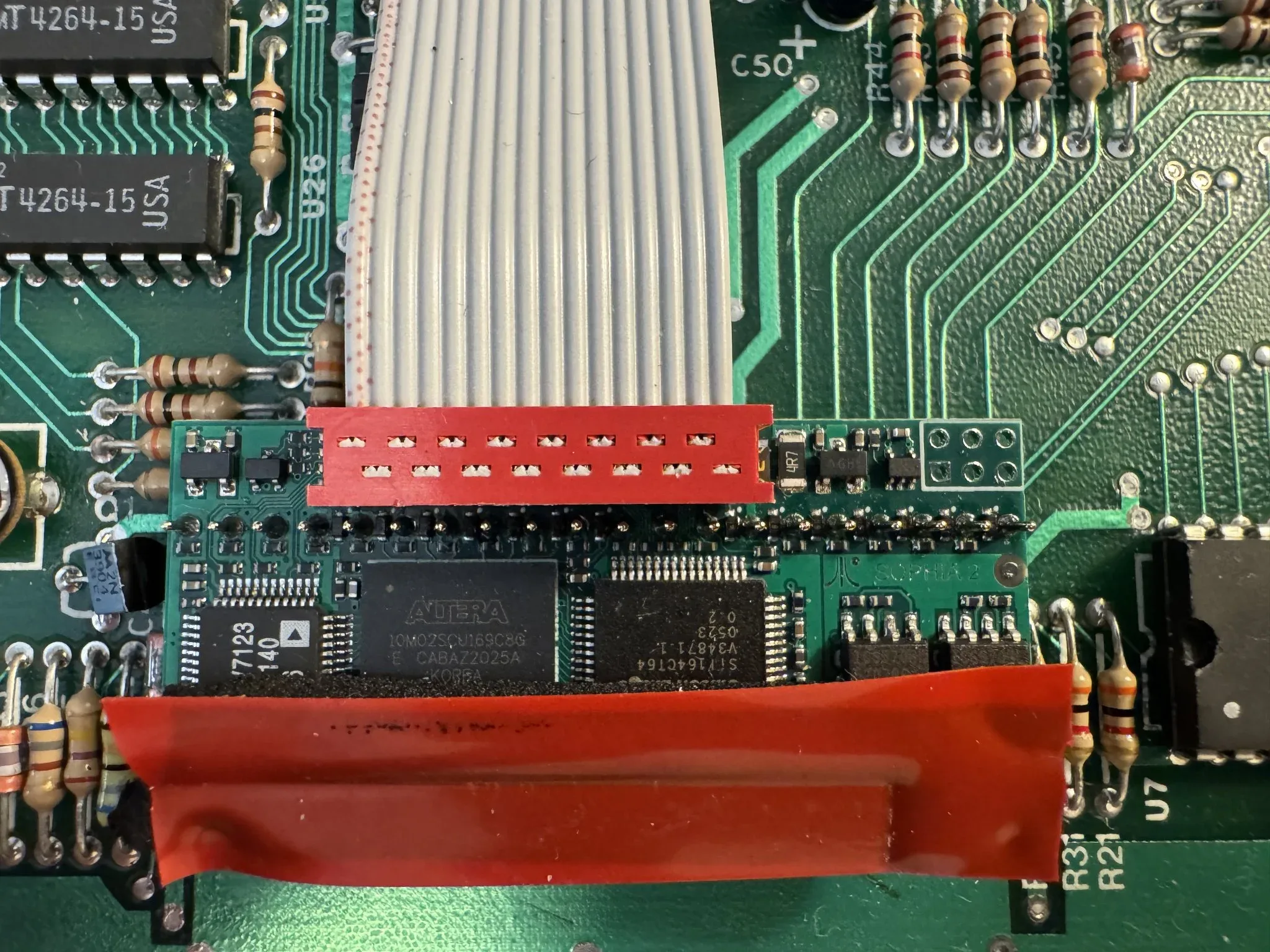
Here is the installation of the DVI output plug.
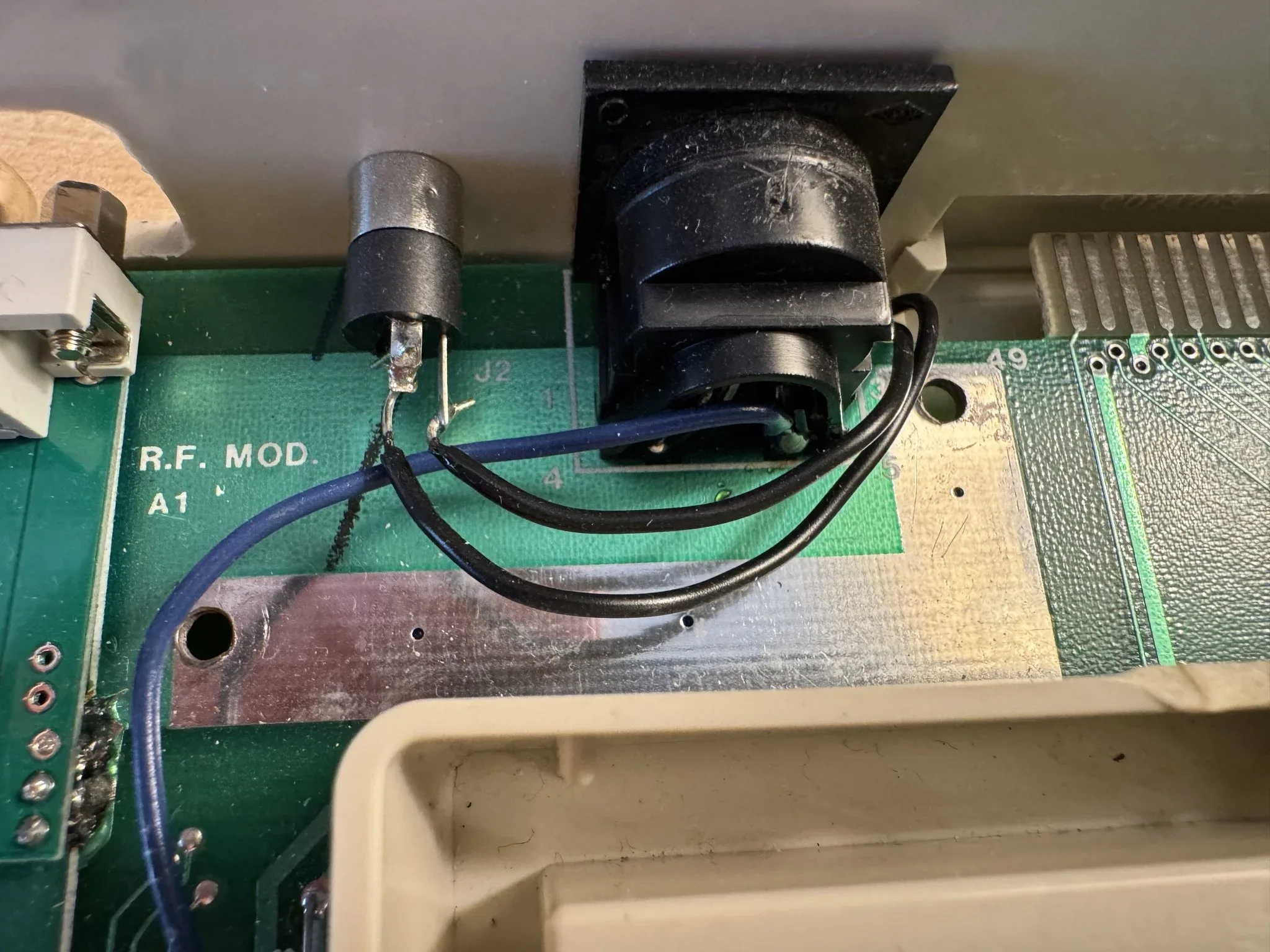
Also the installation of an audio jack.
Likewise, I added electrical tape here on the keyboard PCB to avoid the intermittent electrical short that was occurring.
When I boot the computer, the Ultimate 1mb is enabled.
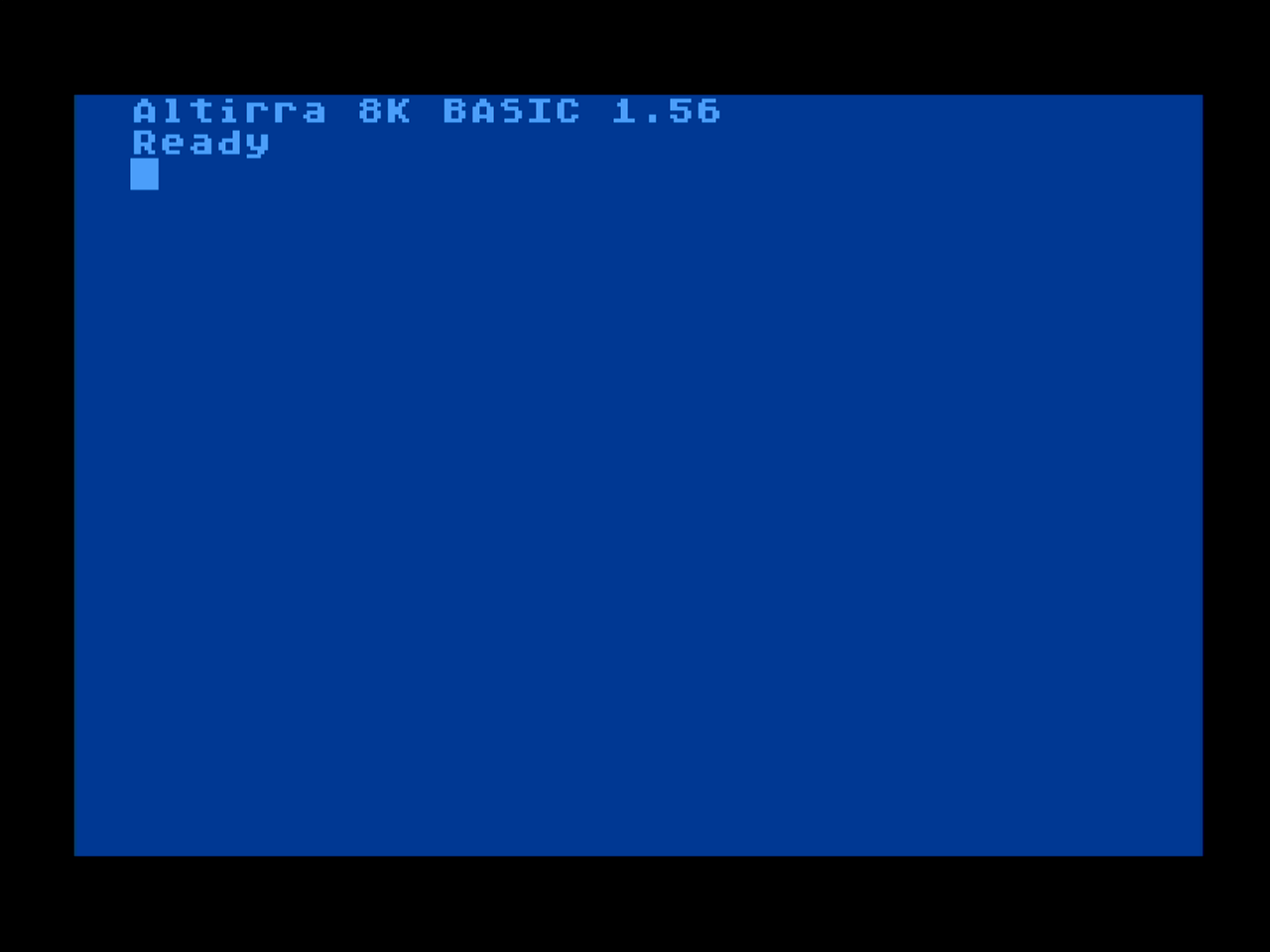
Here I have booted the computer to Altirra BASIC, the same BASIC variant made available with the great Altirra emulator.
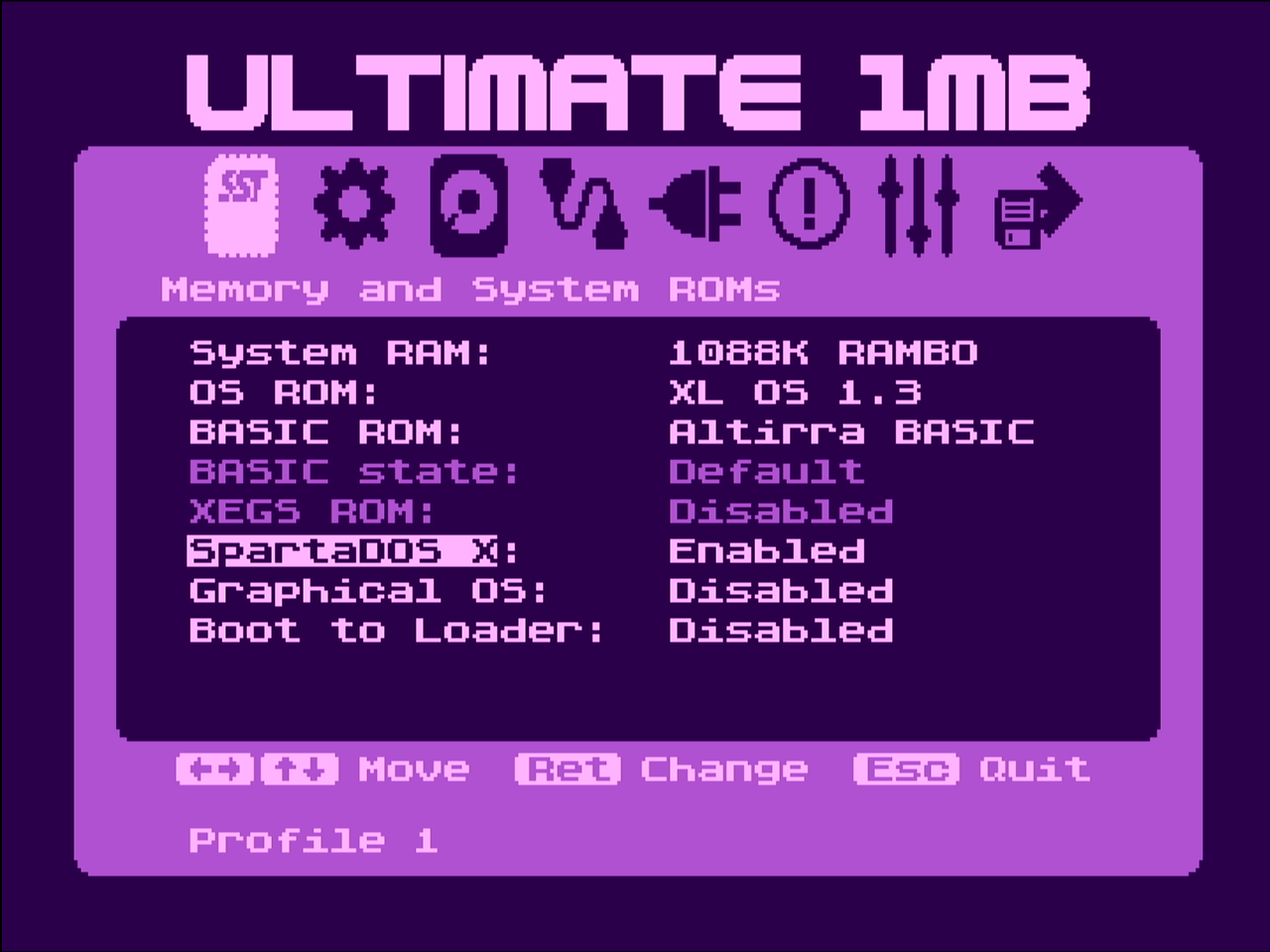
The Ultimate 1mb board and firmware allow you to alternate different versions of BASIC from a menu option in the firmware settings. Here I’m also enabling “SpartaDOS” which is like an MS-DOS for the Atari 8-bit computers.
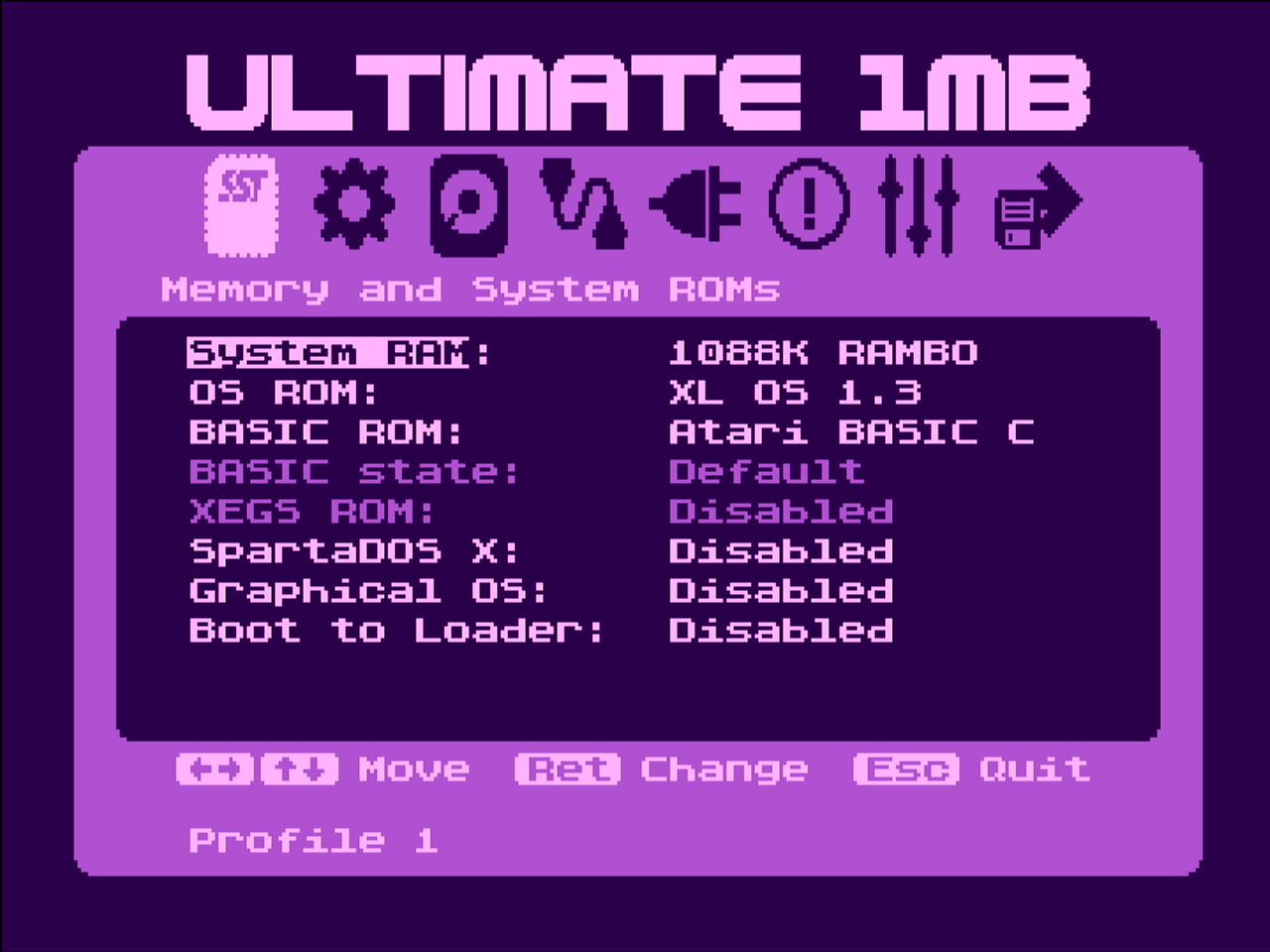
Here I’m setting basic back to Atari BASIC revision C.
Ah, here is our old friend… the Atari BASIC “READY” prompt. This is what folks saw when their computer started up back in the day unless they were loading a game.

The Ultimate 1mb upgrade has a real time clock with a battery backup, so on this screen I can update the system time.
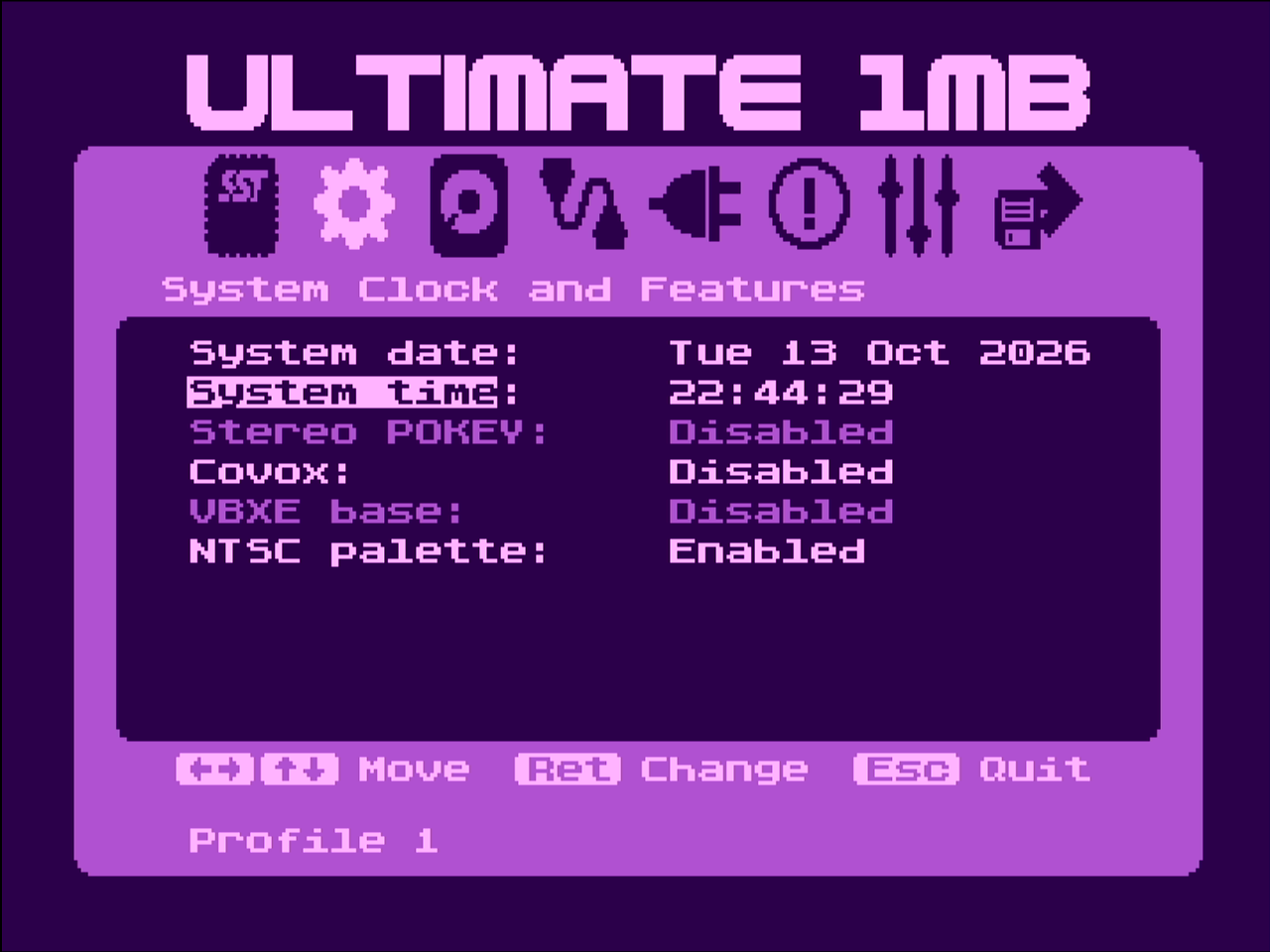
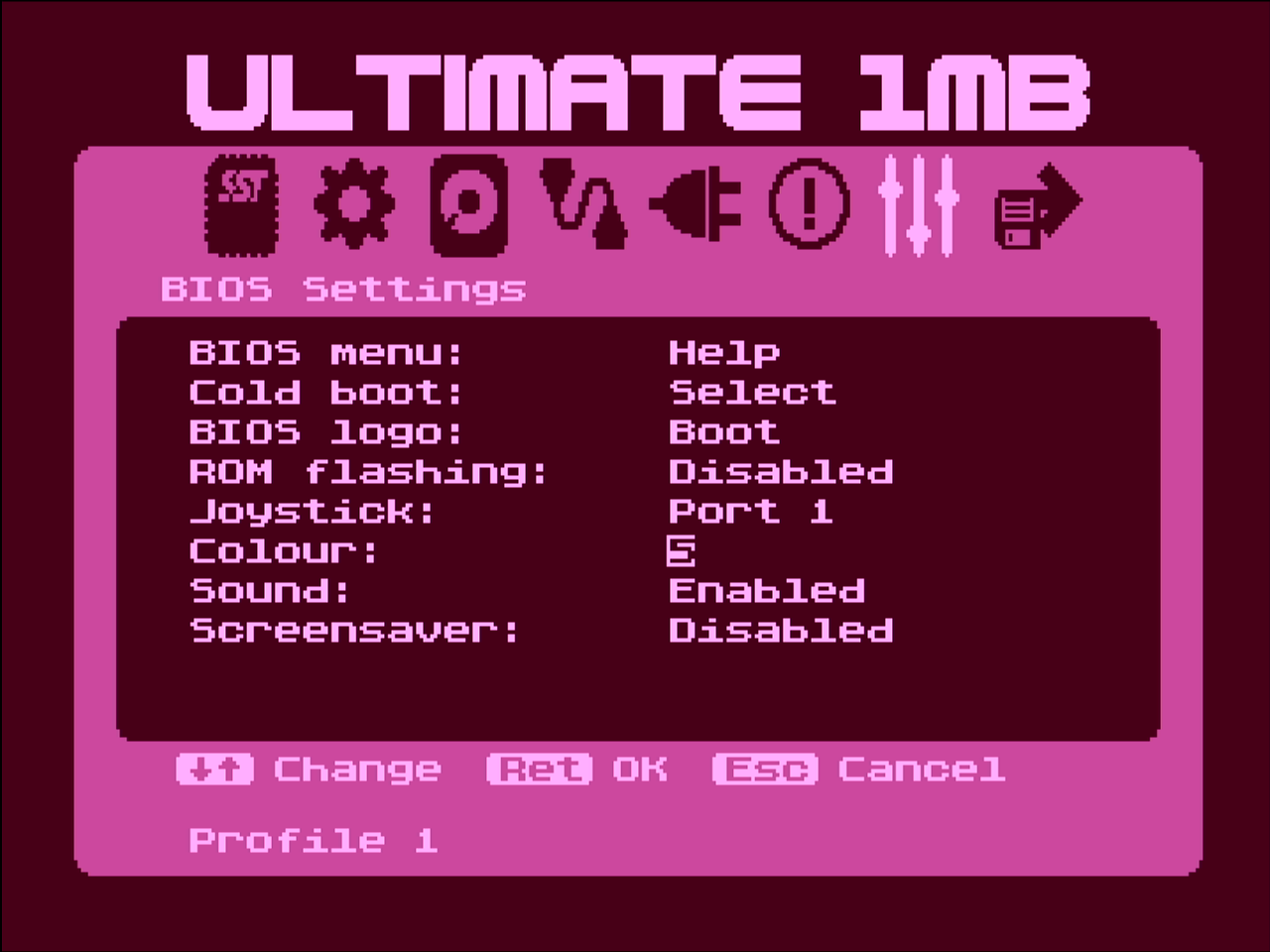
Like the Side3 Loader, I can customize the color theme of the Ultimate 1mb application too.
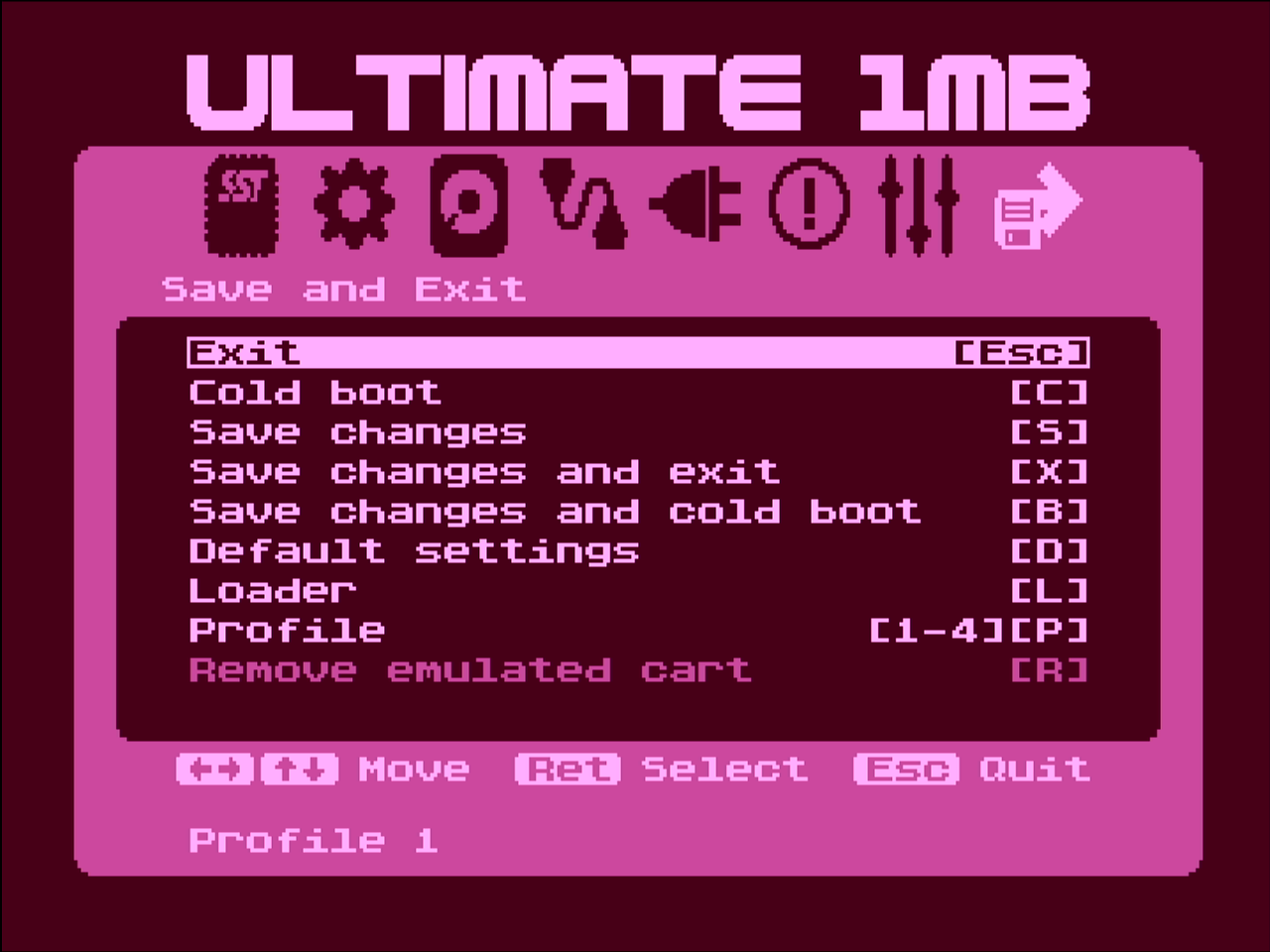
On this final menu I can save the configuration to one of four profiles. This screen is also a reminder of the keyboard shortcuts to reboot or open the Side3 Loader.
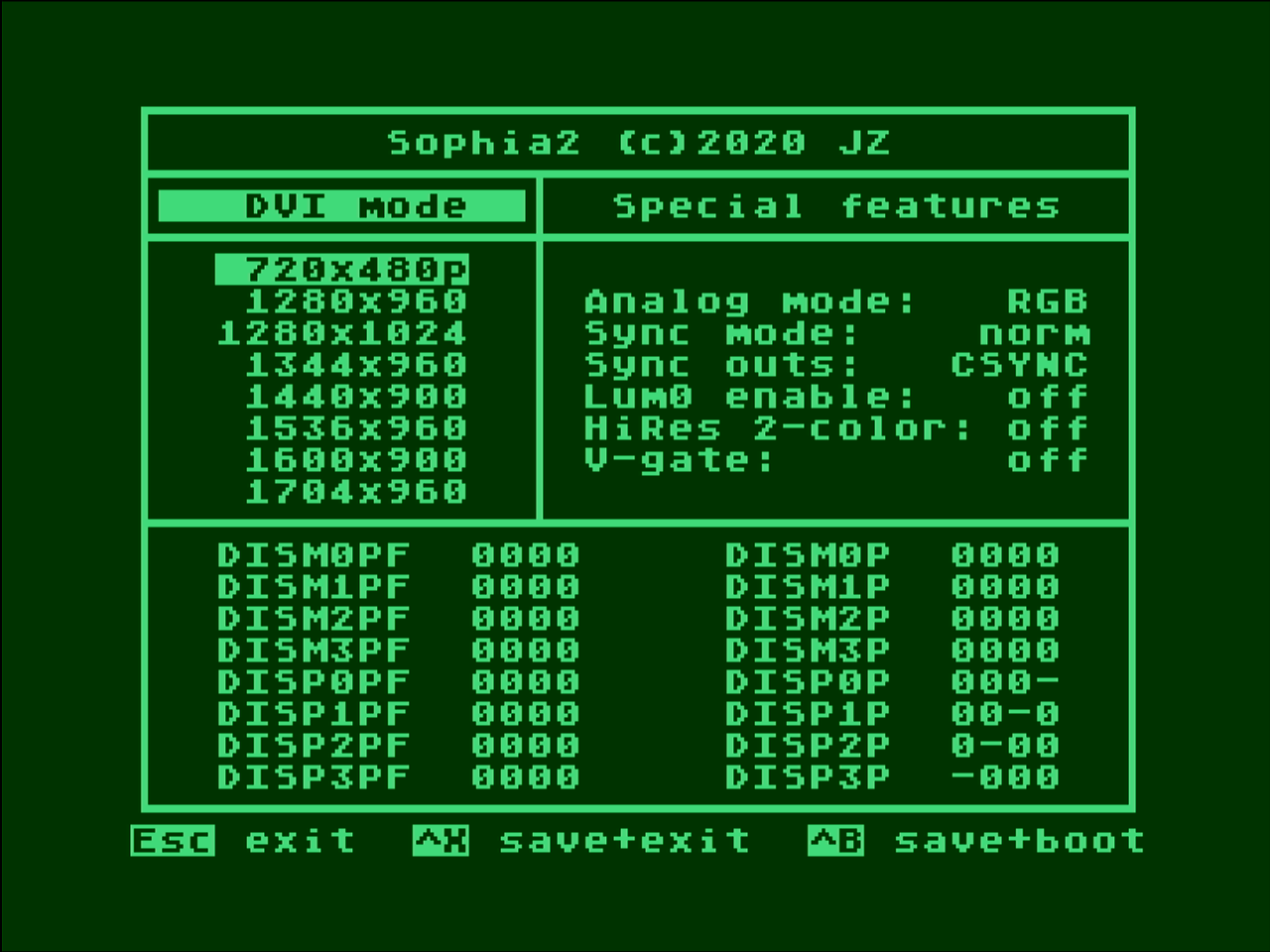
The Sophia 2 mod can also be configured as there are different output modes. I can access the program to configure the Sophia 2 via the Side3 Loader, as the Side3 Loader has an SD card on it with all of the software for the Atari 8-bit computers that I have downloaded from online archives.
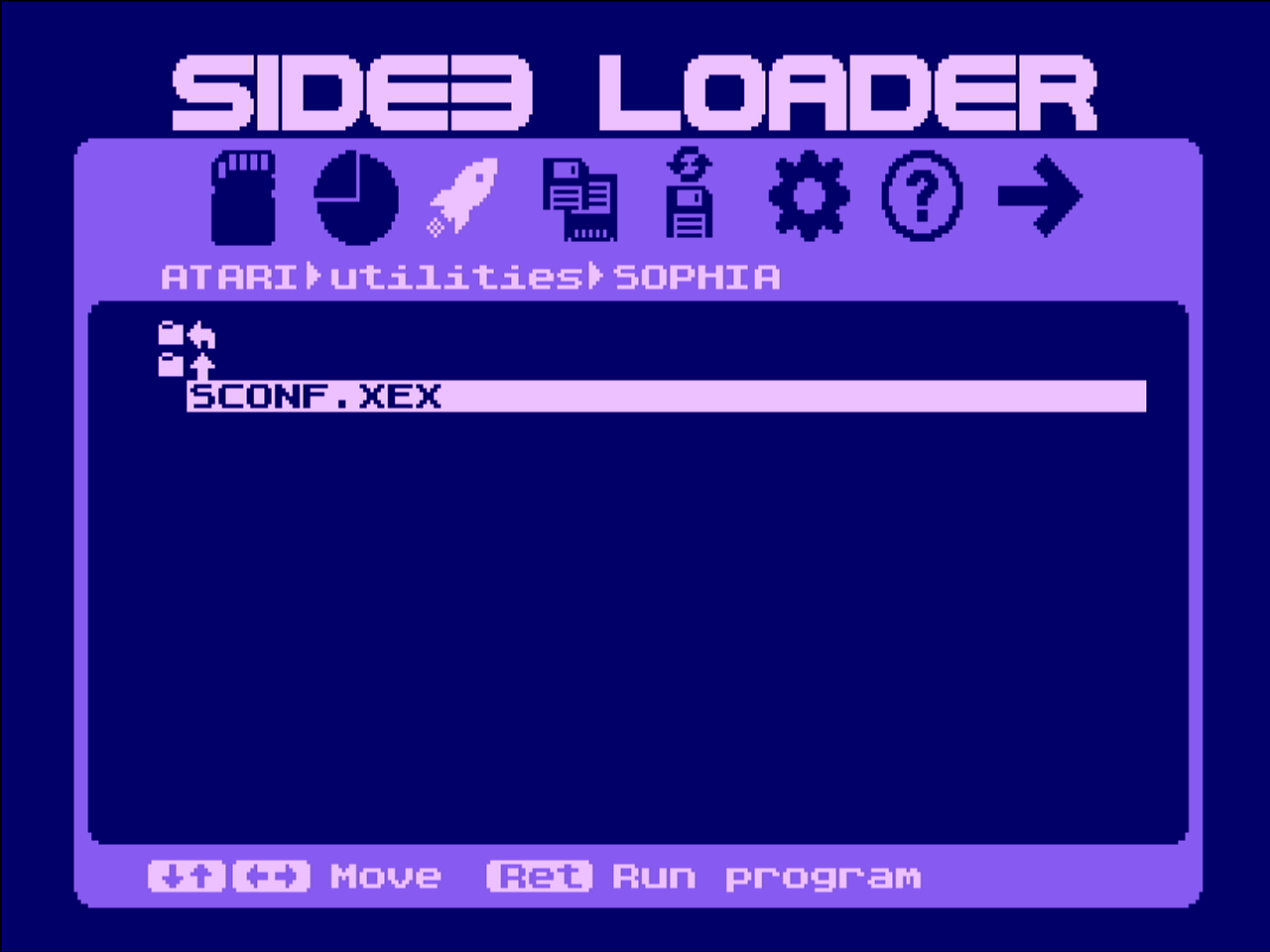
In order to get the screen captures for this page, I configured the Sophia 2 to output a screen resolution that my $20 USB capture card can use. If I’m not using the screen capture, I bump up the screen resolution higher and the display is a little more crisp on my LED monitors.
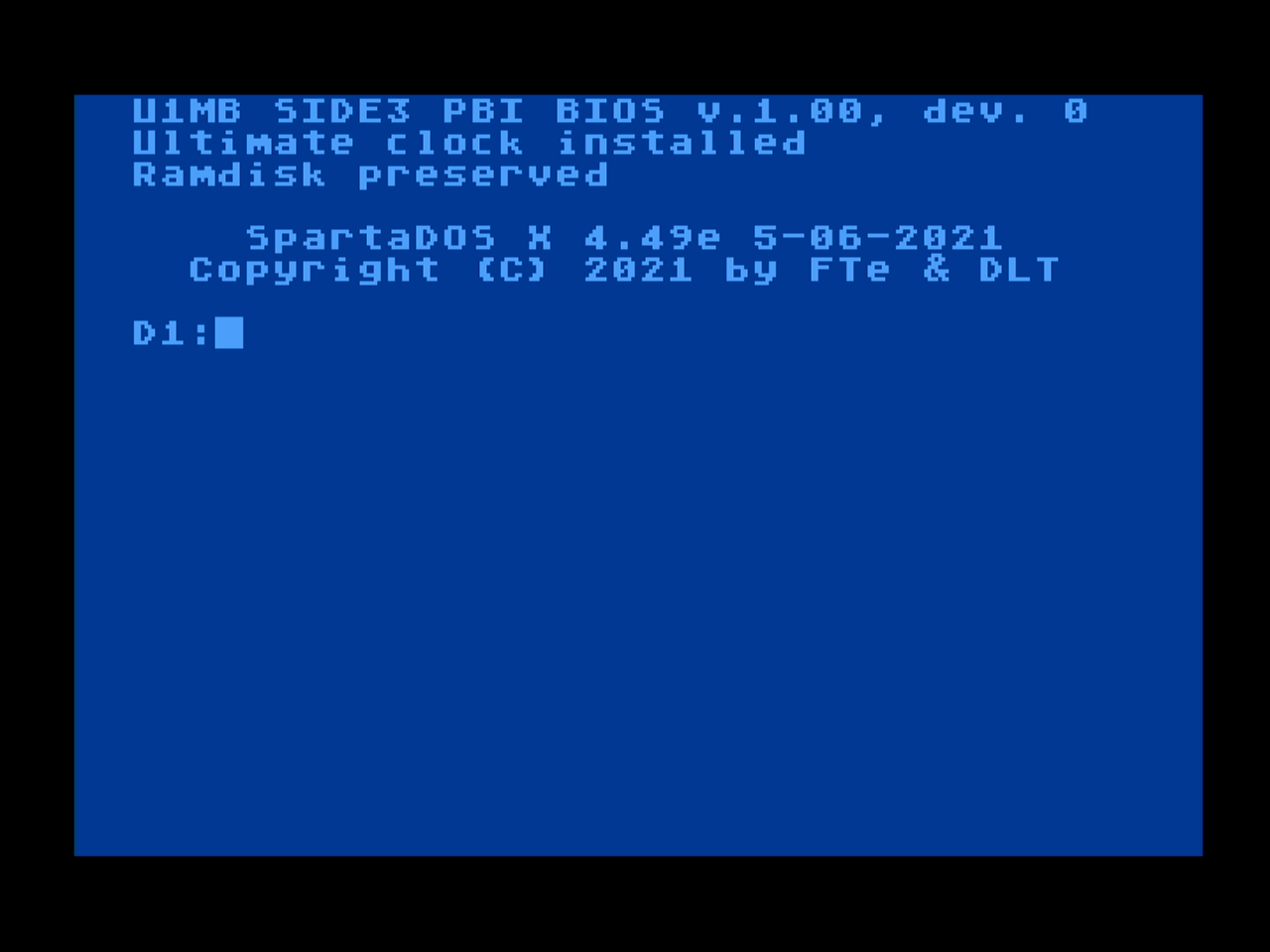
With the Ultimate 1mb, I can boot to SpartaDOS and access “floppies” which are files I’ve created on the SD card. Here I’ve booted to SpartaDOS.
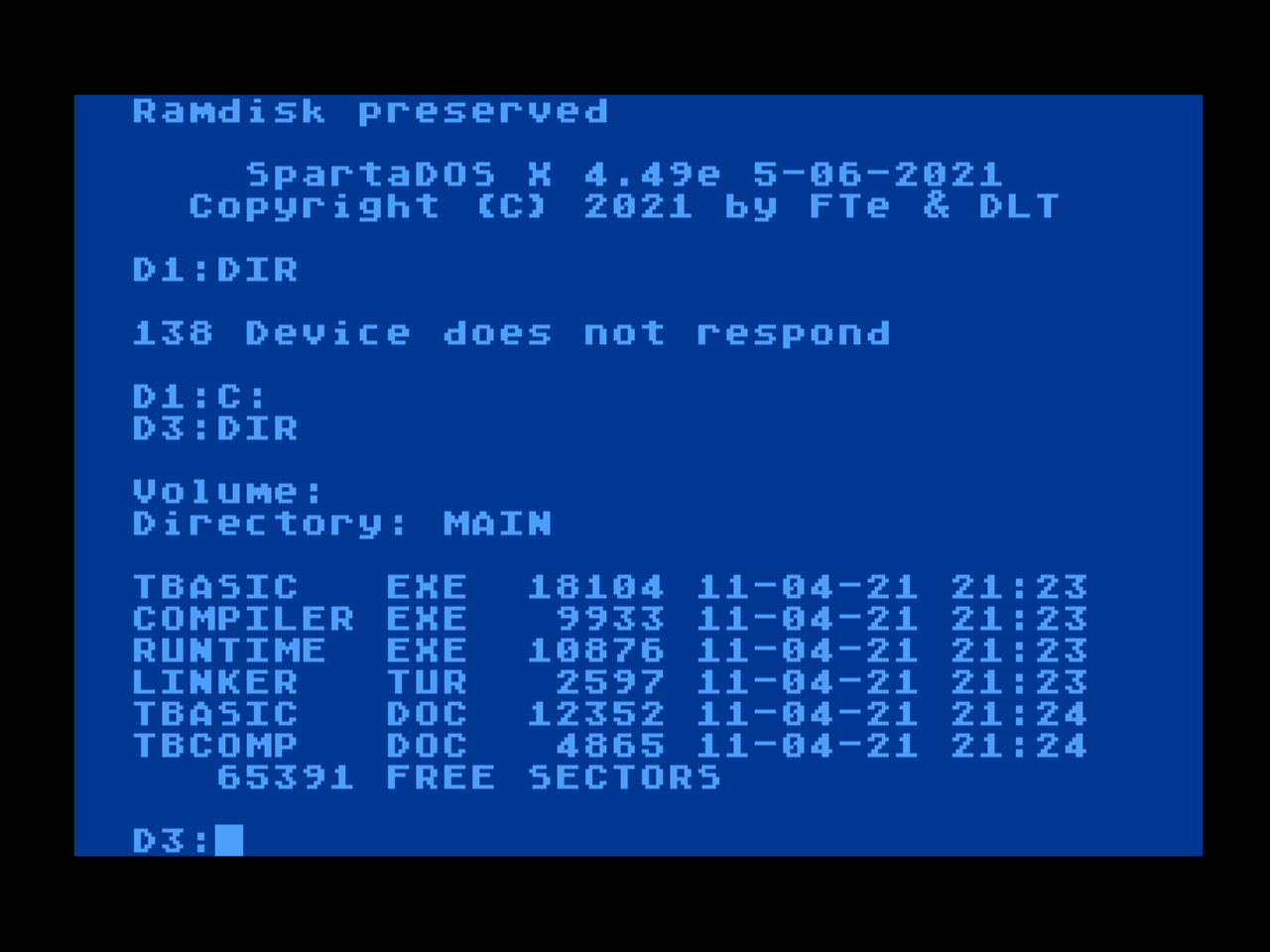
Here I entered “C:” which has been mapped as a drive letter to “D3:”. On this disk I was playing around awhile ago with the Turbo BASIC XL compiler. Turbo BASIC XL is a popular alternative to the built in Atari BASIC as it is faster and can be compiled to an executable. The author of Turbo BASIC XL, Frank Ostrowski went on to create the extremely popular GFA BASIC on the Atari ST 16 bit computer.
When I was young I used AtariWriter as my first word processor. I actually wrote some of my night time college class papers on it and had a neat Atari printer to print them with.
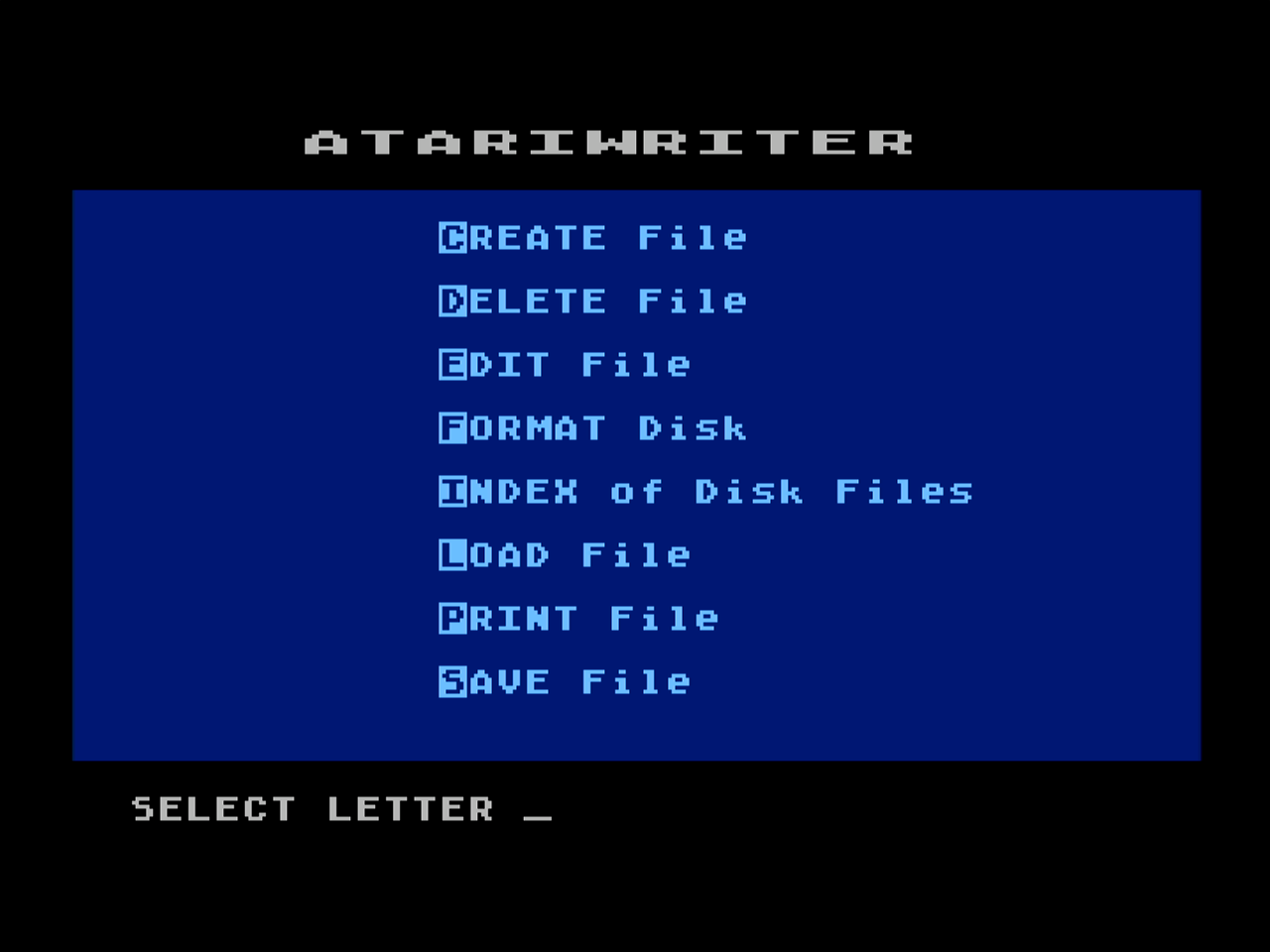
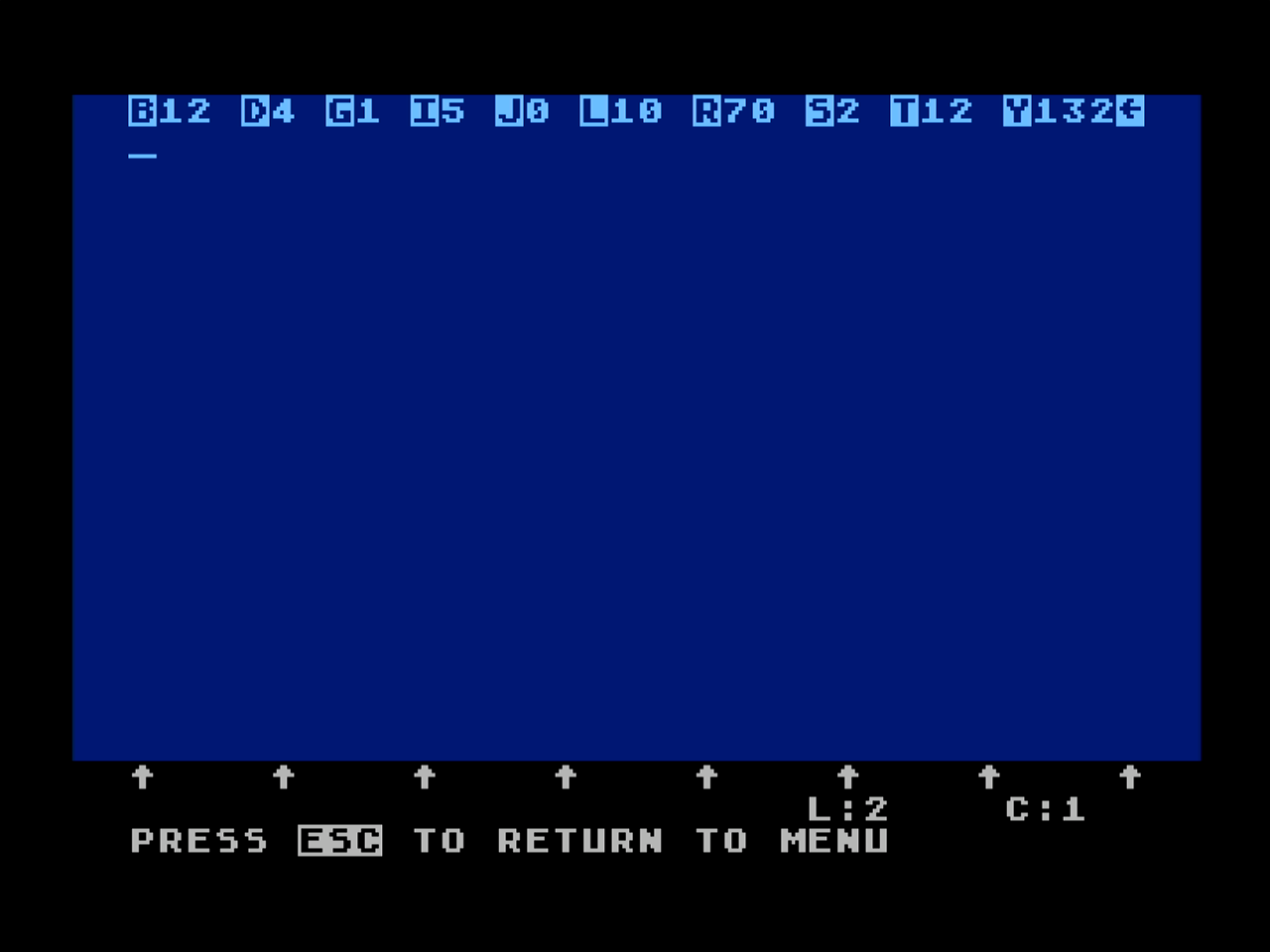
This is what it looks like while you begin your paper. I don’t remember the commands but actually have a “new” old-stock Atariwriter cartridge and manual in case I want to play with it someday. The “Fujinet” cartridge that plugs into the back SIO port can be used as a “printer” now. Whatever you print will go to a generated PDF file. I’ll create another page on my site about more of these Atari 8-bit gadgets eventually as they bring these old computers into the new age.
Let’s look at some games. As I’ve updated this page since originally posted, now all of the screens are screen captures rather than pictures of my monitor. These are some games I have played on my Atari 800XL. They are not in any particular order and they are not a “best of” list, just one’s I’ve enjoyed and continue to enjoy from time to time.
Here are some introductory screens for the Agent USA educational game.
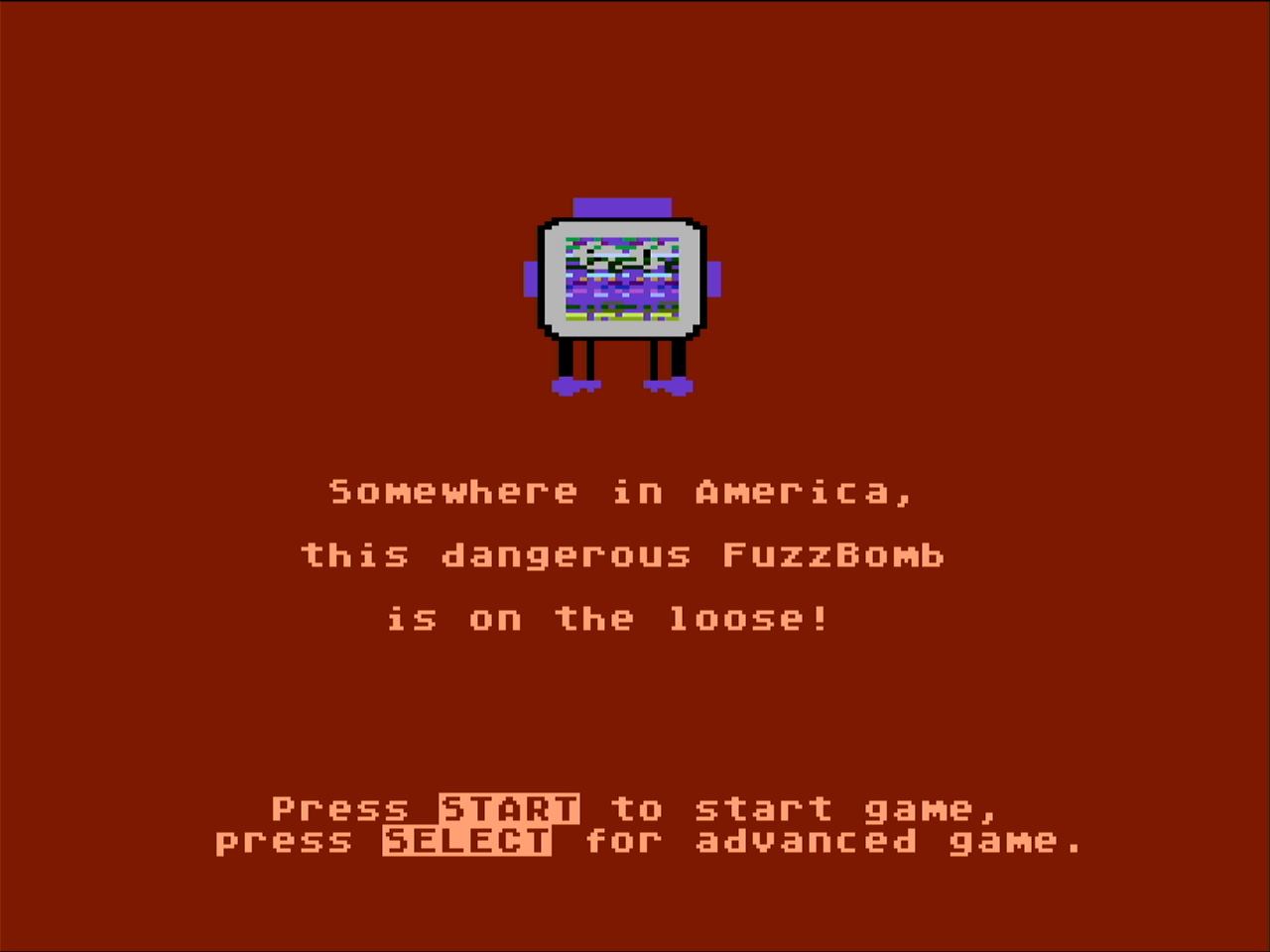
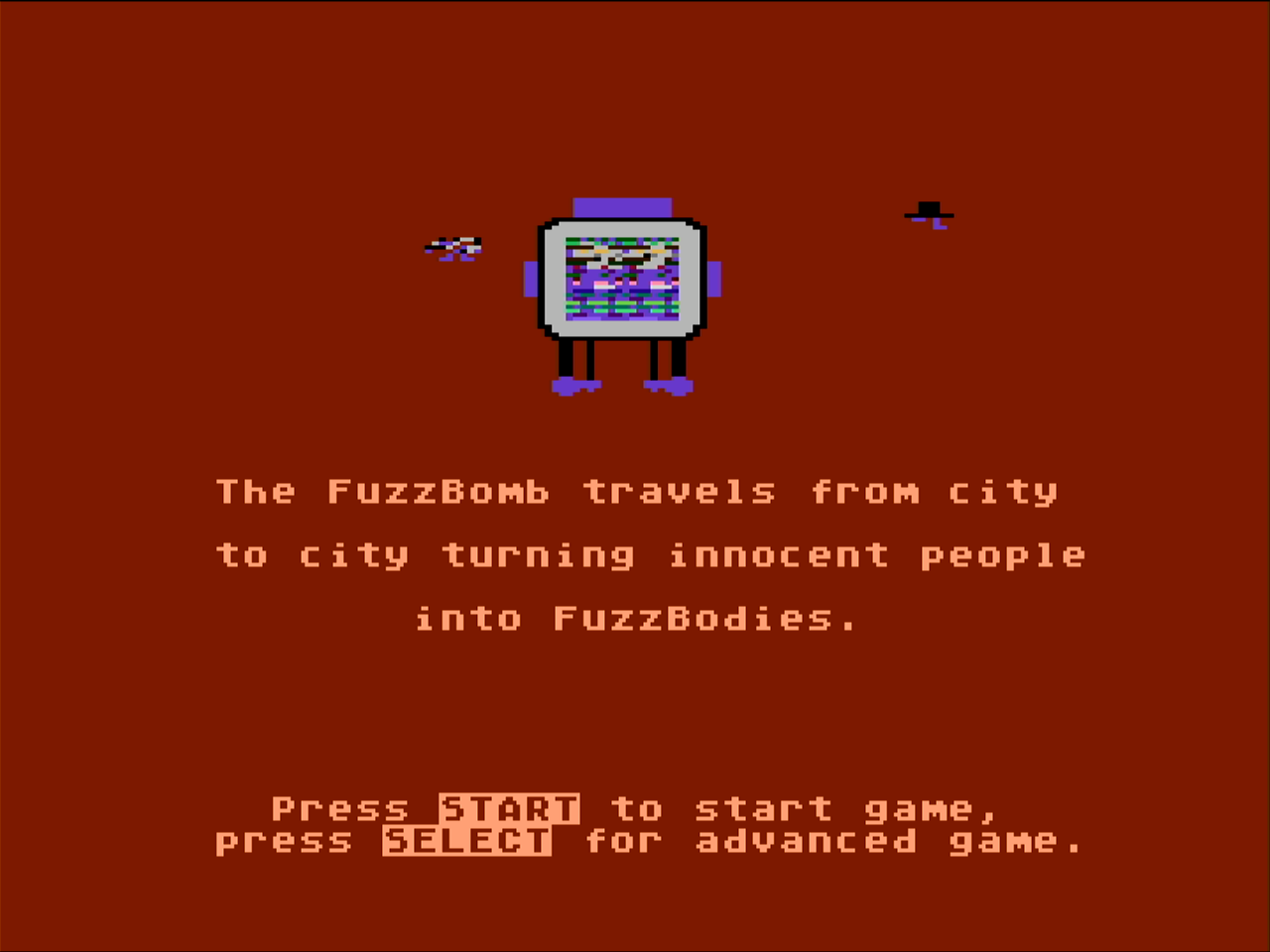
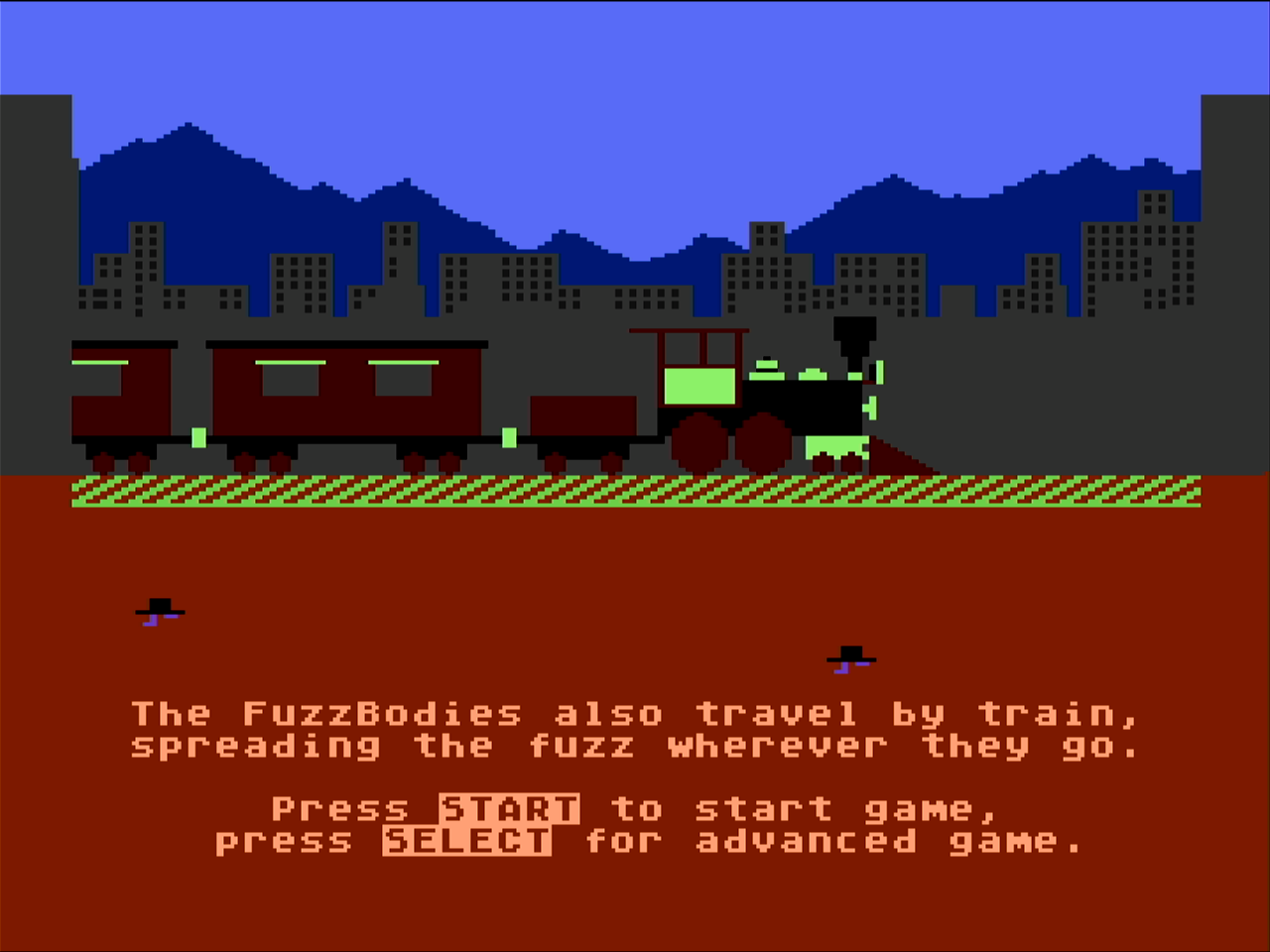
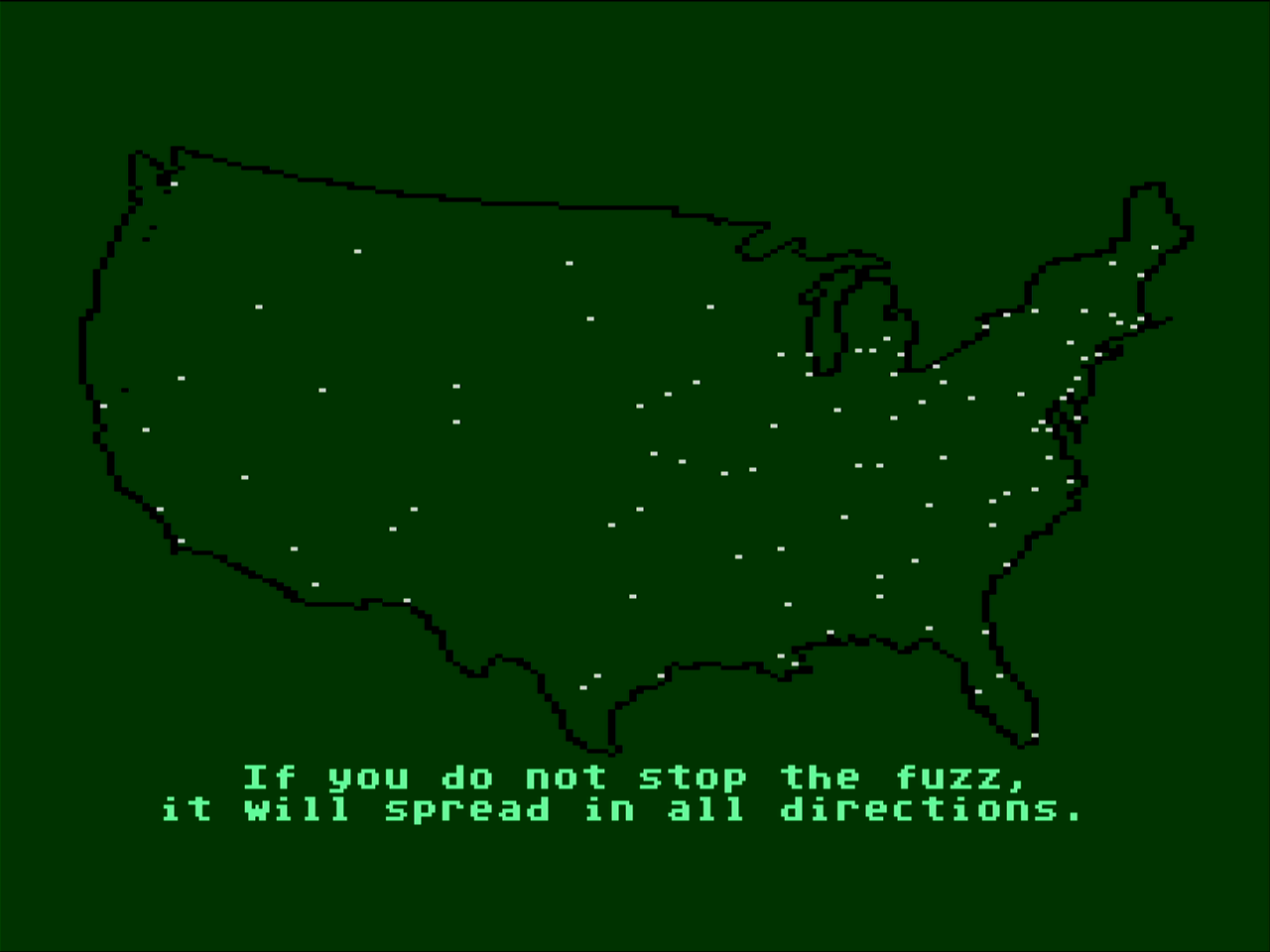
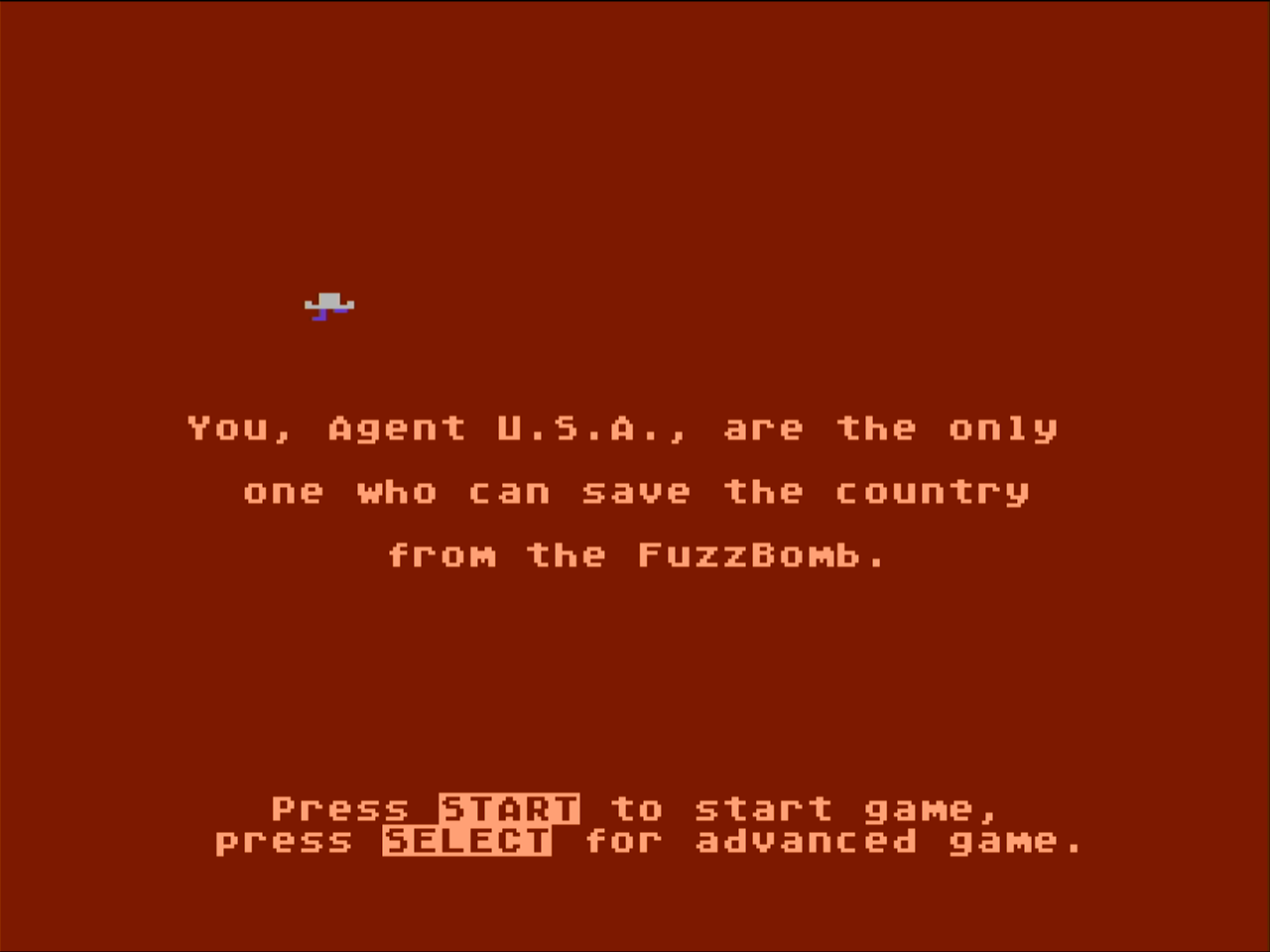
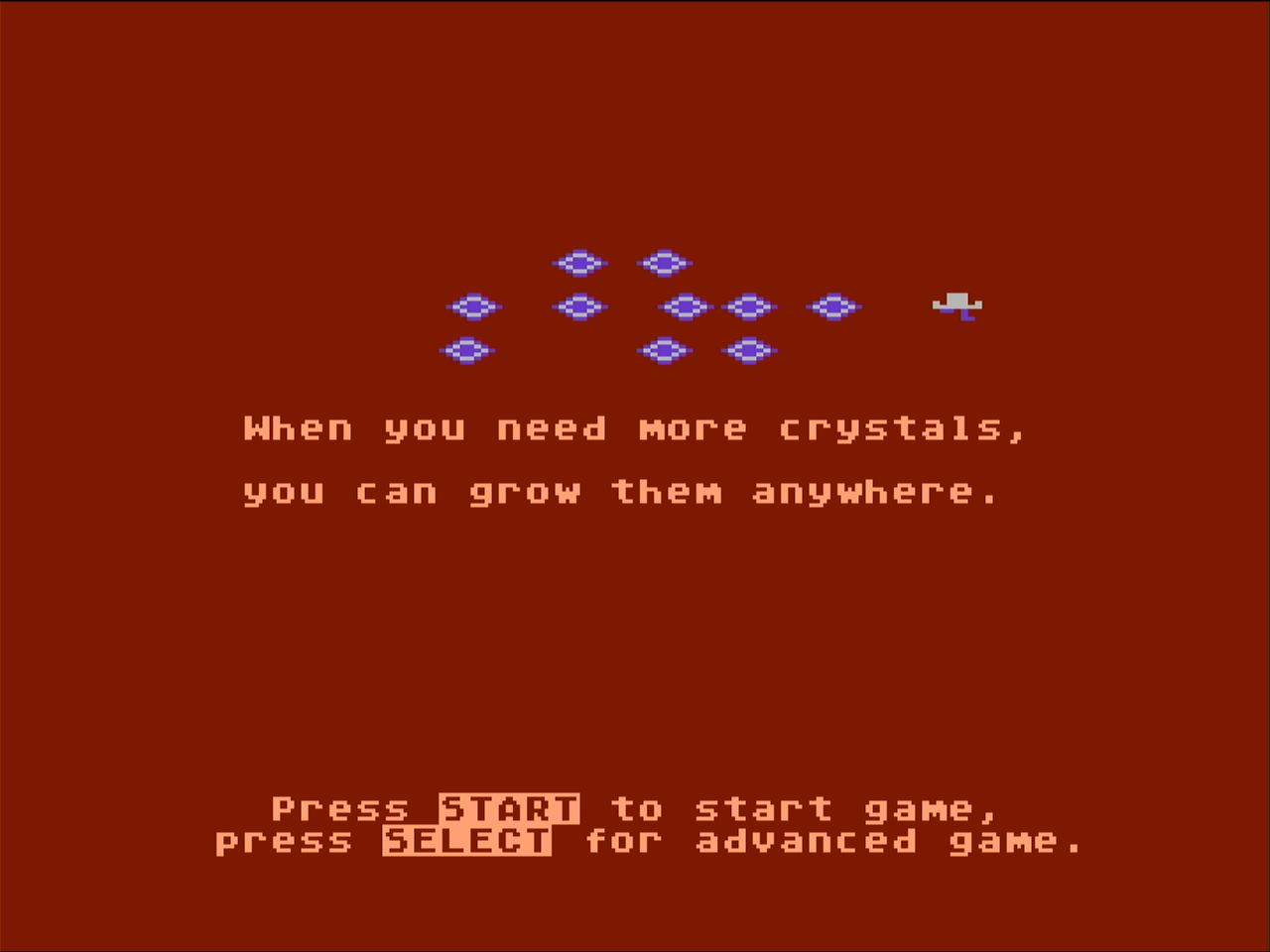
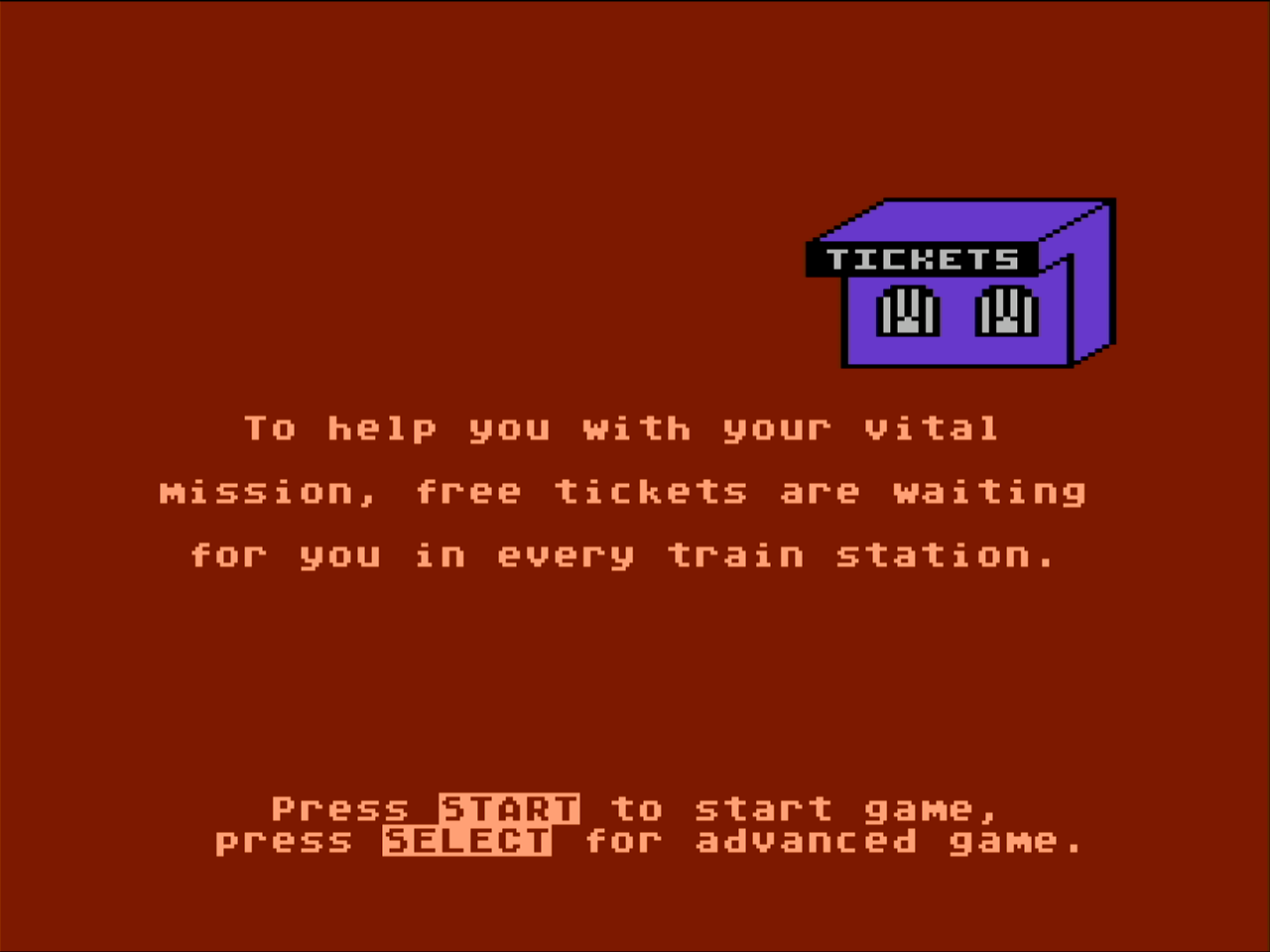
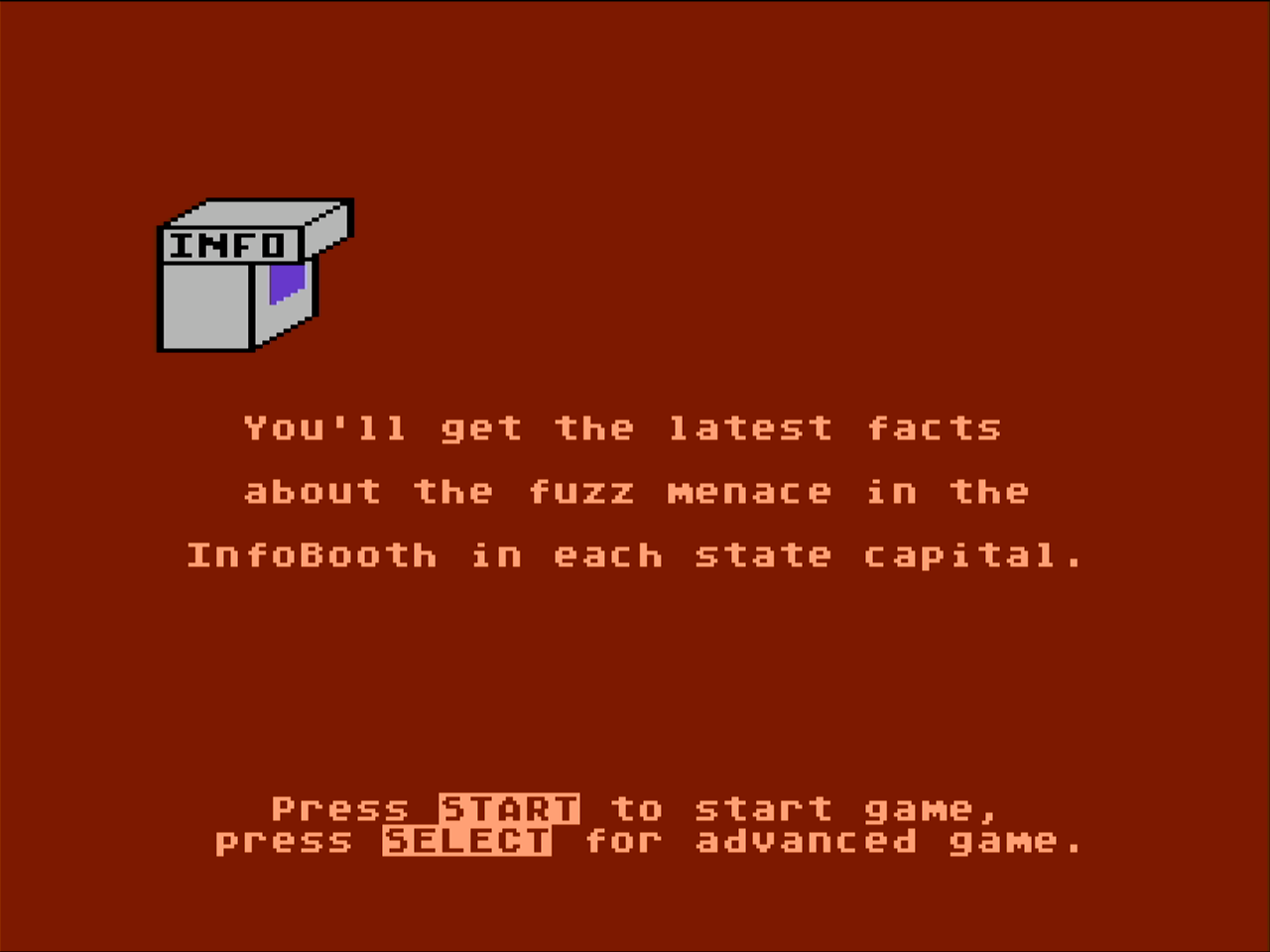
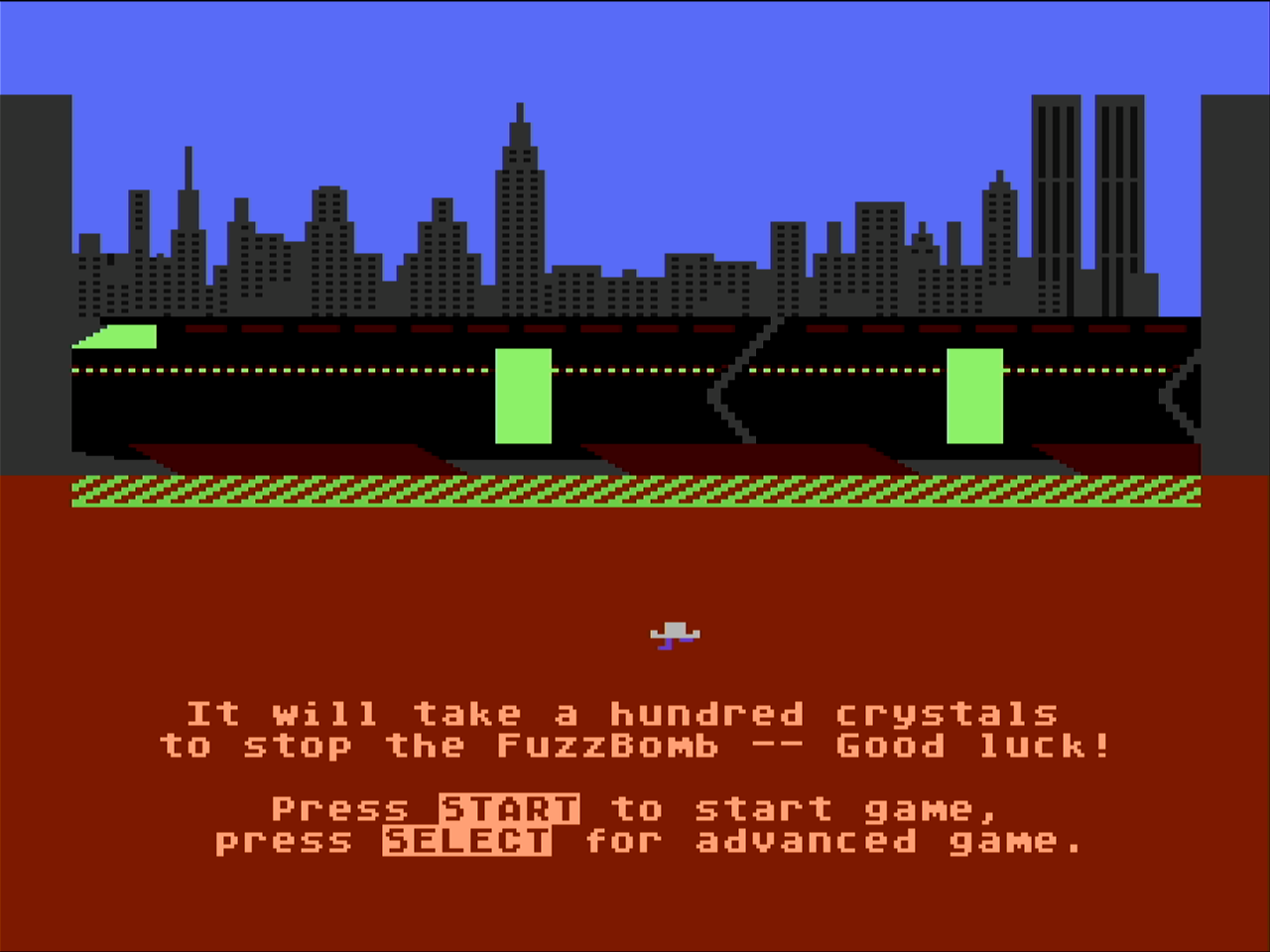
I missed the screen that explains how fuzzy crystals turn regular people into the fuzz bodies. What is educational about the game is you can play better by remembering what cities are where on the map so you can quickly schedule train rides across country to fend off the FuzzBodies and eventually attack the FuzzBomb to win the game.
The game was not specific to Atari 8-bit, but I think it was popular on the system. The design of this game is exceptional and you don’t normally see that in educational titles.
I’ve never had the patience to finish this game, but I did have an extended play with a friend where we made a lot of progress before quiting.
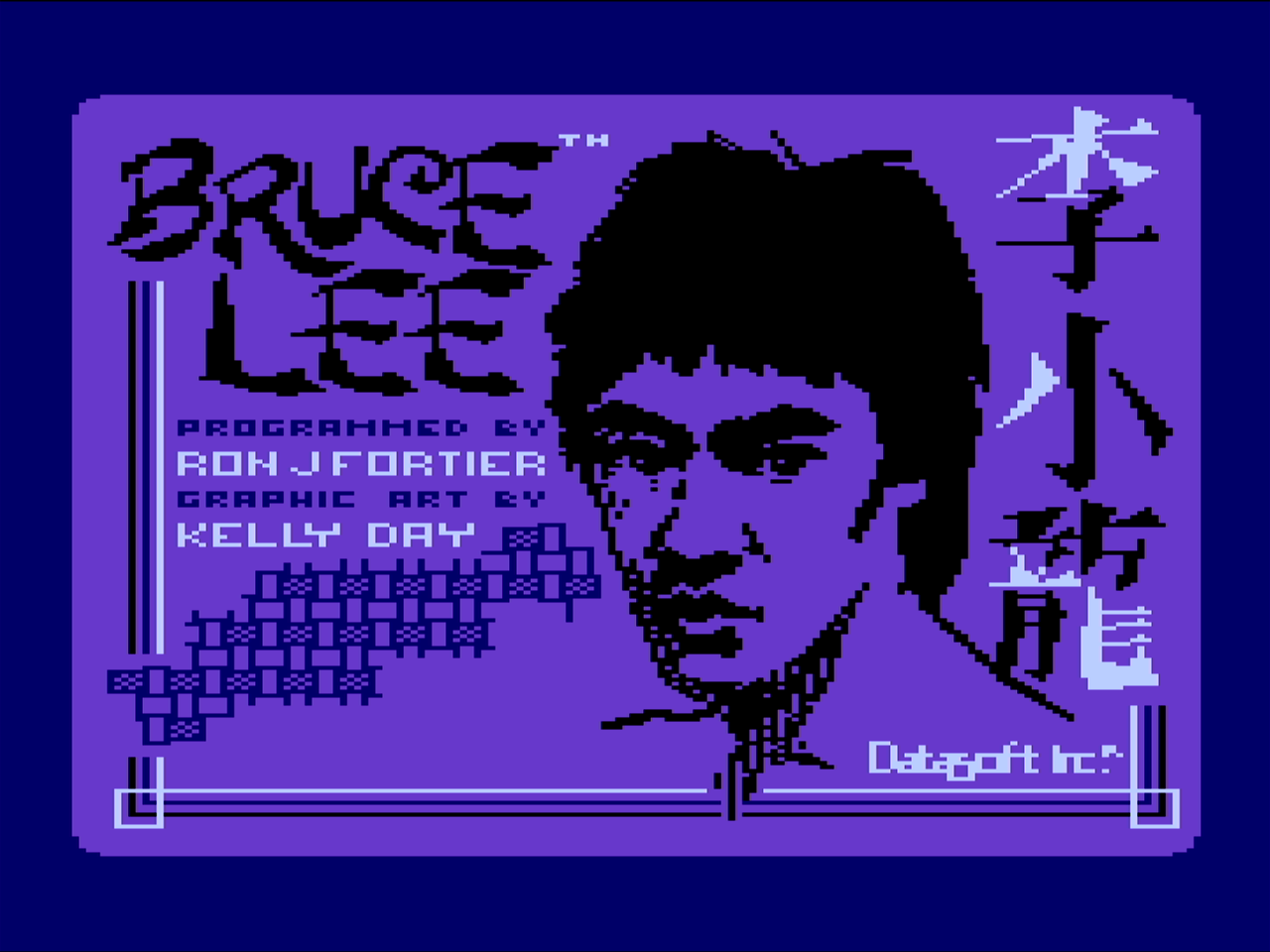
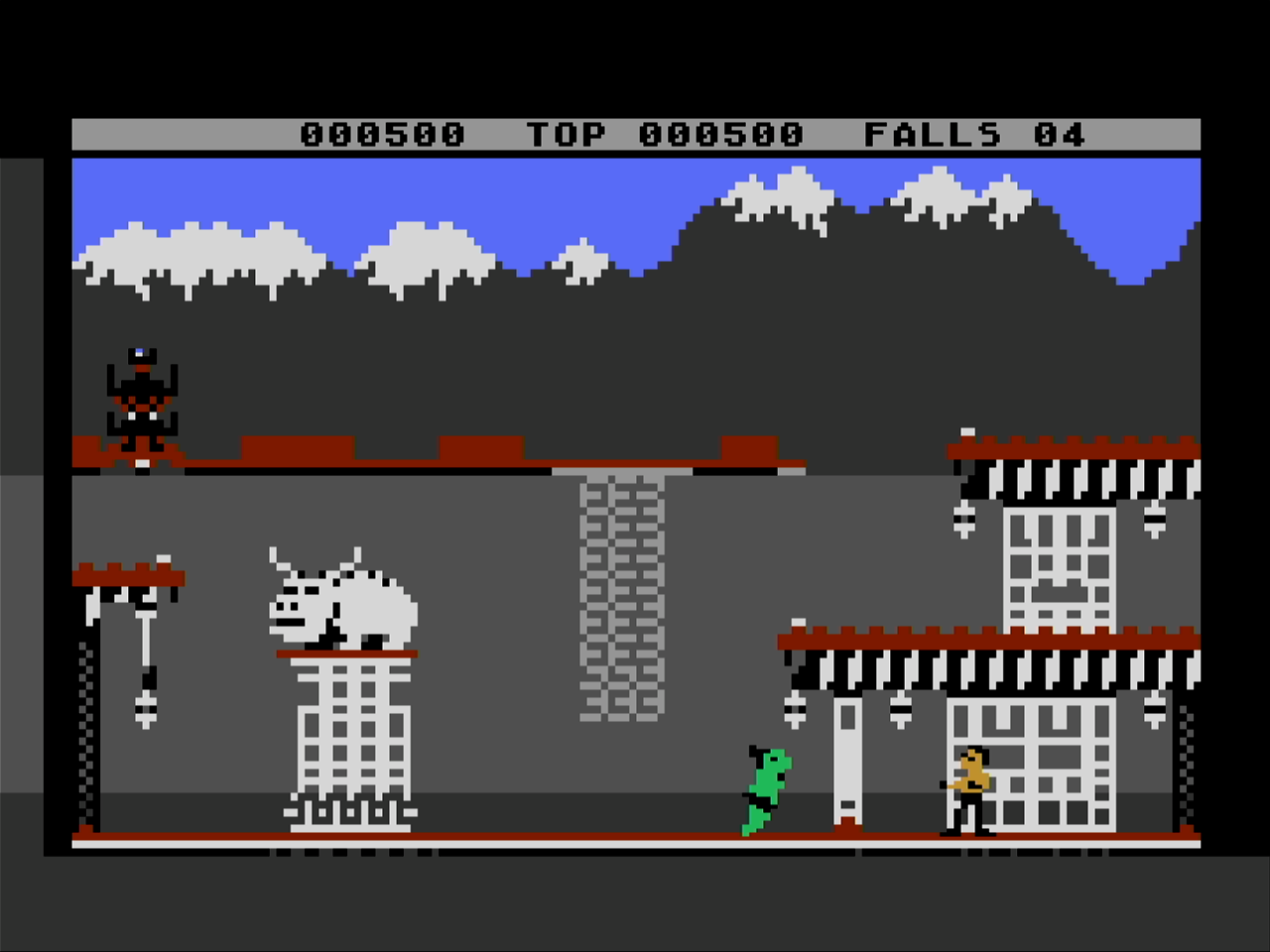
This next game is Bruce Lee, a very popular platform game at the time. You must collect all of the lamps to open doors to new areas. There are a lot of great platform game mechanics in this one and there are two computer foes, an armored guy in black and a green sumo guy.
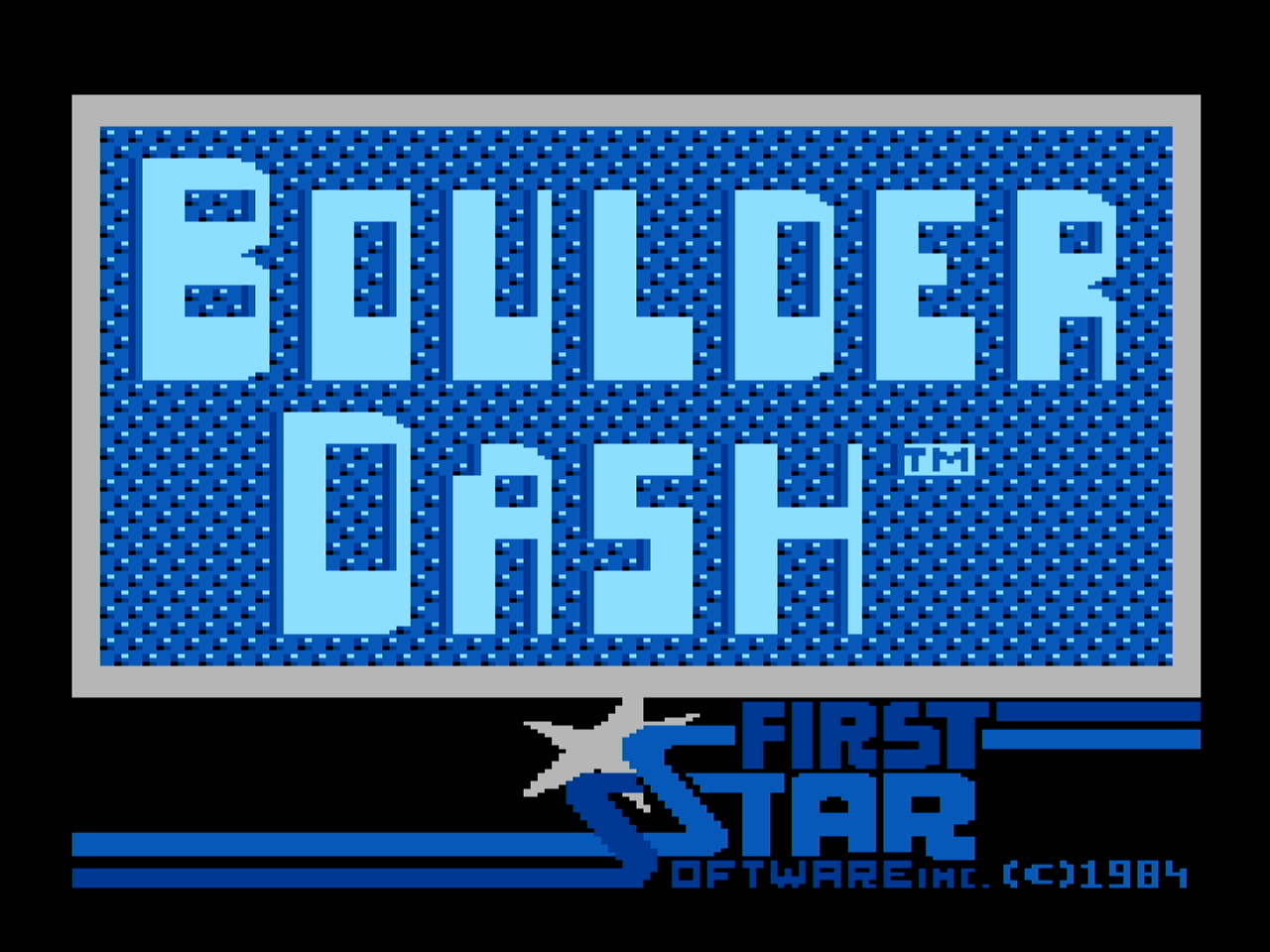
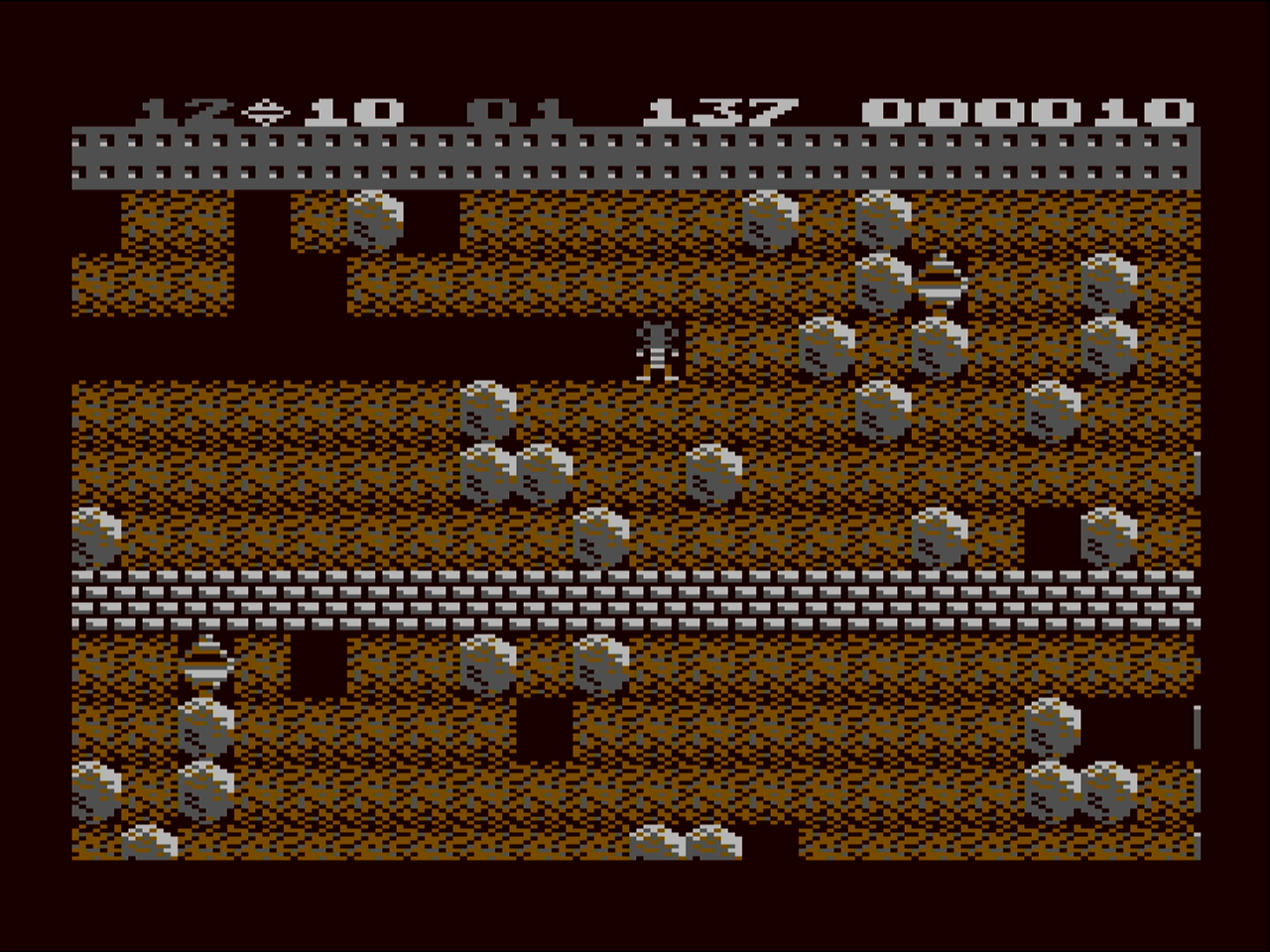
This is Boulder Dash which is a really slick character graphics based game. It is always a favorite for a short play for me as I’m incapable of completing the levels as they get quite difficult. One thing notable about this game is that there is a “construction set” disk that folks use to create custom levels and many “floppies” (.atr files) exist with custom Boulder Dash levels.
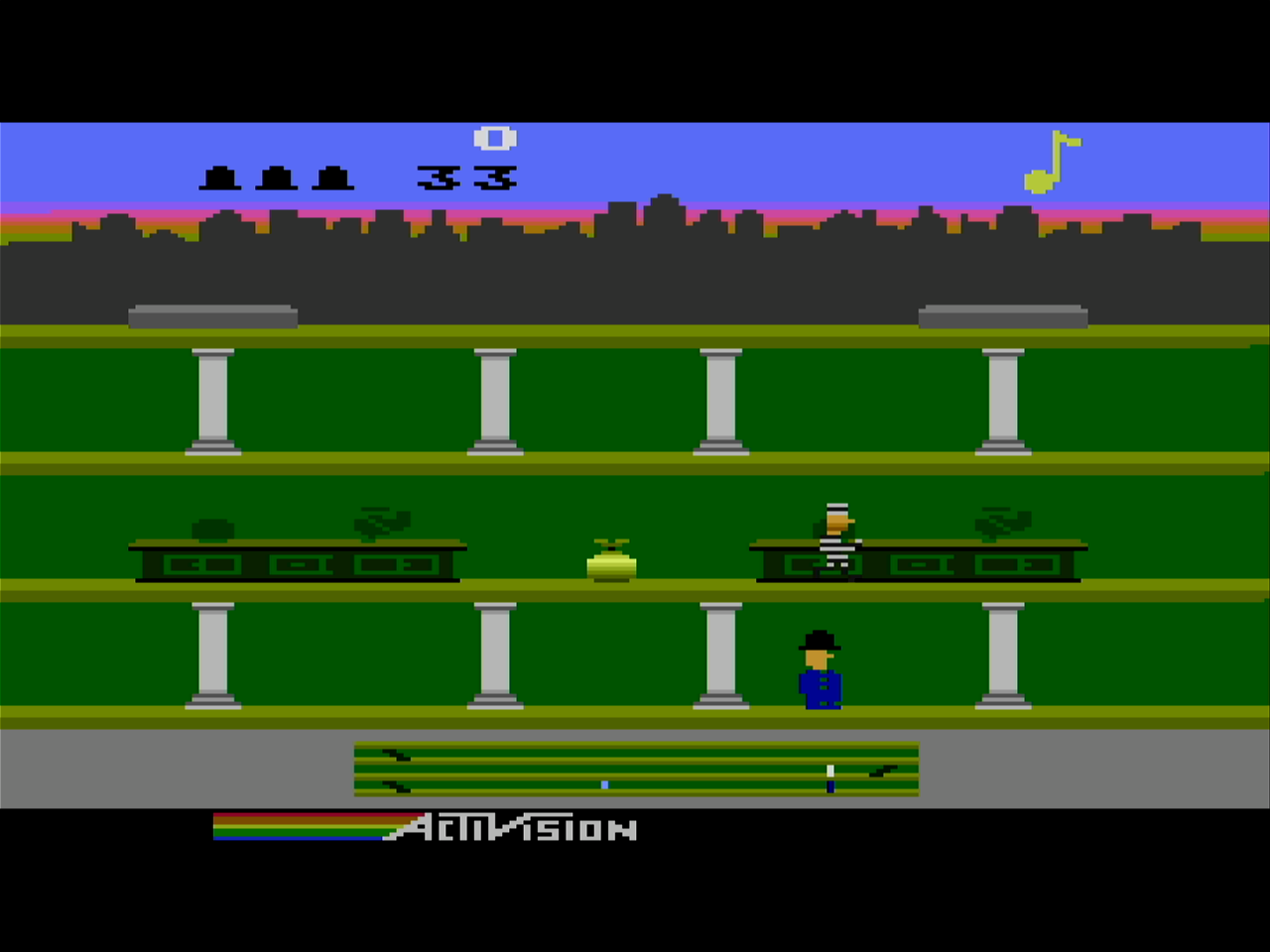
Keystone Kapers is my current favorite quick game. You are the police man and run to capture the bad guy before he escapes. There are a variety of obstacles to jump or duck on the way to capturing the thief.
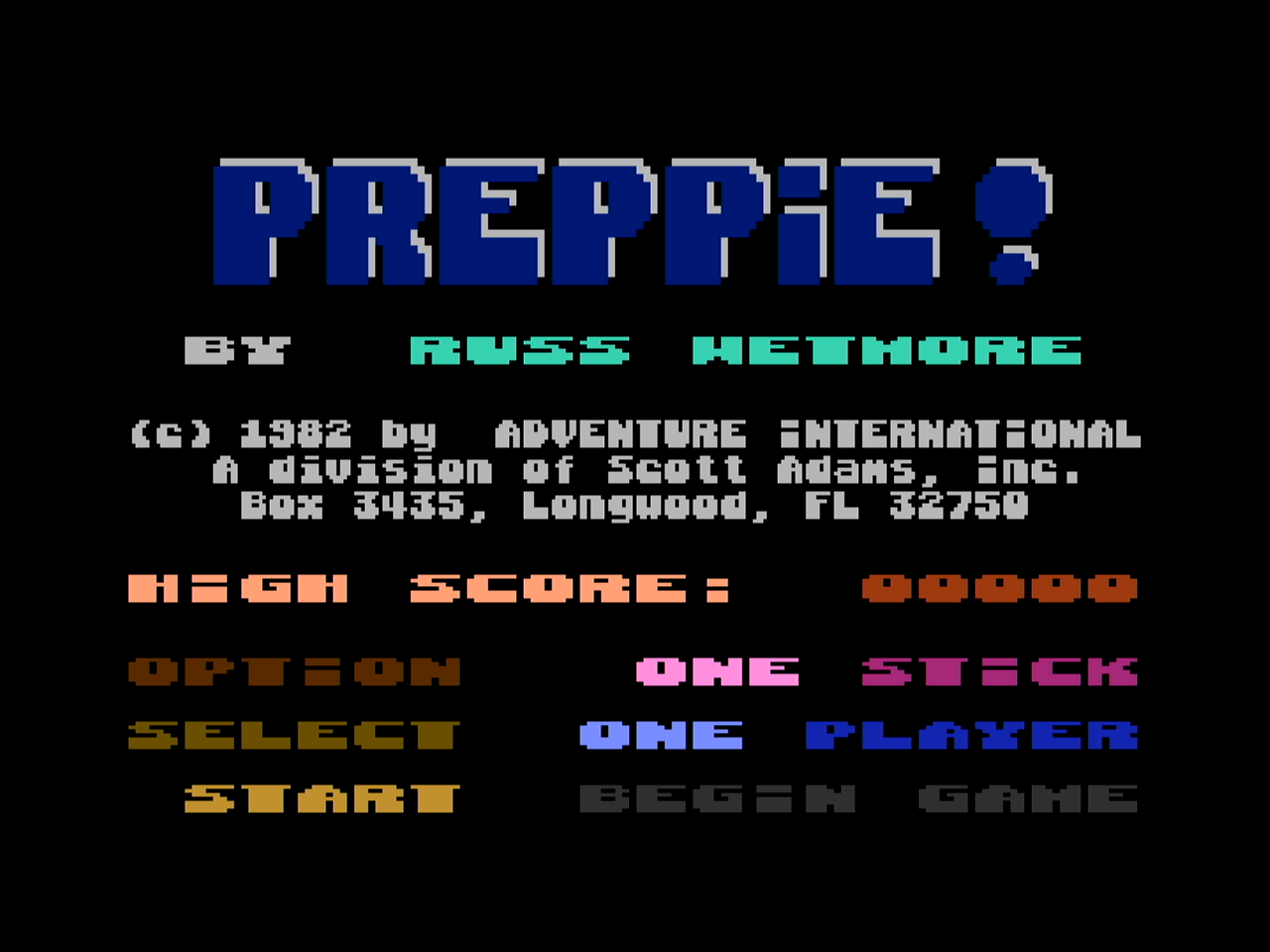
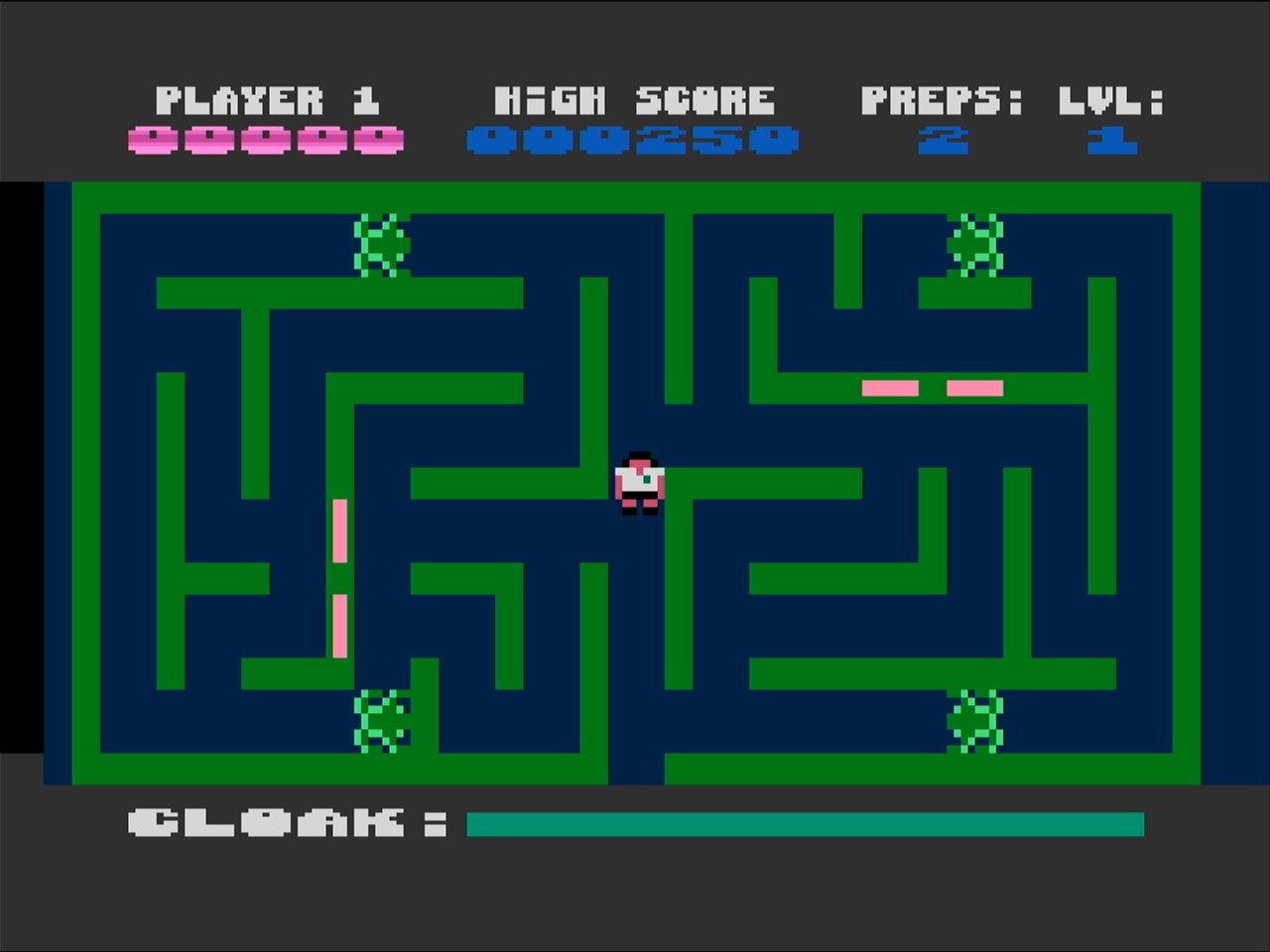
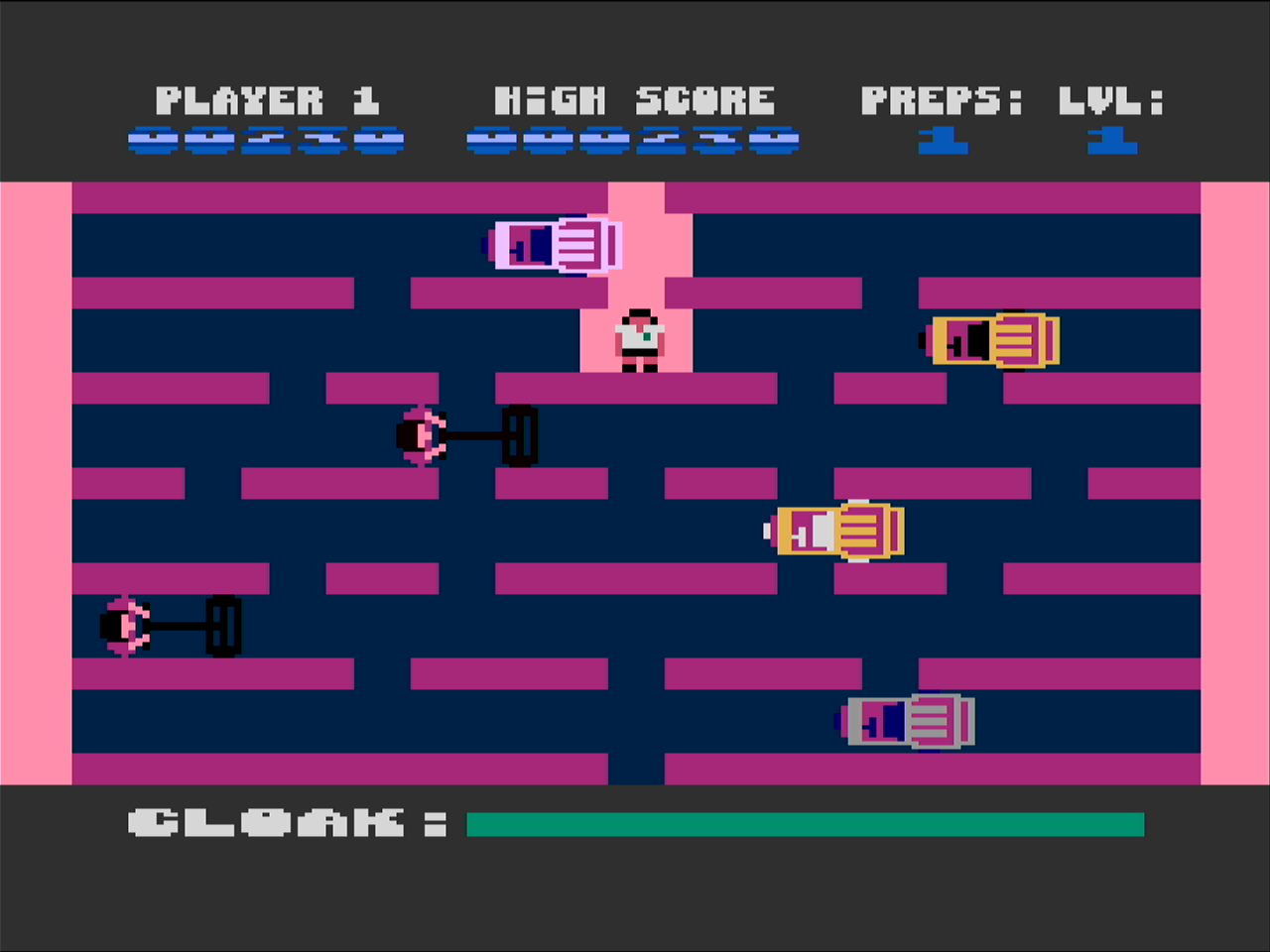
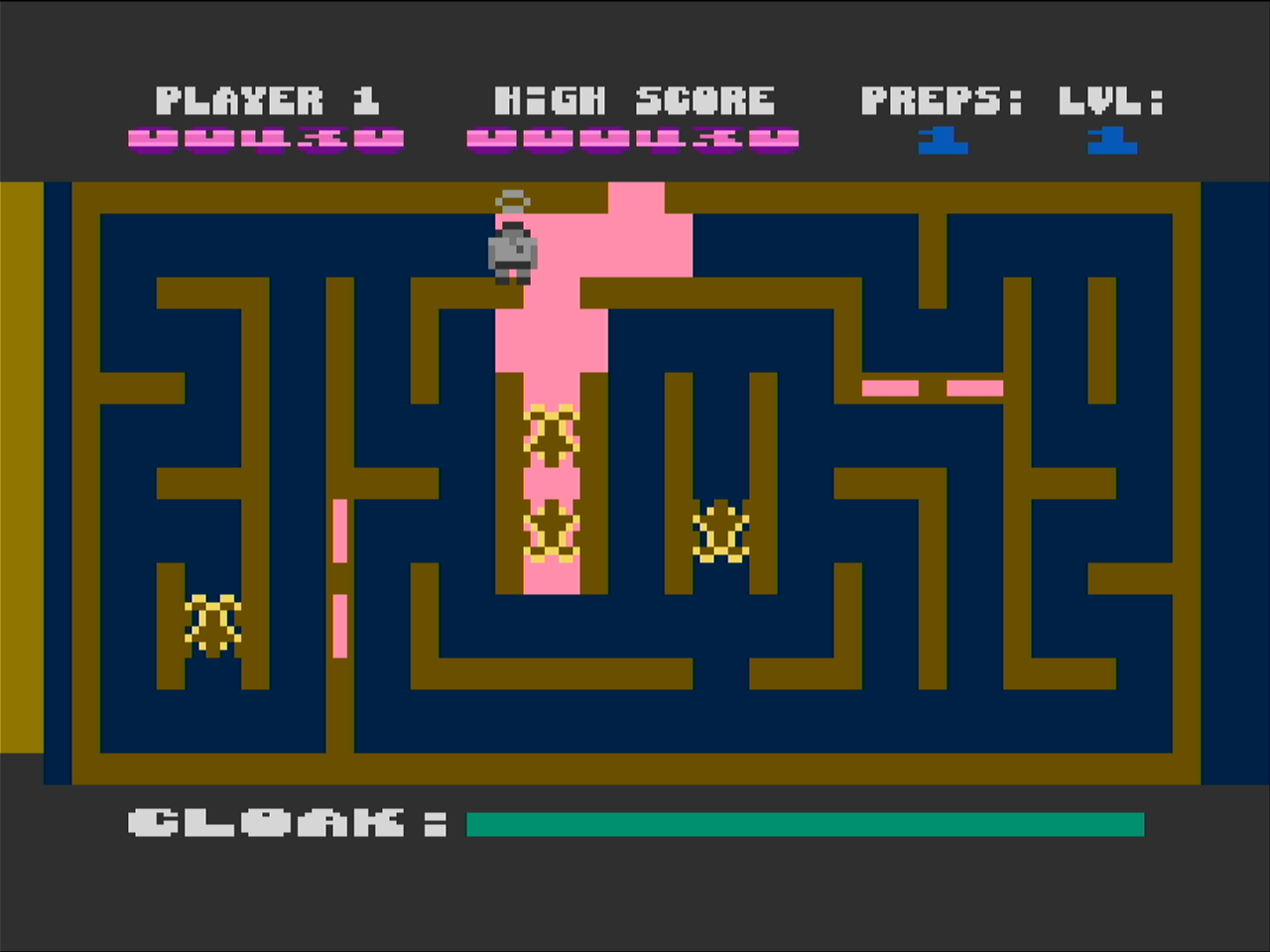
Preppie! is an exceptional take on the Frogger type of game and is an Atari 8-bit exclusive. In Preppie!, you are retieving golf balls on a golf course which involves not getting run over by golf cars or falling in the water as you jump across moving boats. This is created by Russ Wetmore who has done exceptional work. The art, music and play are all very well crafted in each of his games. Russ Wetmore released the contents of the development floppies for Preppie! on the Internet Archive.
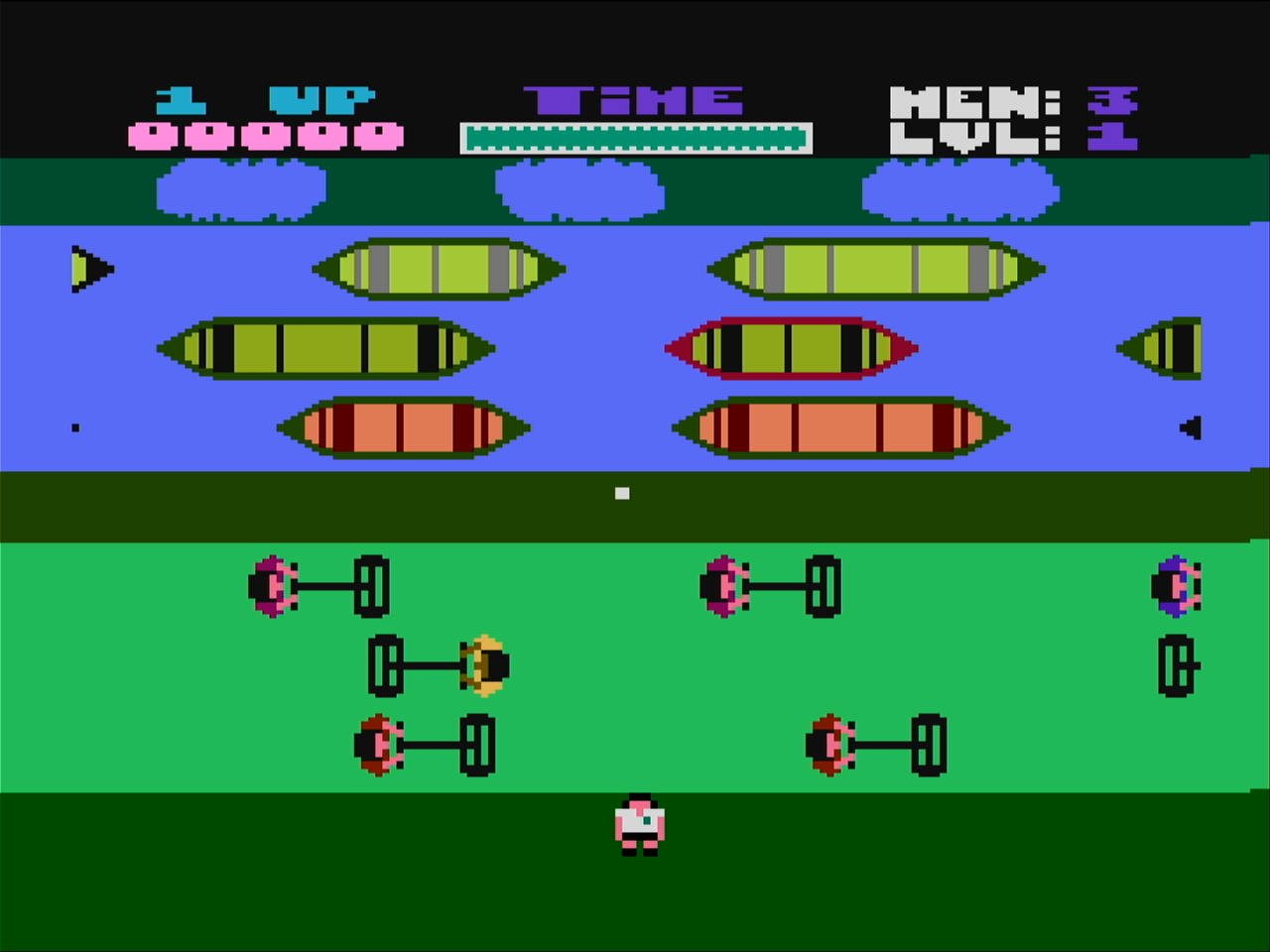
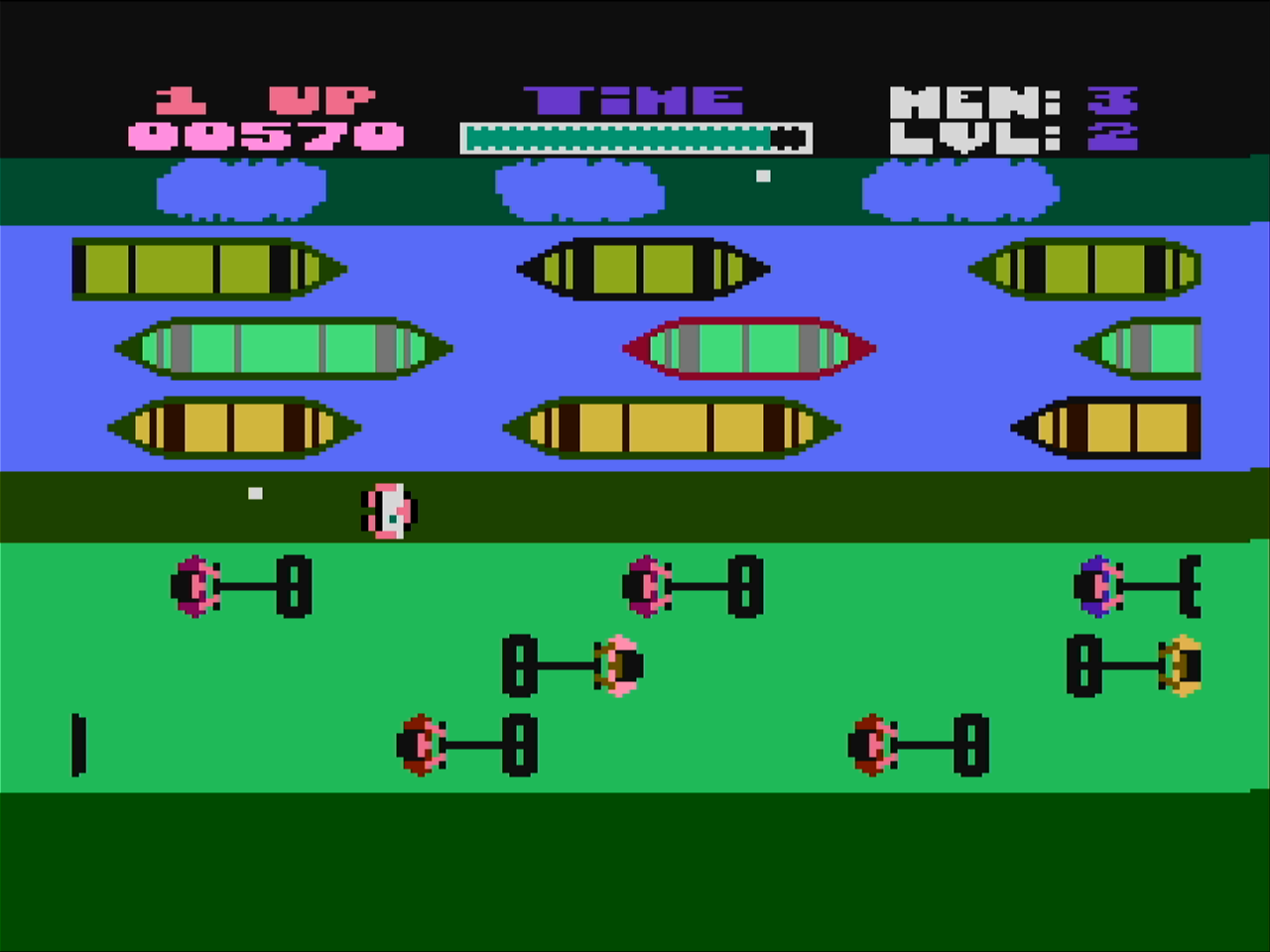
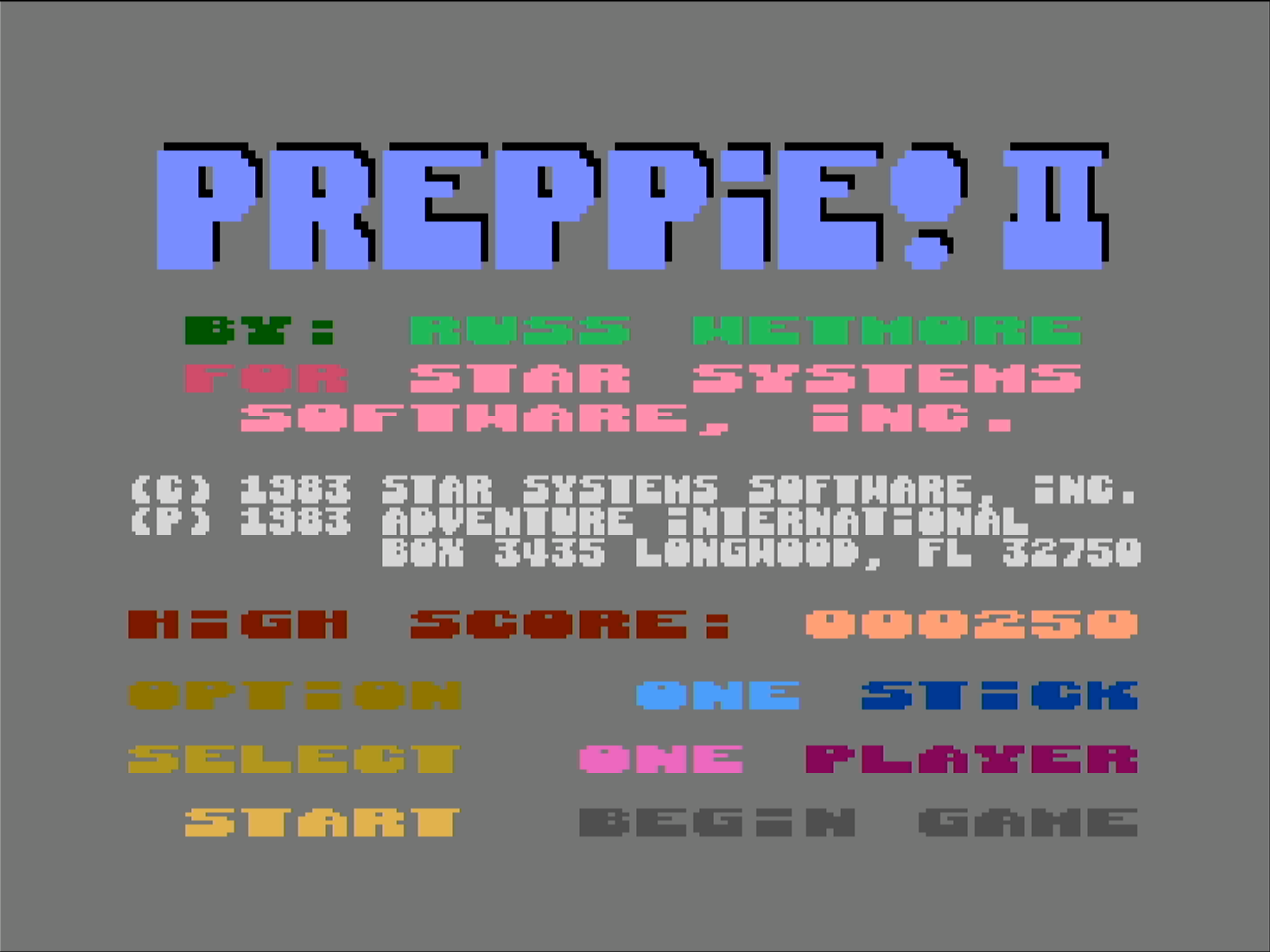
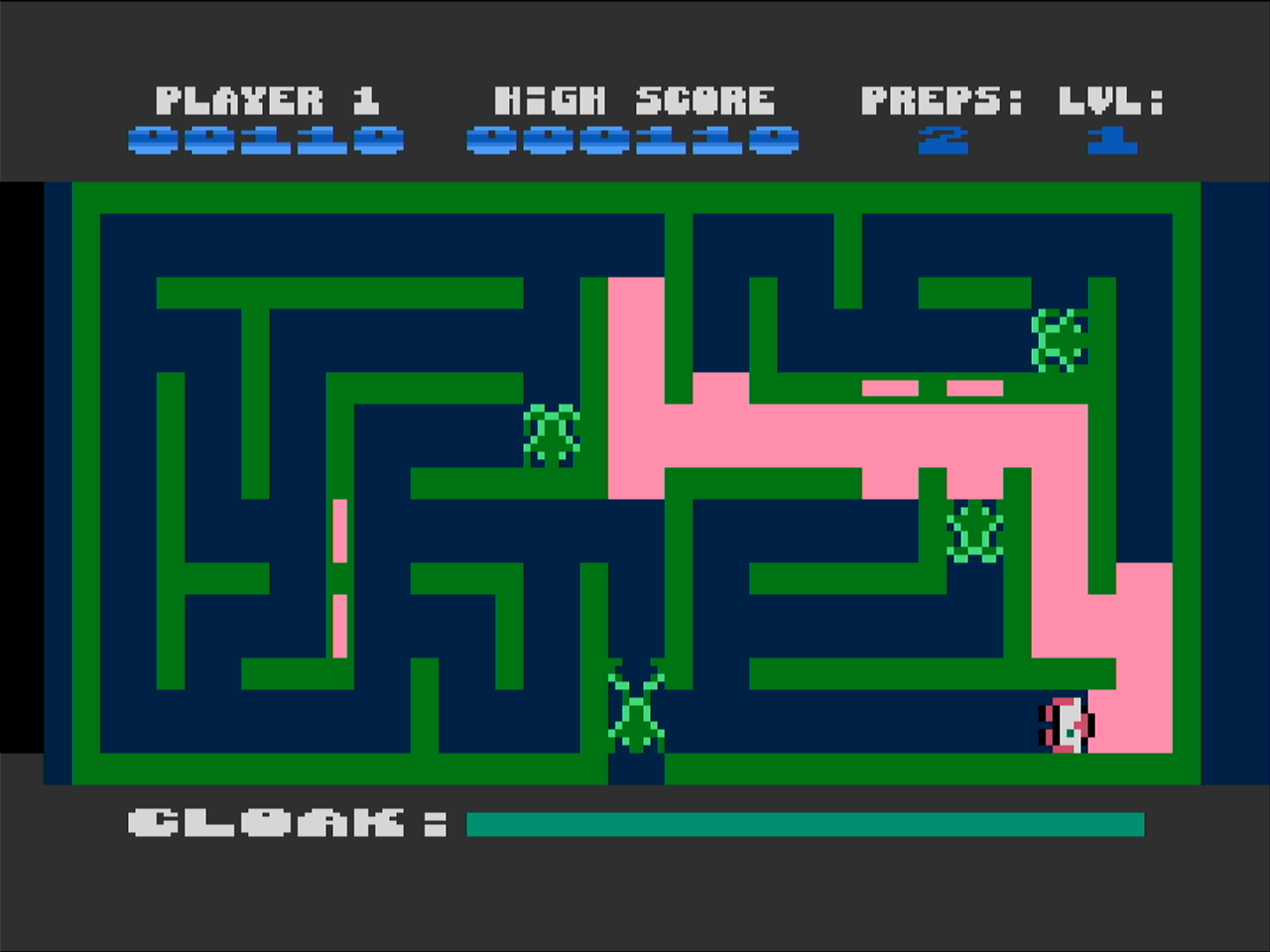
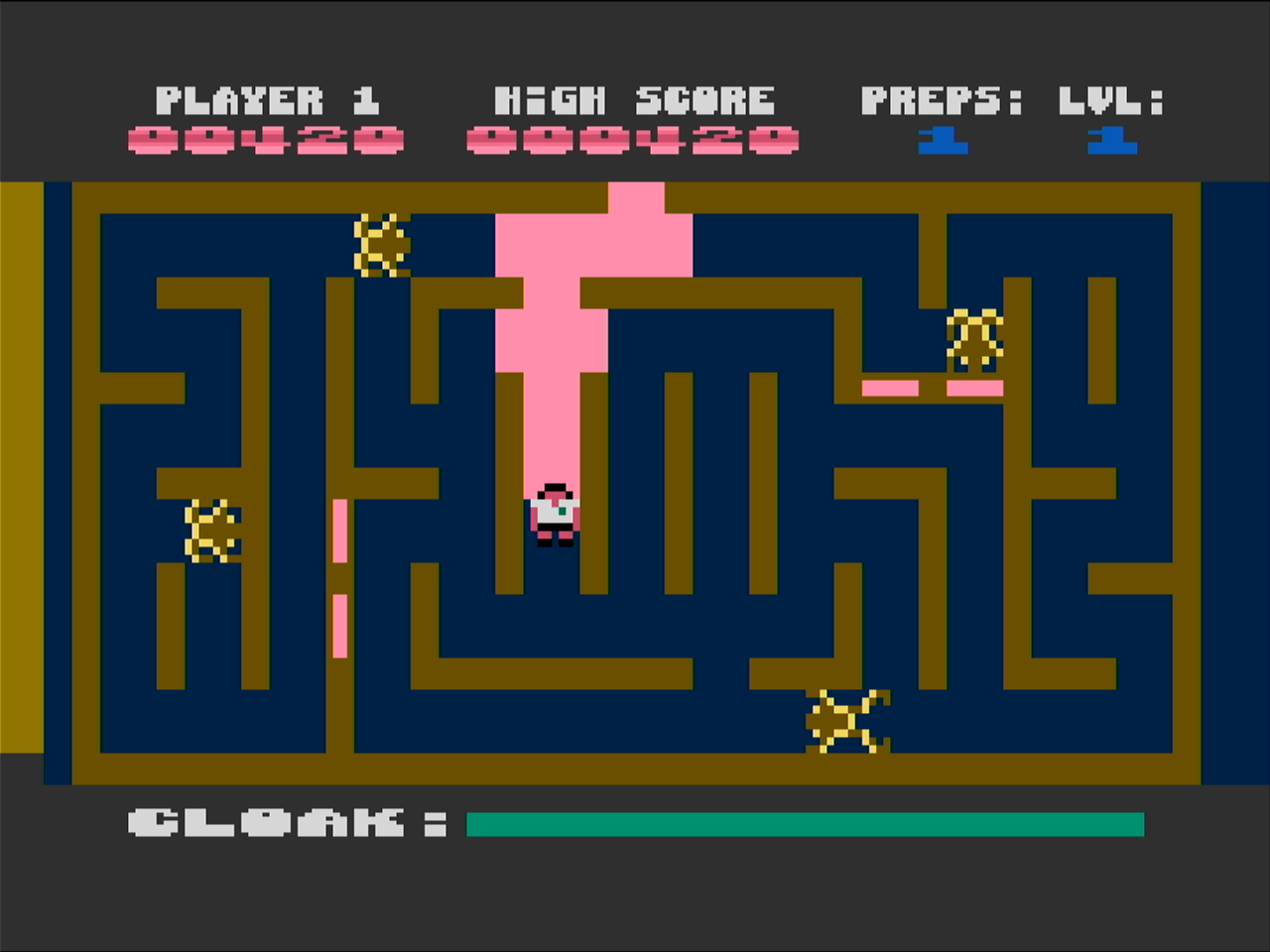
The sequal, Preppie II is a game in which the preppie is being chased by frogs. This game maintains the quality of the first effort and is another exceptional Atari 8-bit exclusive. The contents of the development floppies for Preppie II! were also released to the Internet Archive. (The source for the Sea Dragon game was also released by Russ Wetmore.)
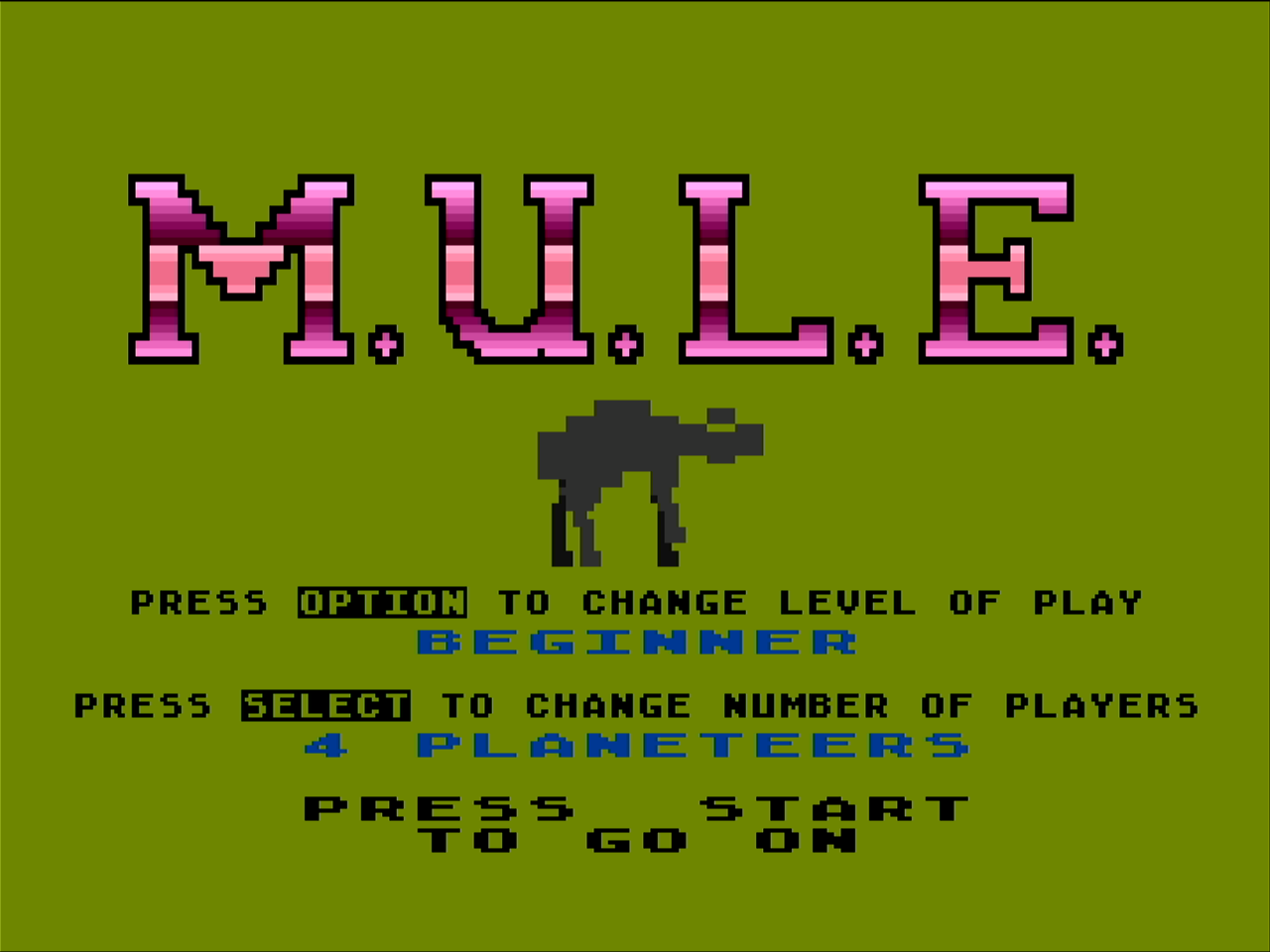
My favorite Atari 8-bit game is M.U.L.E. On the Atari 800, you can play four players as the original Atari 800 had four joystick ports. However, I usually am playing against 3 computer players and the computer players are quite good.
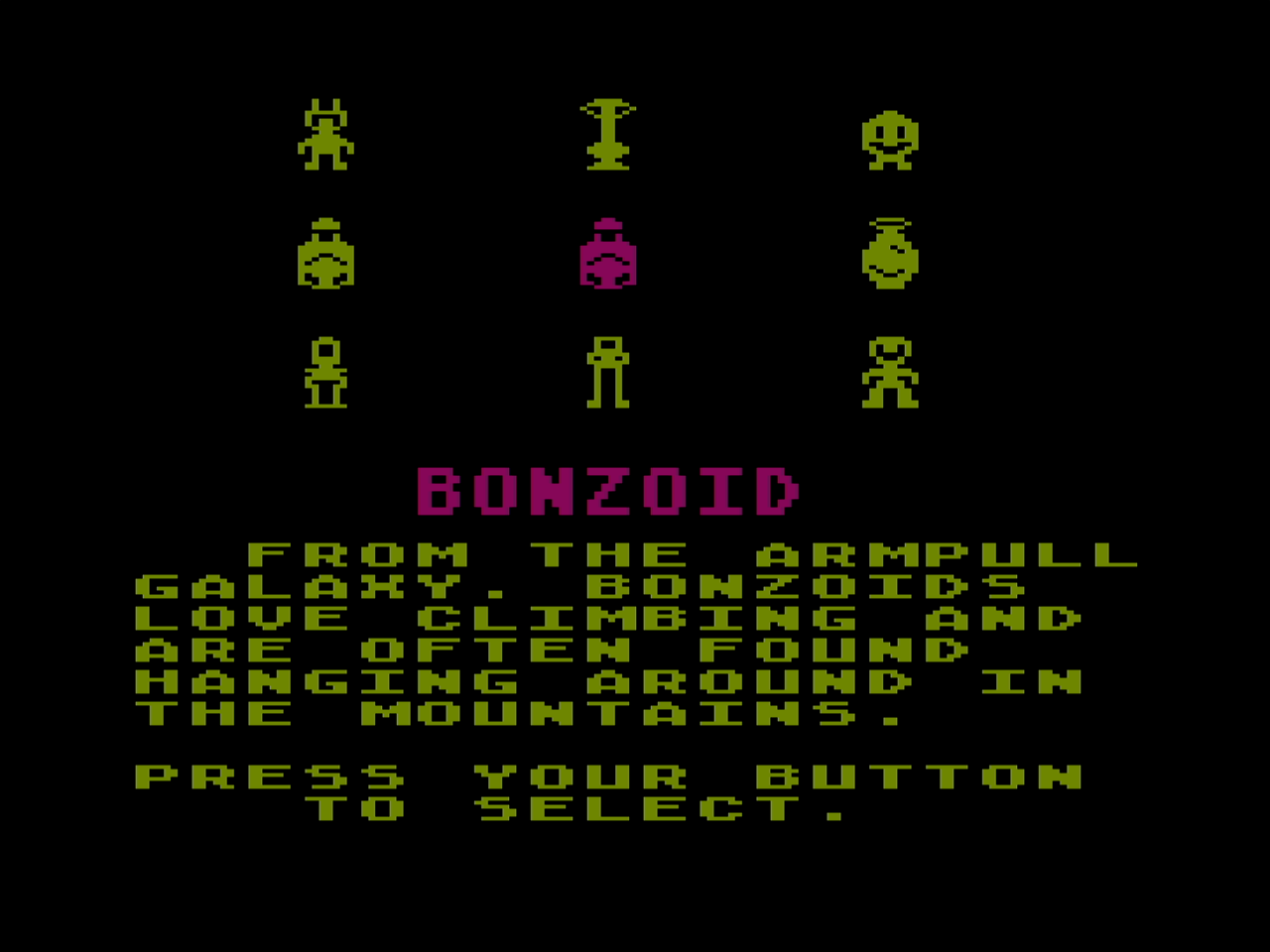
I usually pick the Bonzoid, but for no particular reason except I like how he looks. Each character type has different properties so I should learn what they are. From the description, I assume that the Bonzoid is good for mining since he likes to hang around mountains.
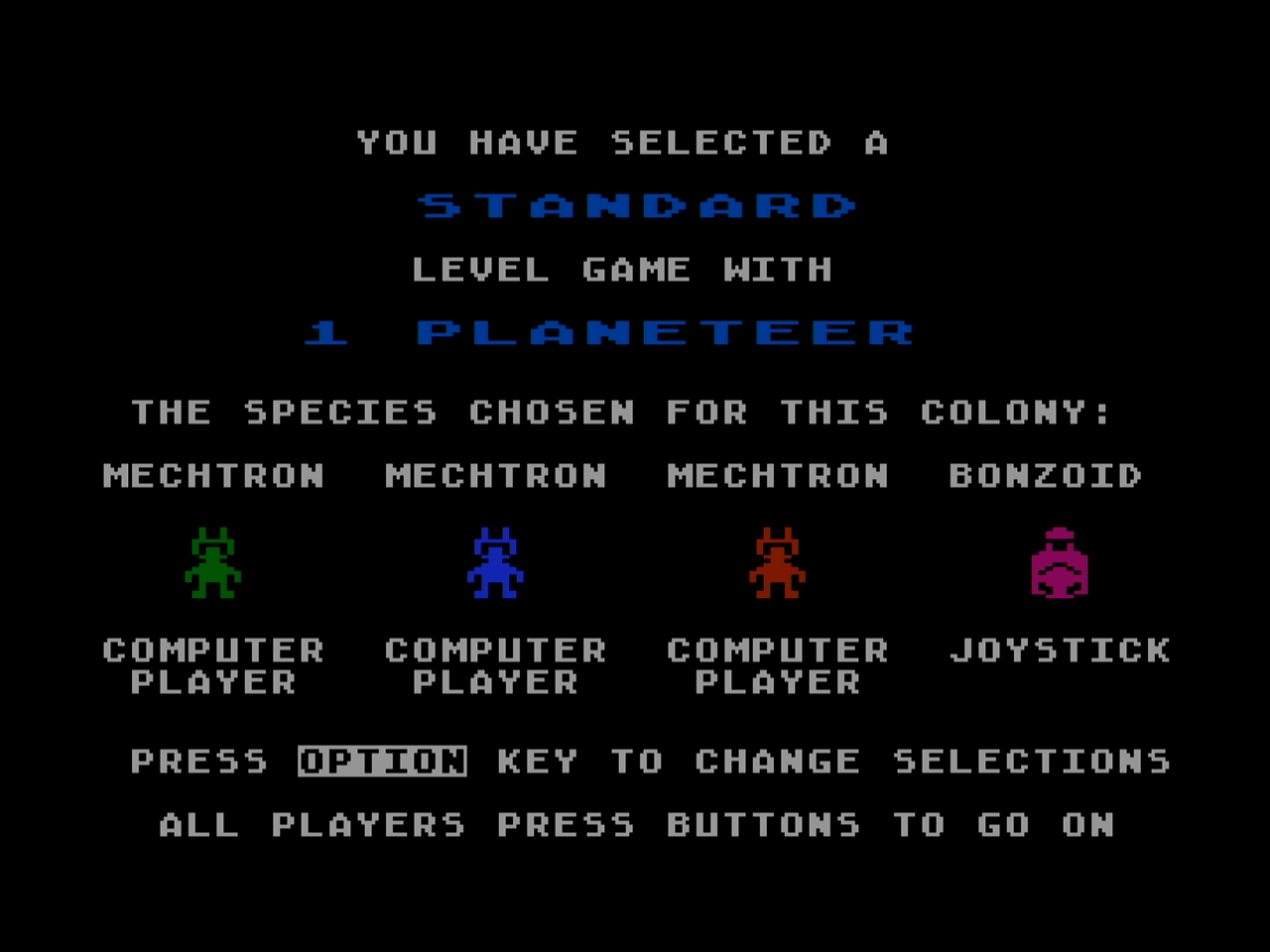
Its me vs. three computer players. If you have the original Atari 800 or are playing on an emulator, you could play four human players which is really fun.
The transport lands to drop you off at planet Irata (which is Atari spelled backwards.)
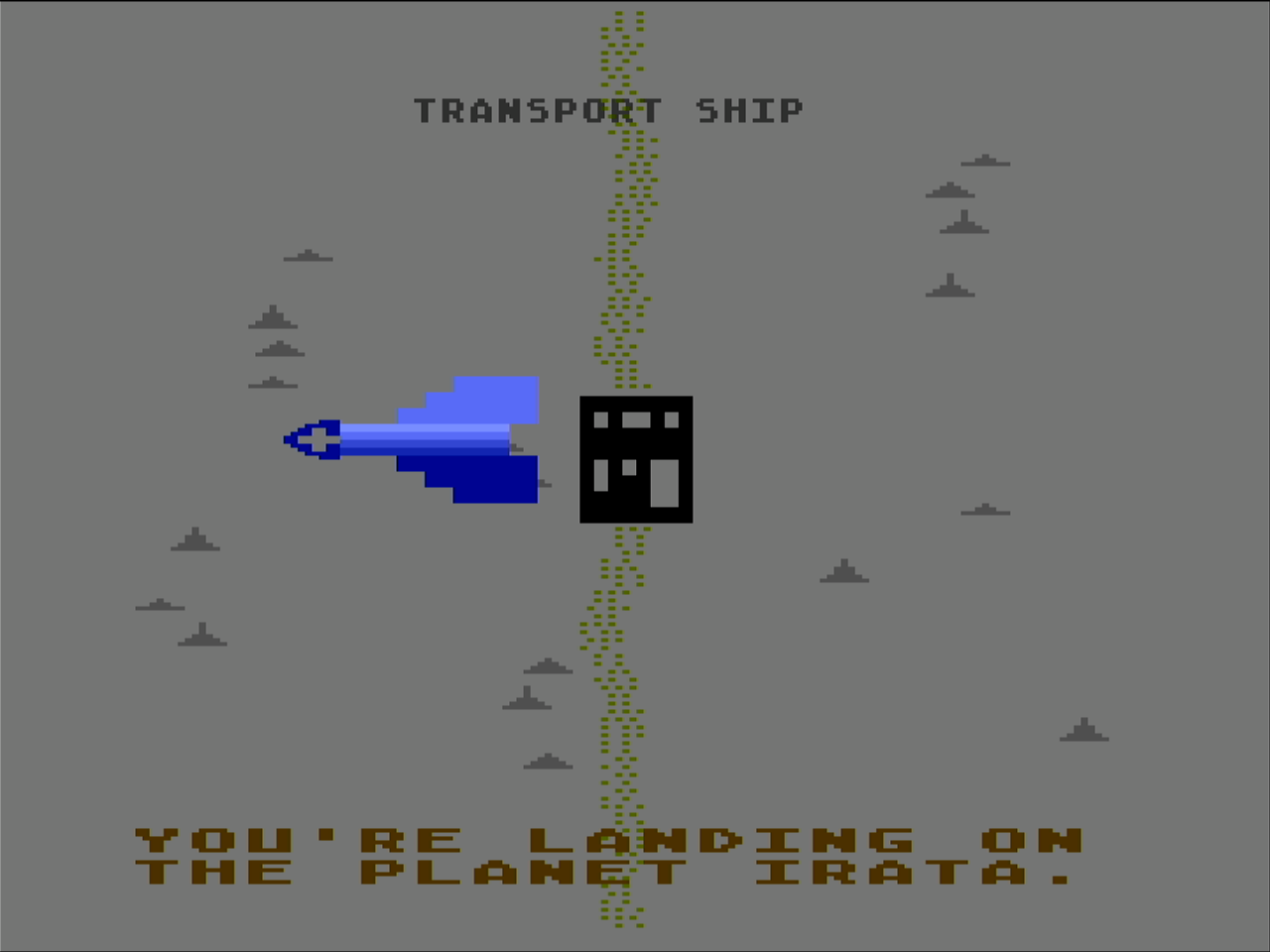
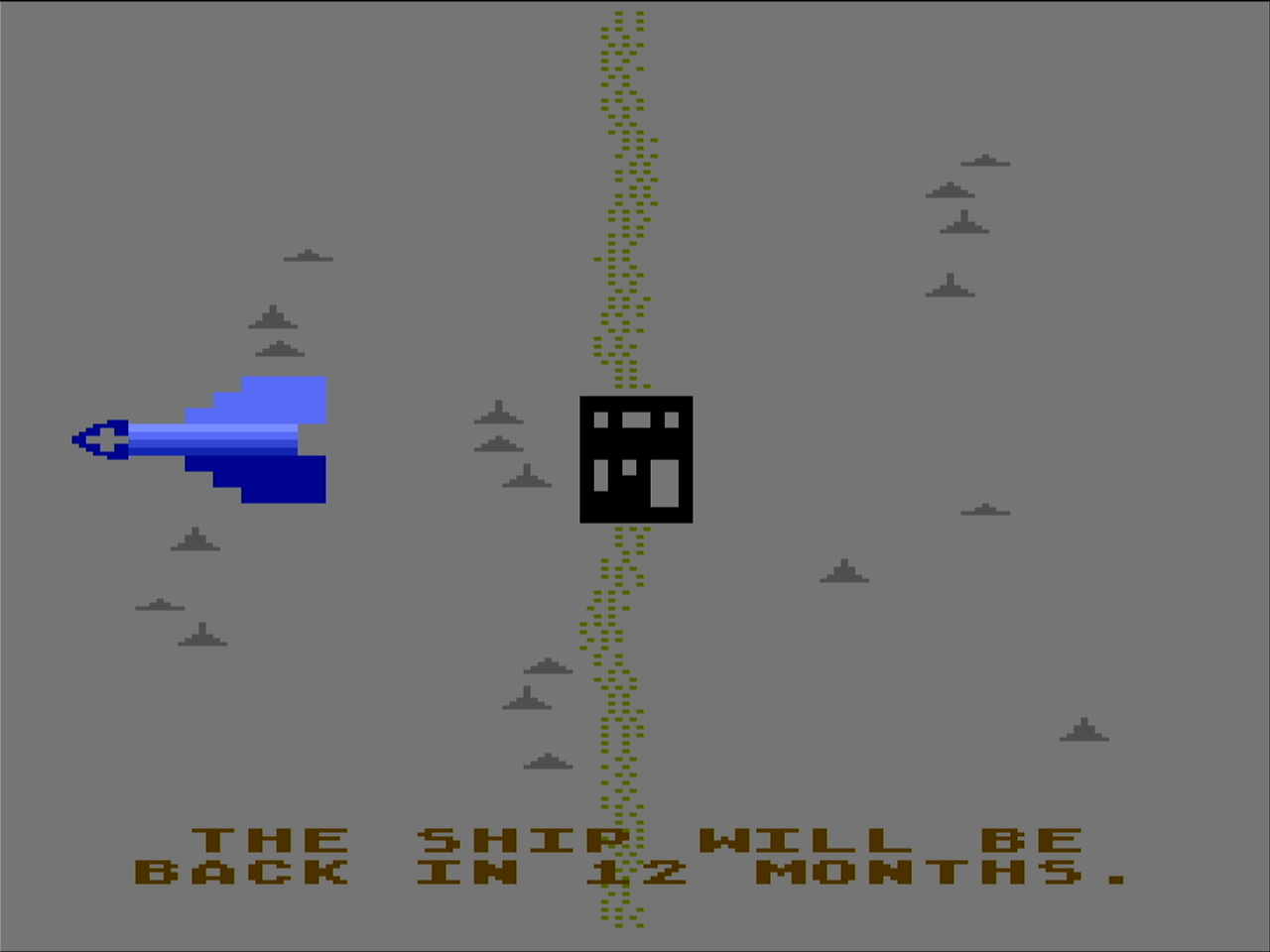
I’m playing a standard game which is 12 rounds.
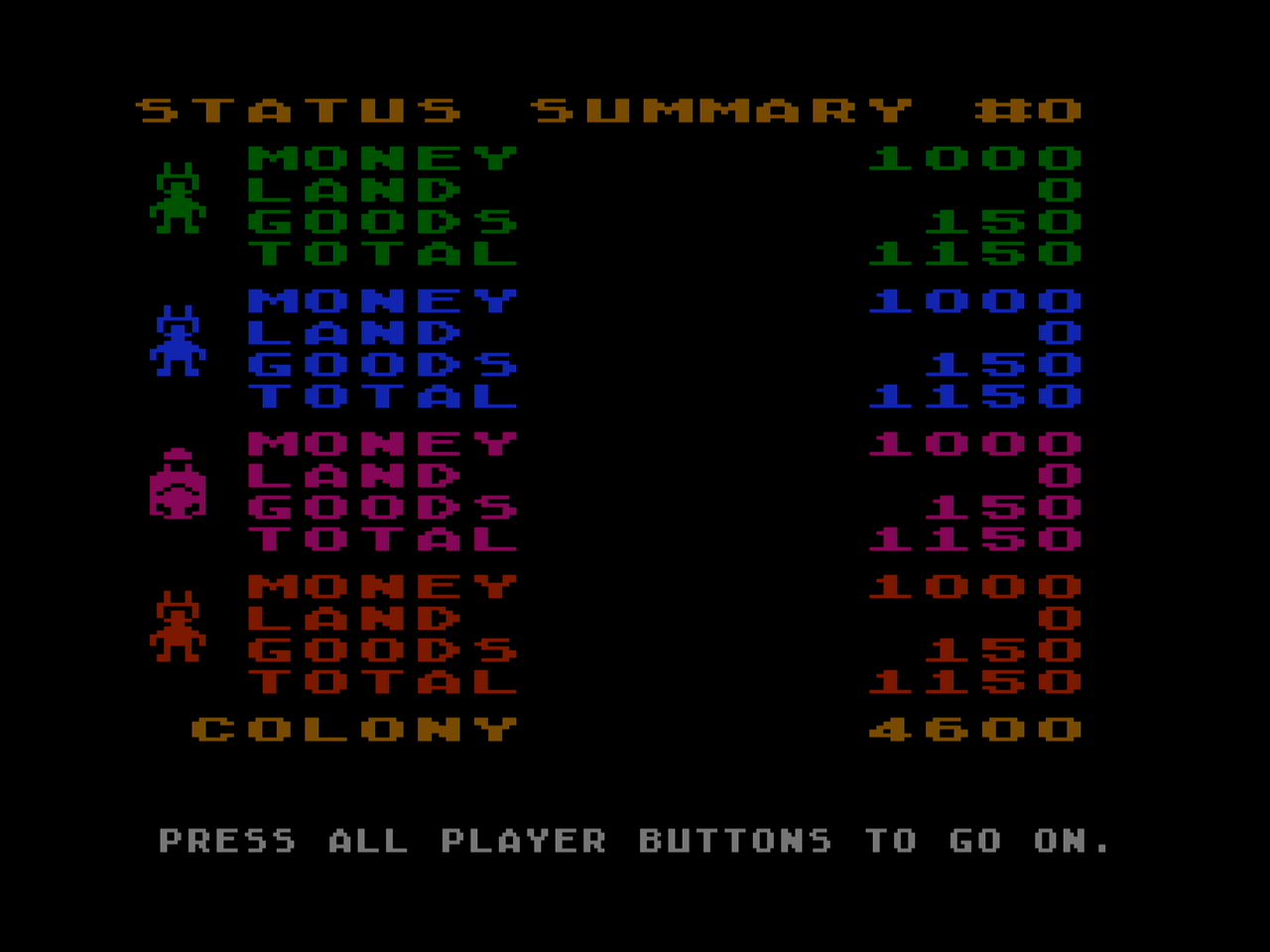
The score page shows we are all starting with equal resources.
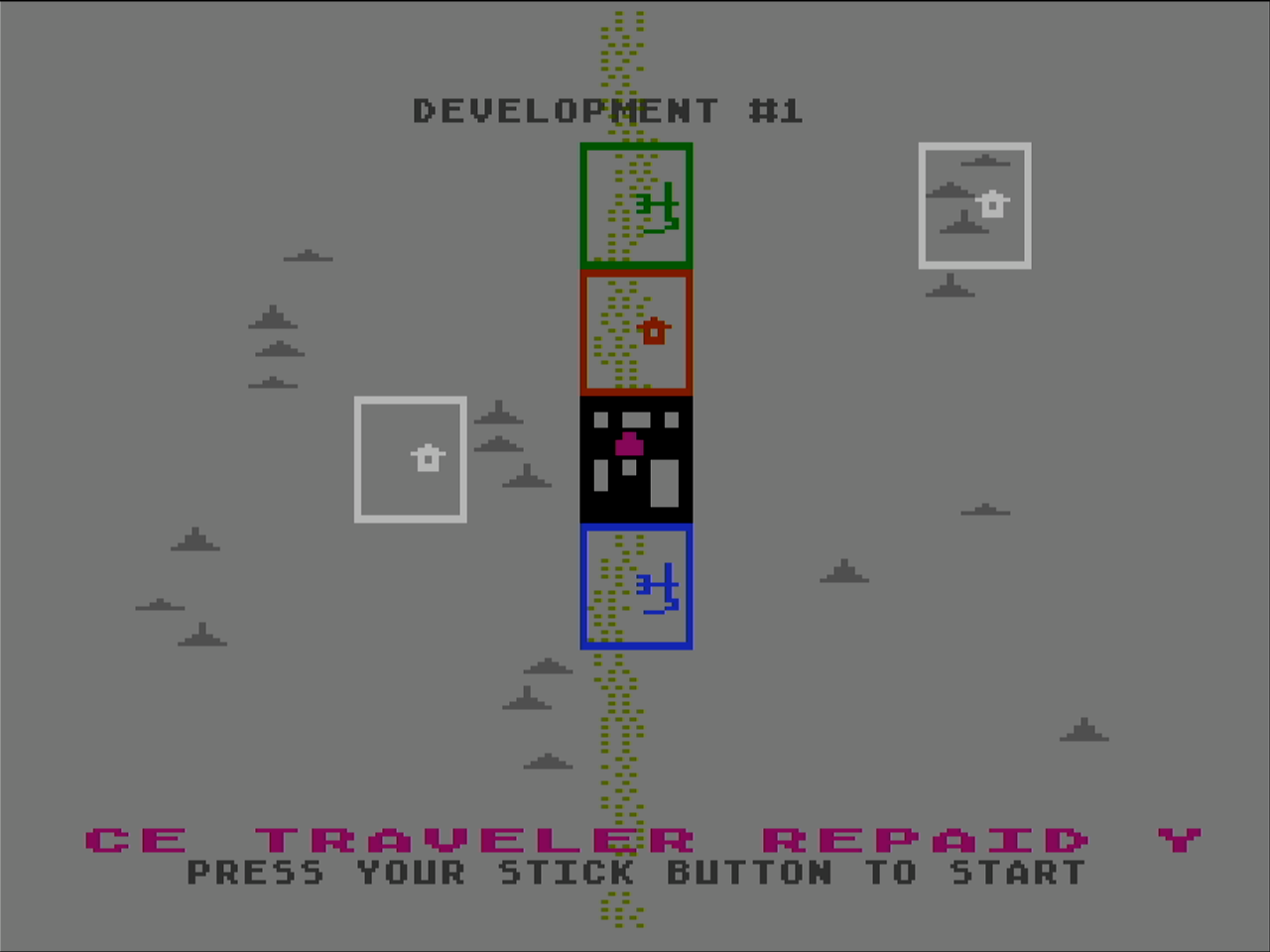
You start by selecting properties. The box cursor goes across and down the page and you click your button to select a property. The river is good for food, the plain open area is good for energy and mountains are good for ore. Sometimes the computer will auction an extra property and it did this time so I bought it and have two.
In the center you can buy a mule and outfit it for food, energy or smithore. I had to quickly do this so I could get two mules out on my properties.
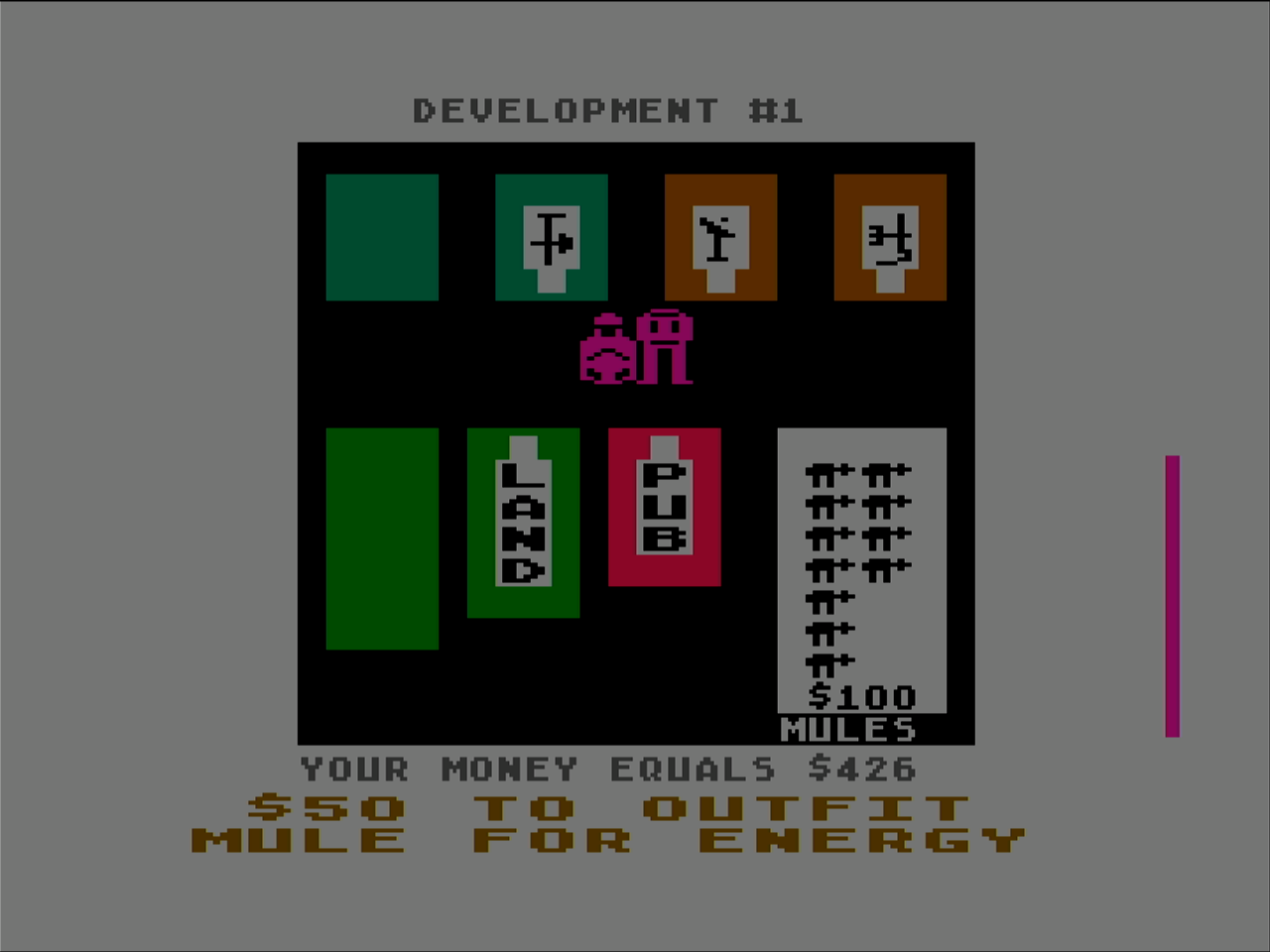
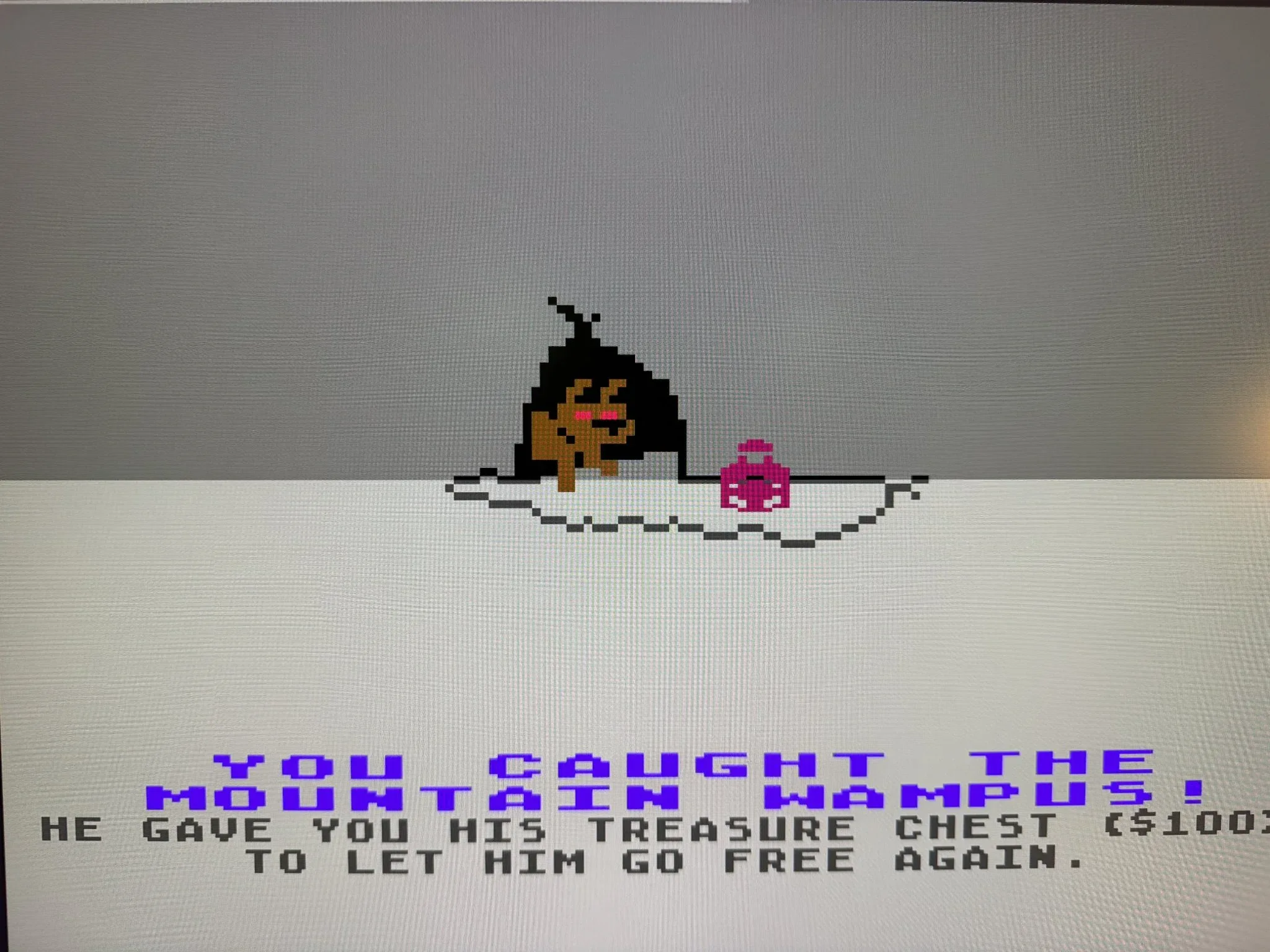
If you have time left in your turn, you can attempt to catch the “Wampus” for some extra money.
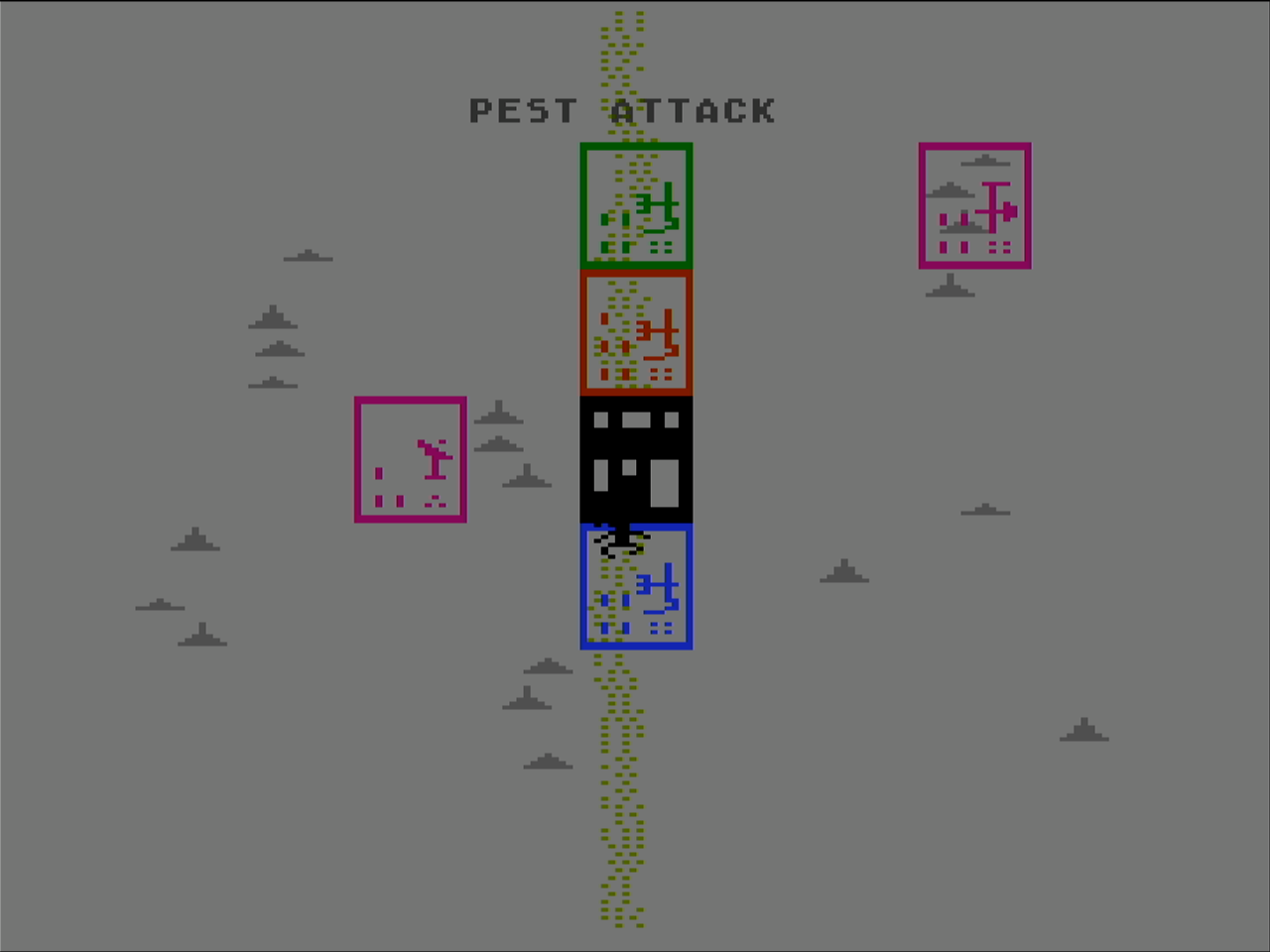
Once everyone is done with their turn, the period begins and the properties “grow” food, energy and smithore. Random events occur such as this pest attack which is robbing one player from their food made this period.
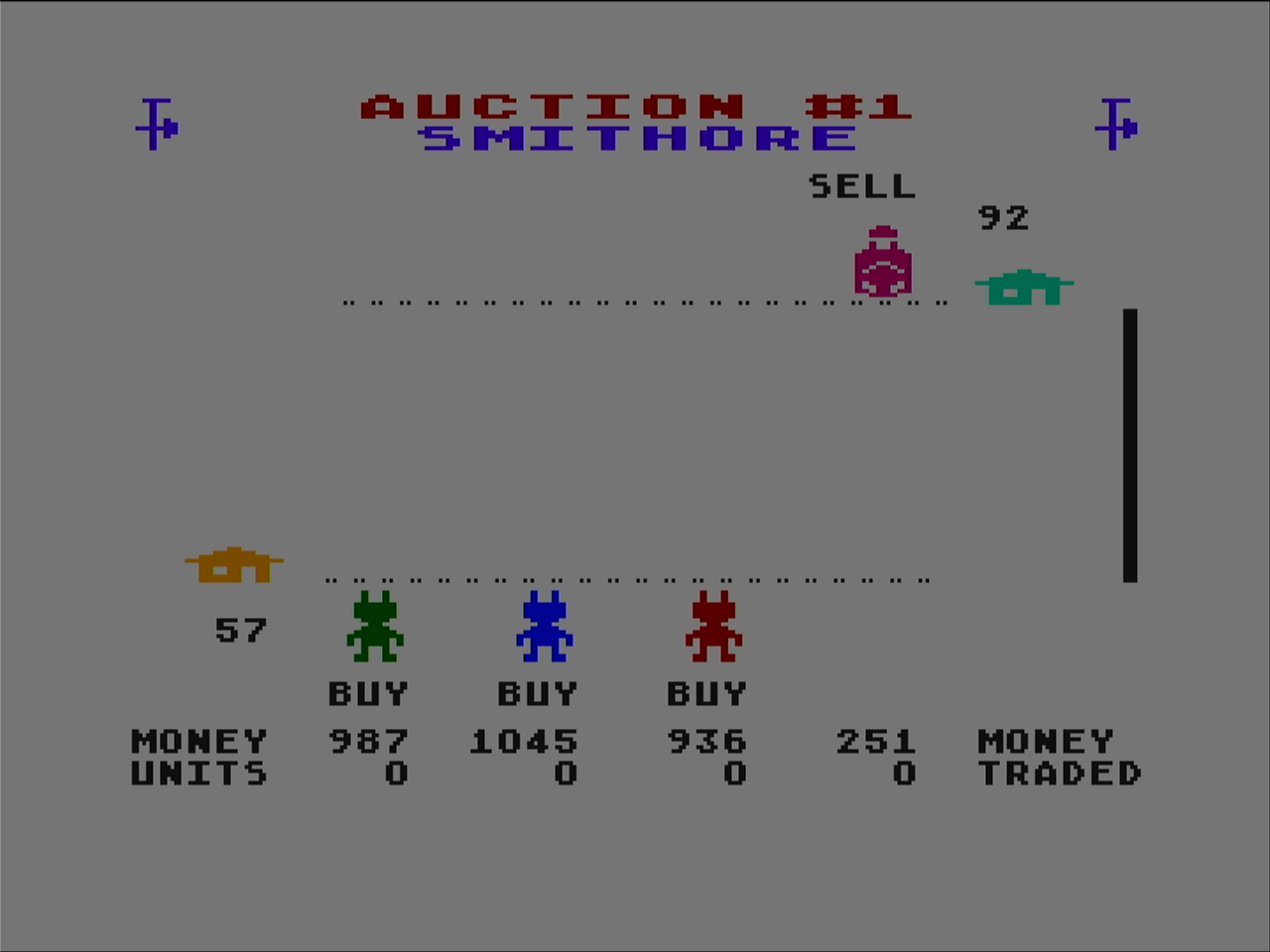
An auction looks like this, where players move up to increase their bid to purchase and players move down to reduce their bid to sell. Nobody is taking me up on my ore, but I can always sell it to the store if I need the money and I do.
Here some computer players have extra food to sell. Food is perishable so you can’t just hold onto a lot of it. The store may have some to sell as well.
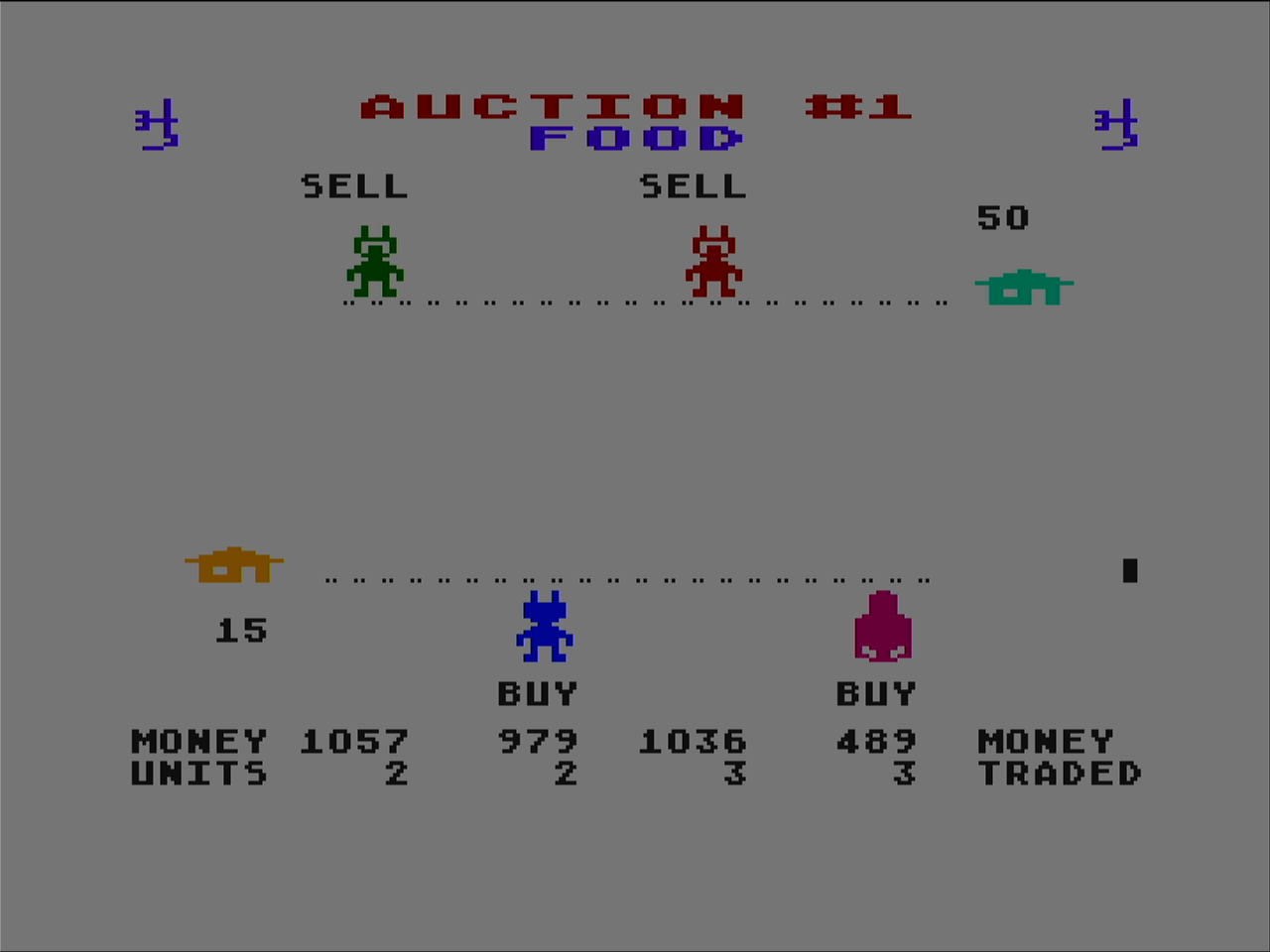
Since lucky me got the extra property and put energy on it, I’m the only one that has some to sell. Since the store has some, the price isn’t great. You can do dastardly mean things like purchase all items from the store to force it to be empty. That would make the other players have to bid high on the next round unless they can successfully produce their own.
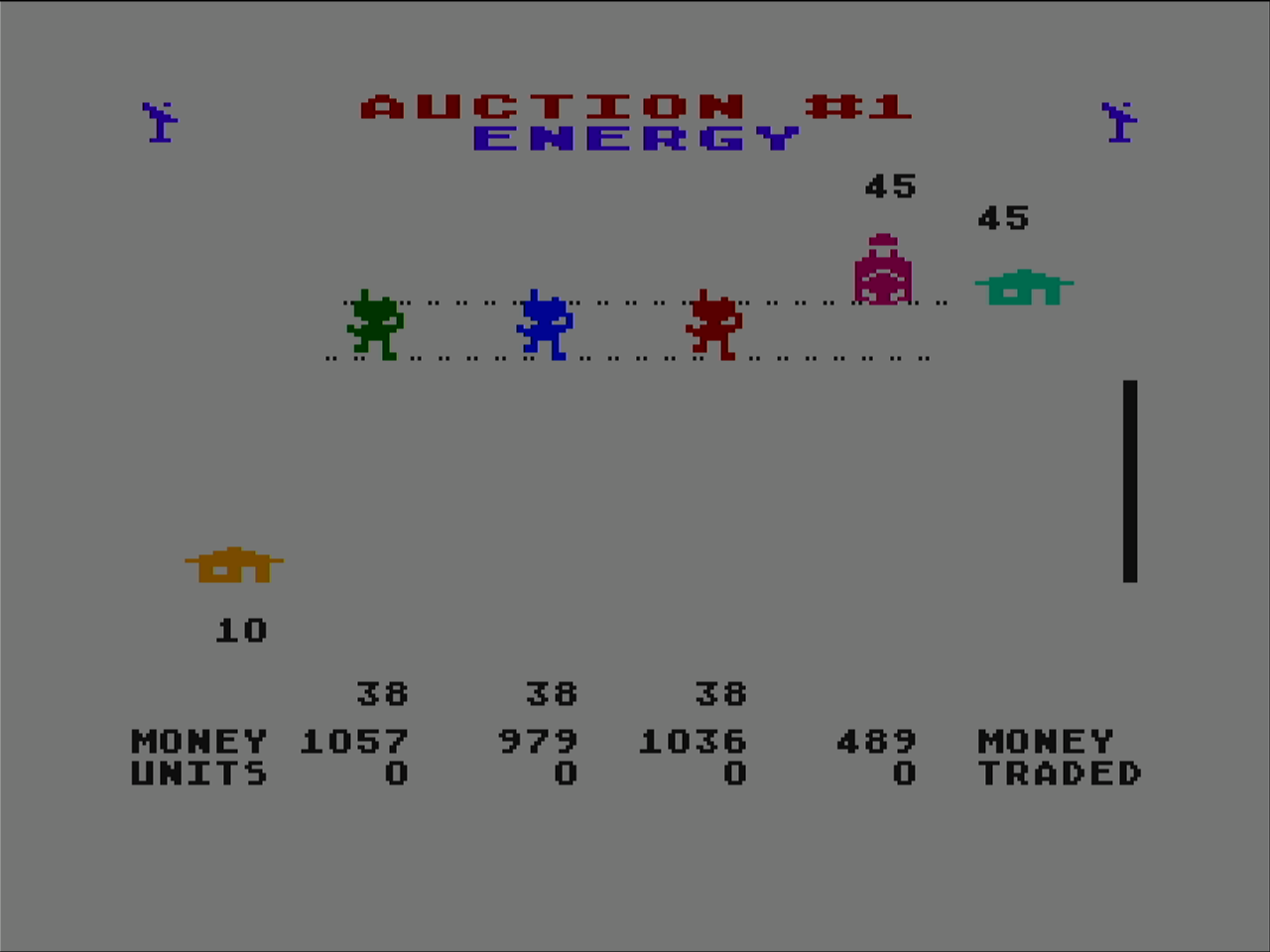
At the end of each round you see the leader board. I’m slightly ahead so far but its not guaranteed to continue that way. You don’t just want to win as you want to cooperate enough that the whole colony does good as the full colony gets rated at the end.
If you have never played this game before I highly recommend downloading an emulator like Altirra and trying it out.
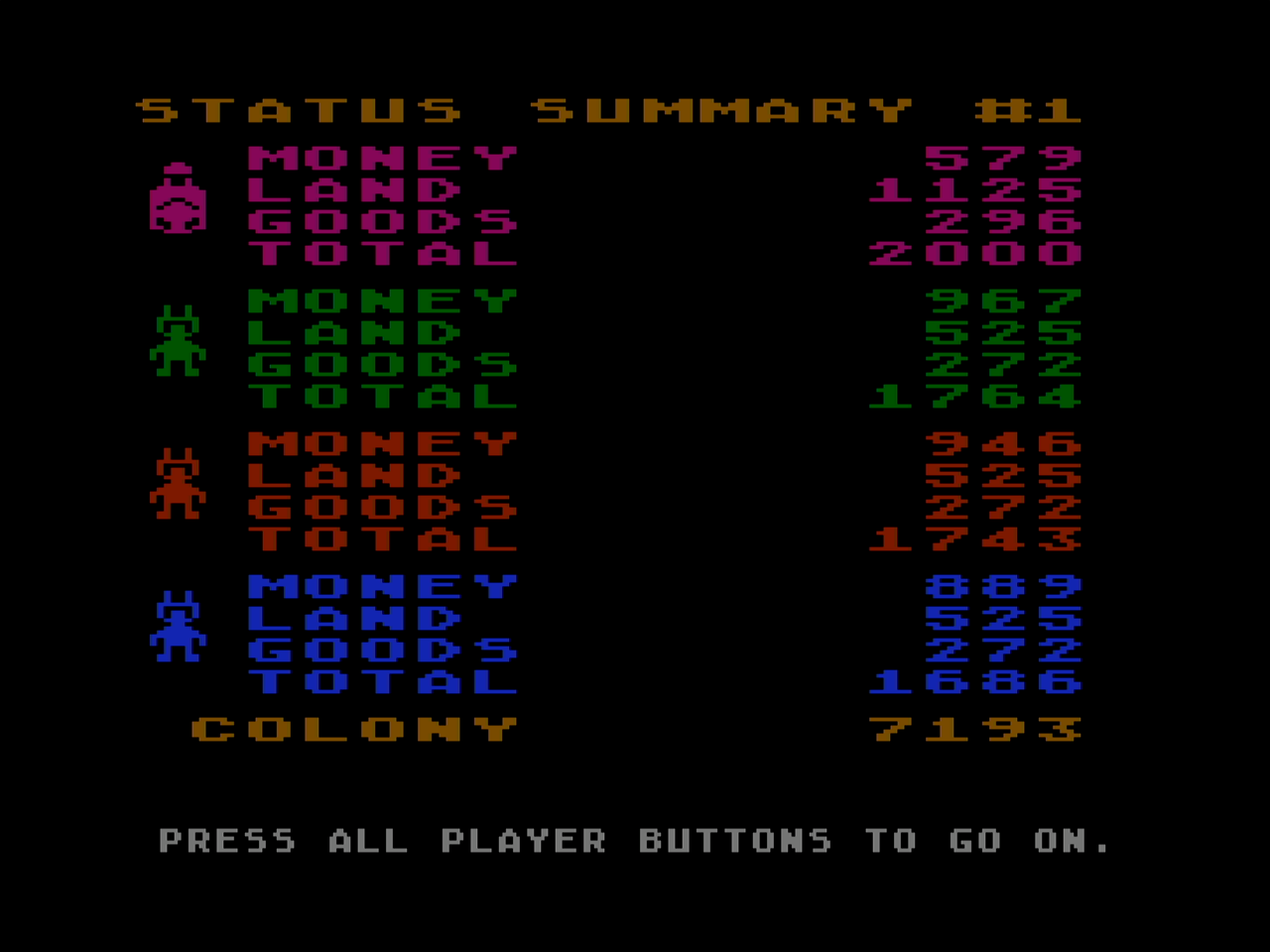
Archon and Archon II are uniquely fun games that mix strategy and simple arcade action. They are like chess, however when a player attempts to take an opponent piece, they must battle it out with them in an arcade arena. Each piece type has its own movement and fighting characteristics.
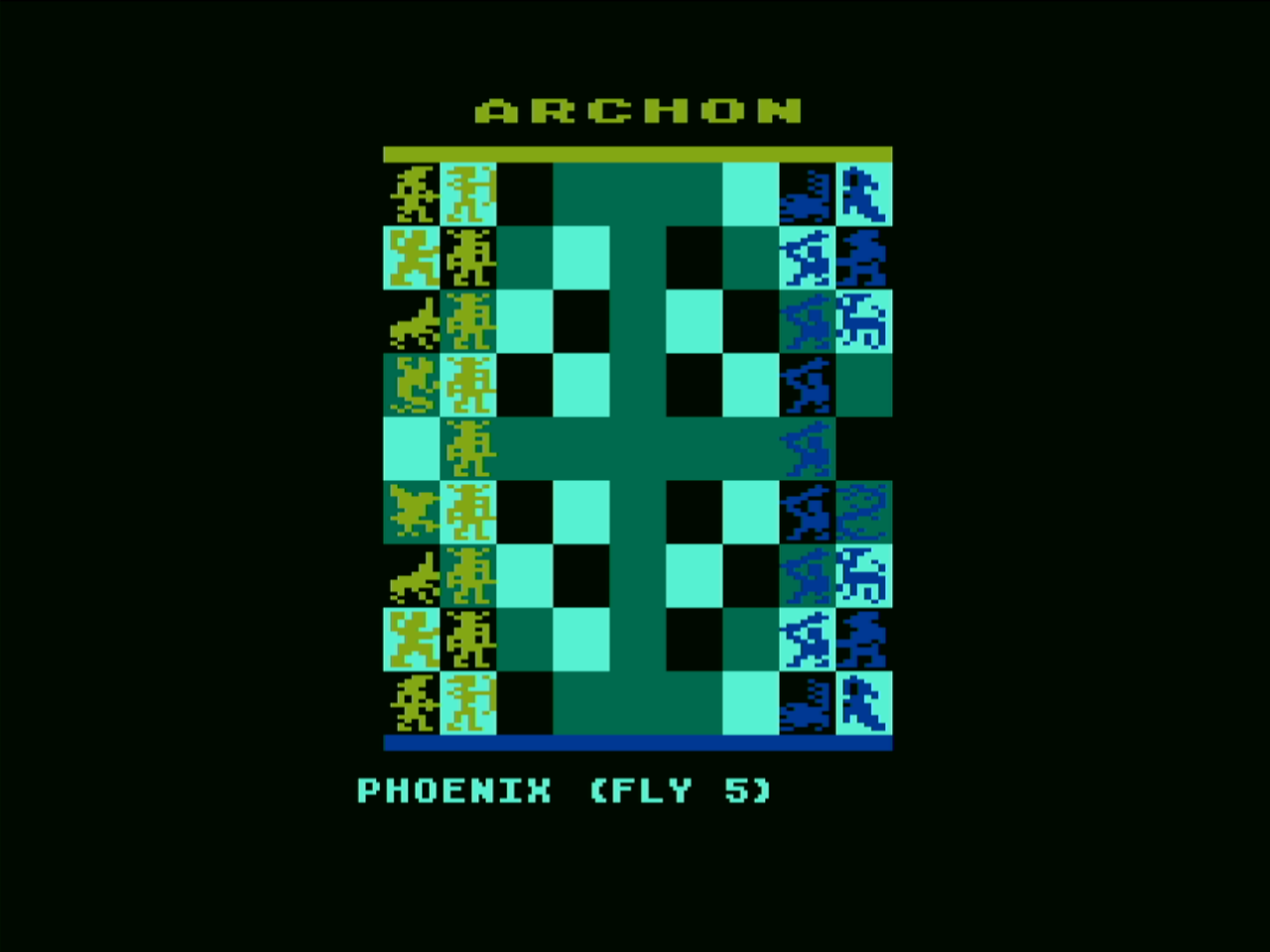
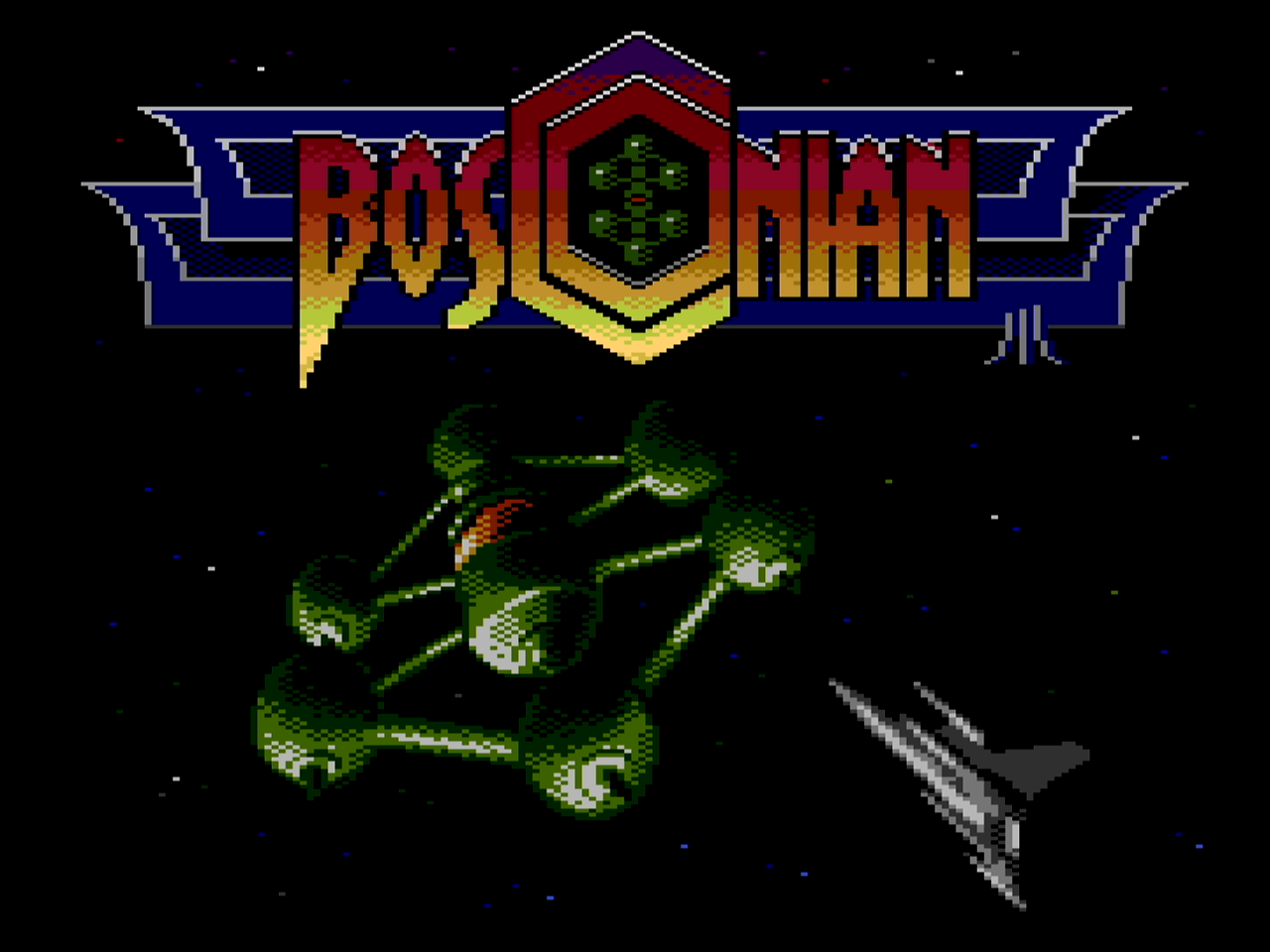
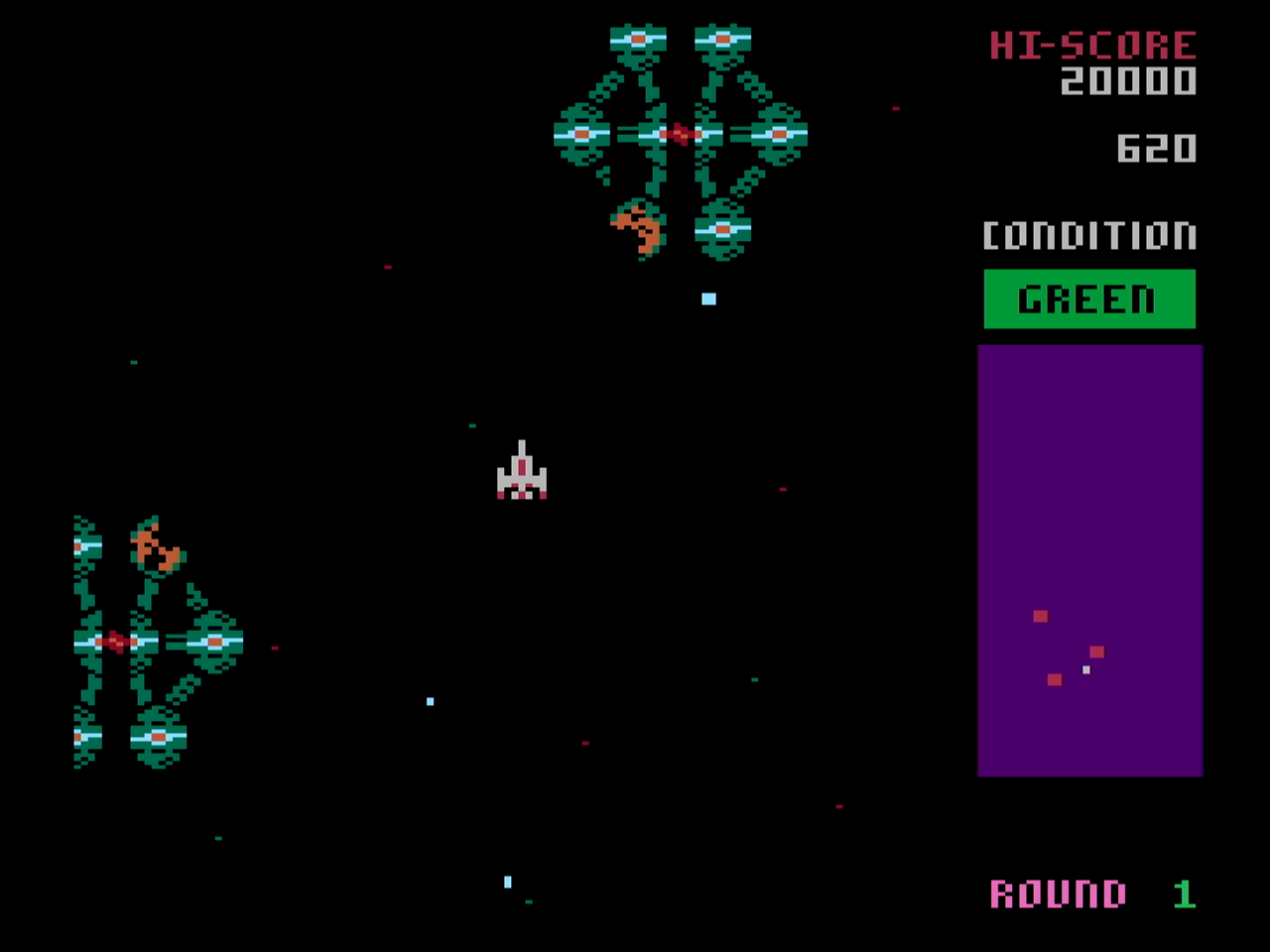
Bosconian is a modern port of the Bosconian arcade game. The port comes in 64K and 128K versions.
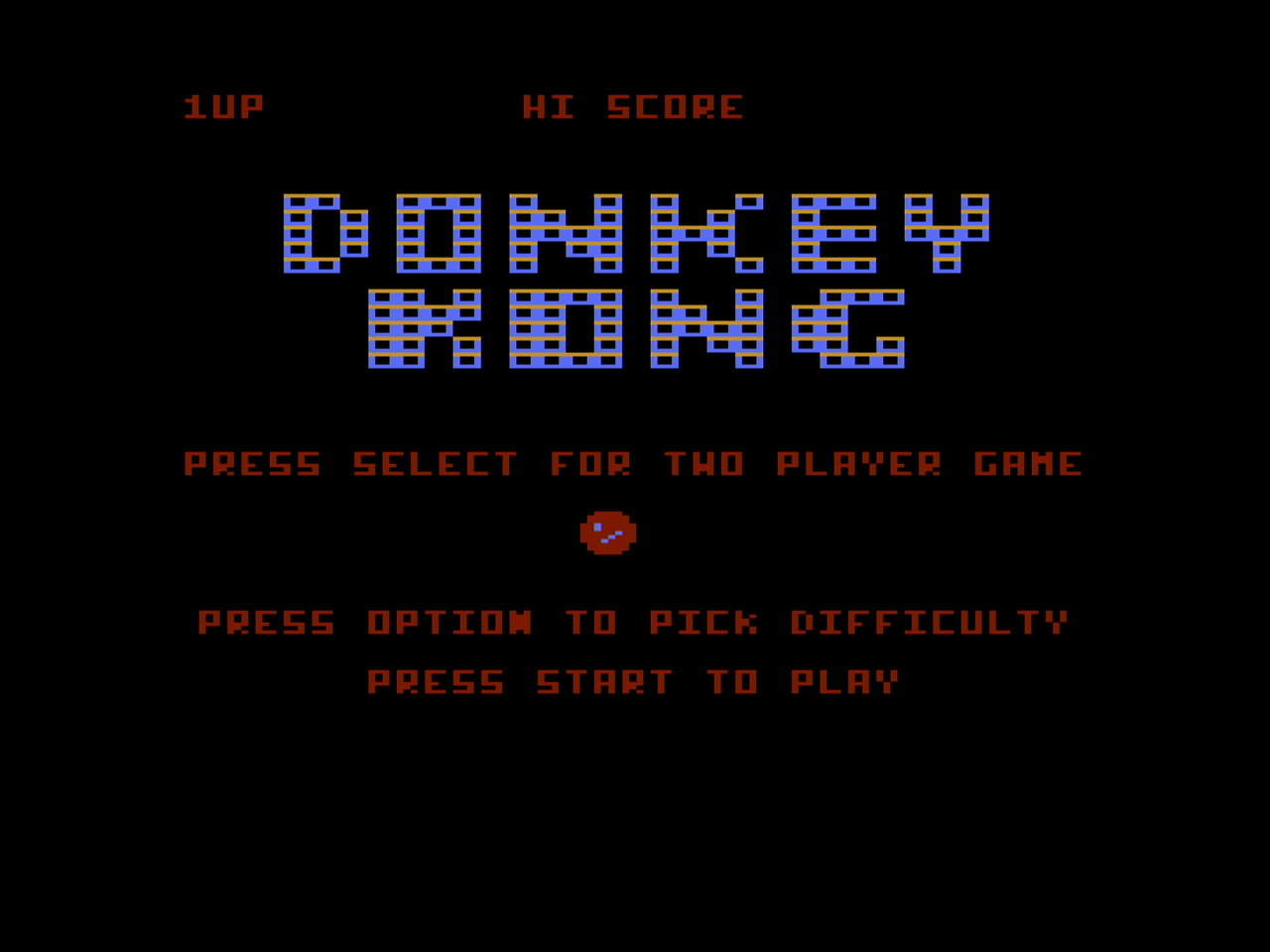
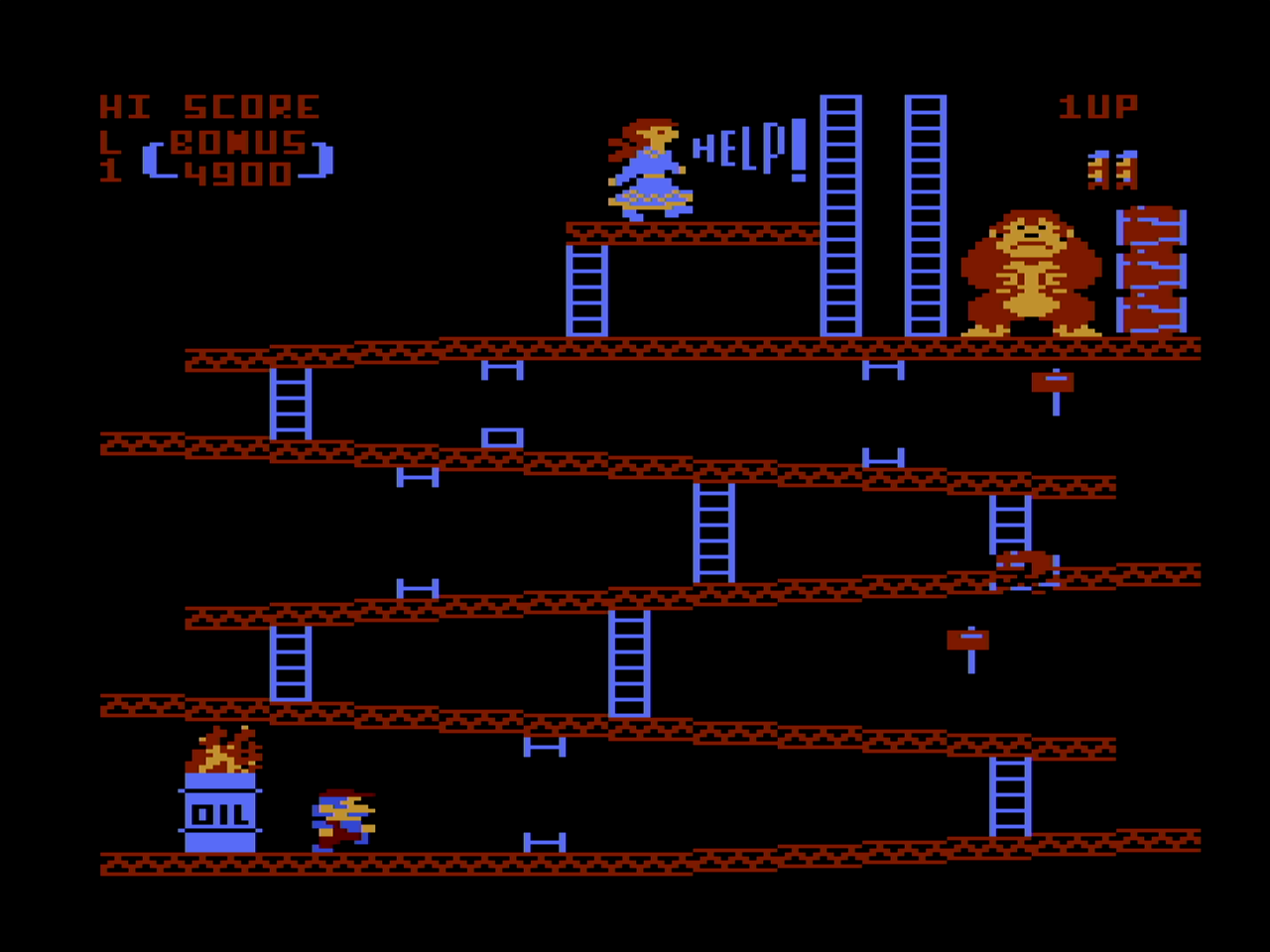
Donkey Kong is represented well on the Atari 8-bit with a decent port.
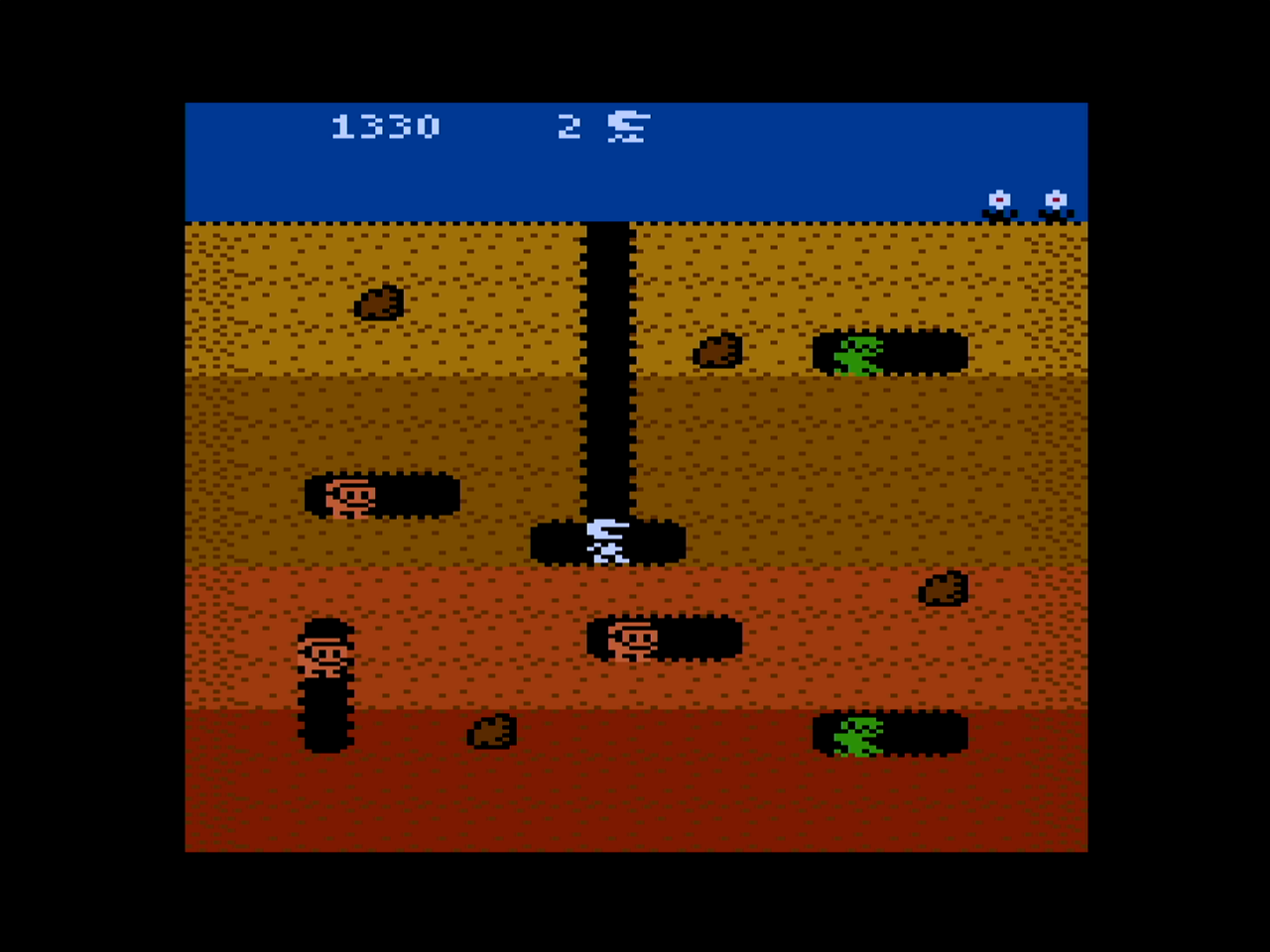
There is a good version of Dig Dug on the 8-bit Atari also.
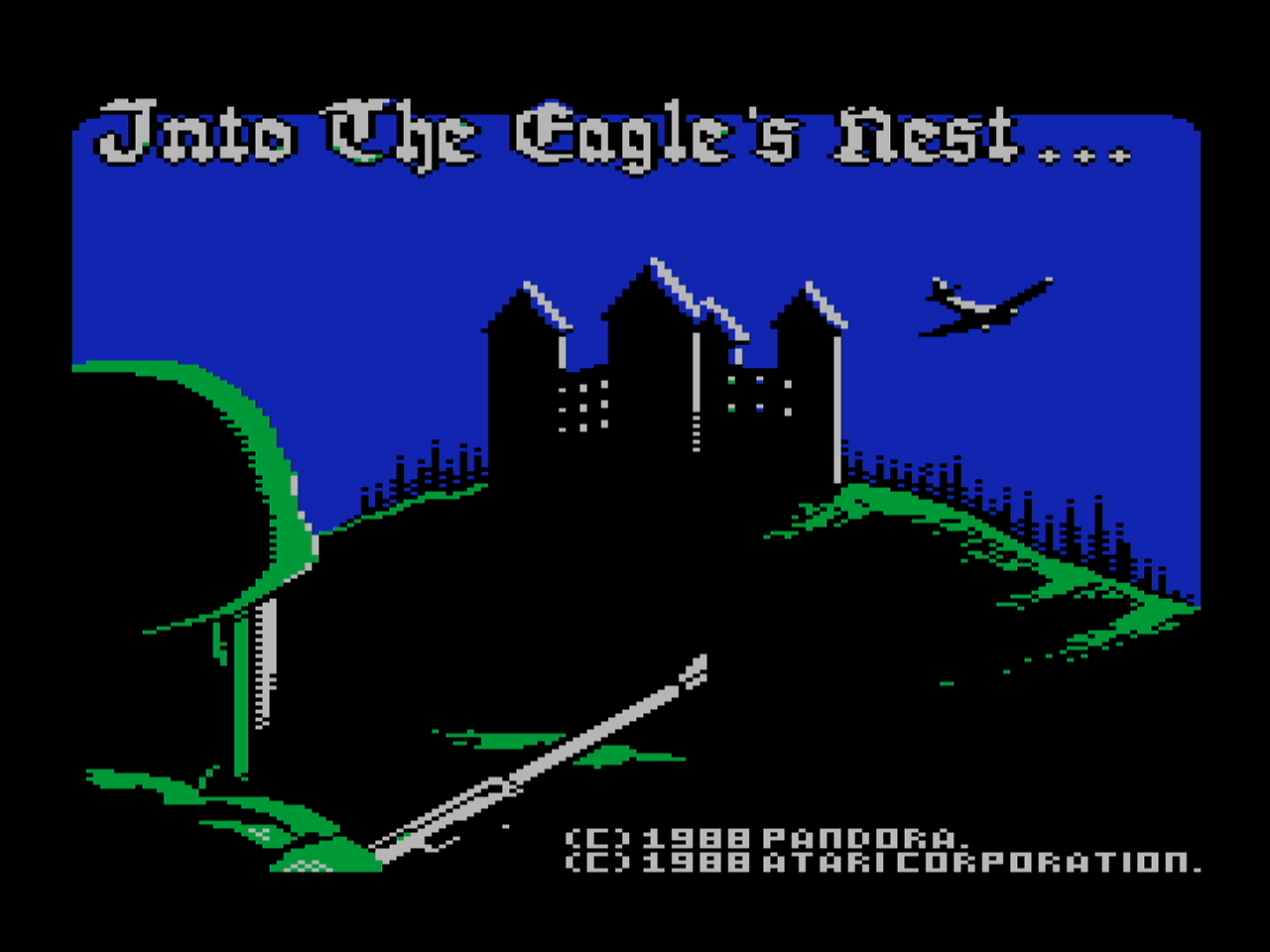
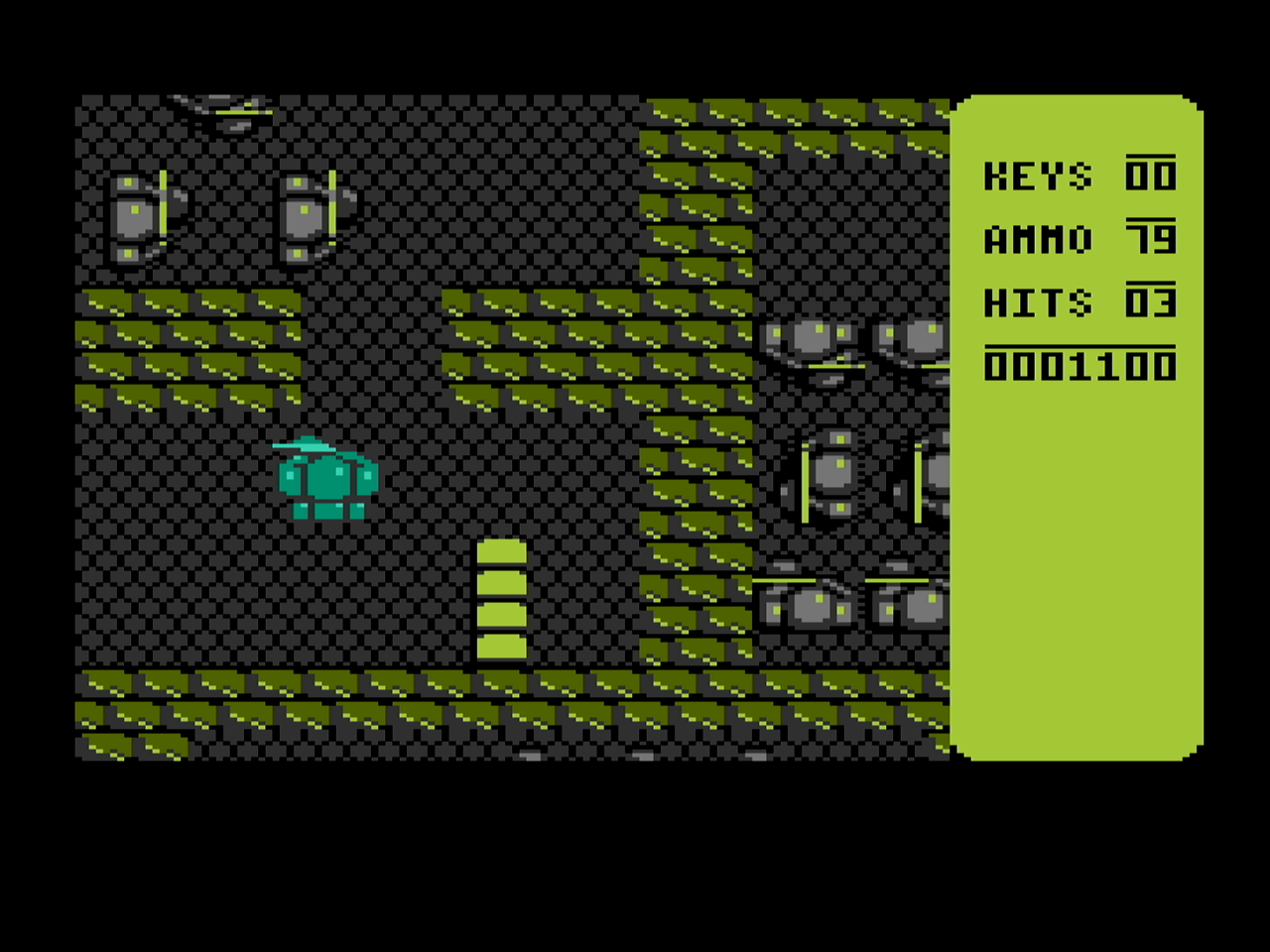
Into the Eagle’s Nest is a top looking down shooter that is fun and has nice sound effects.
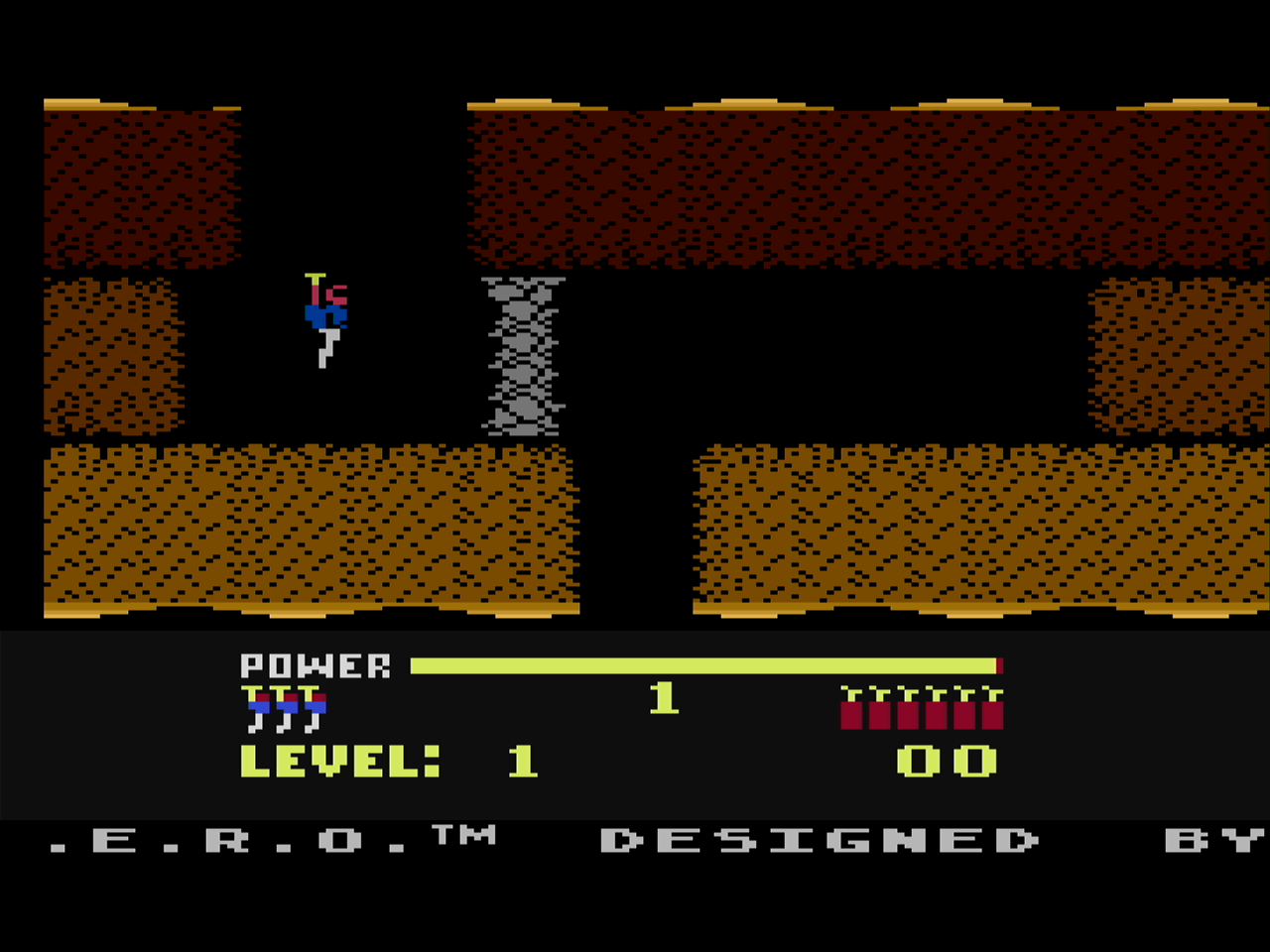
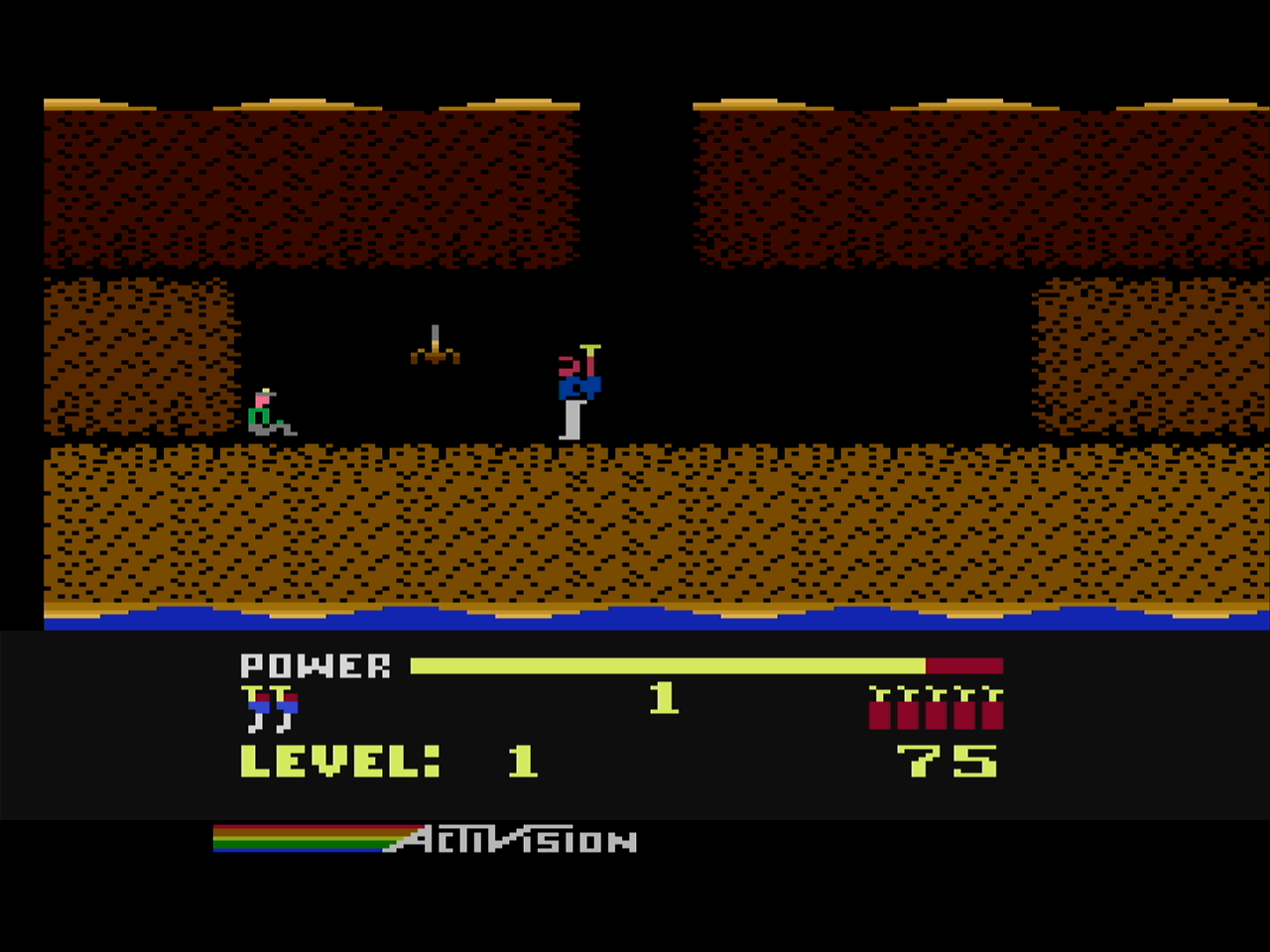
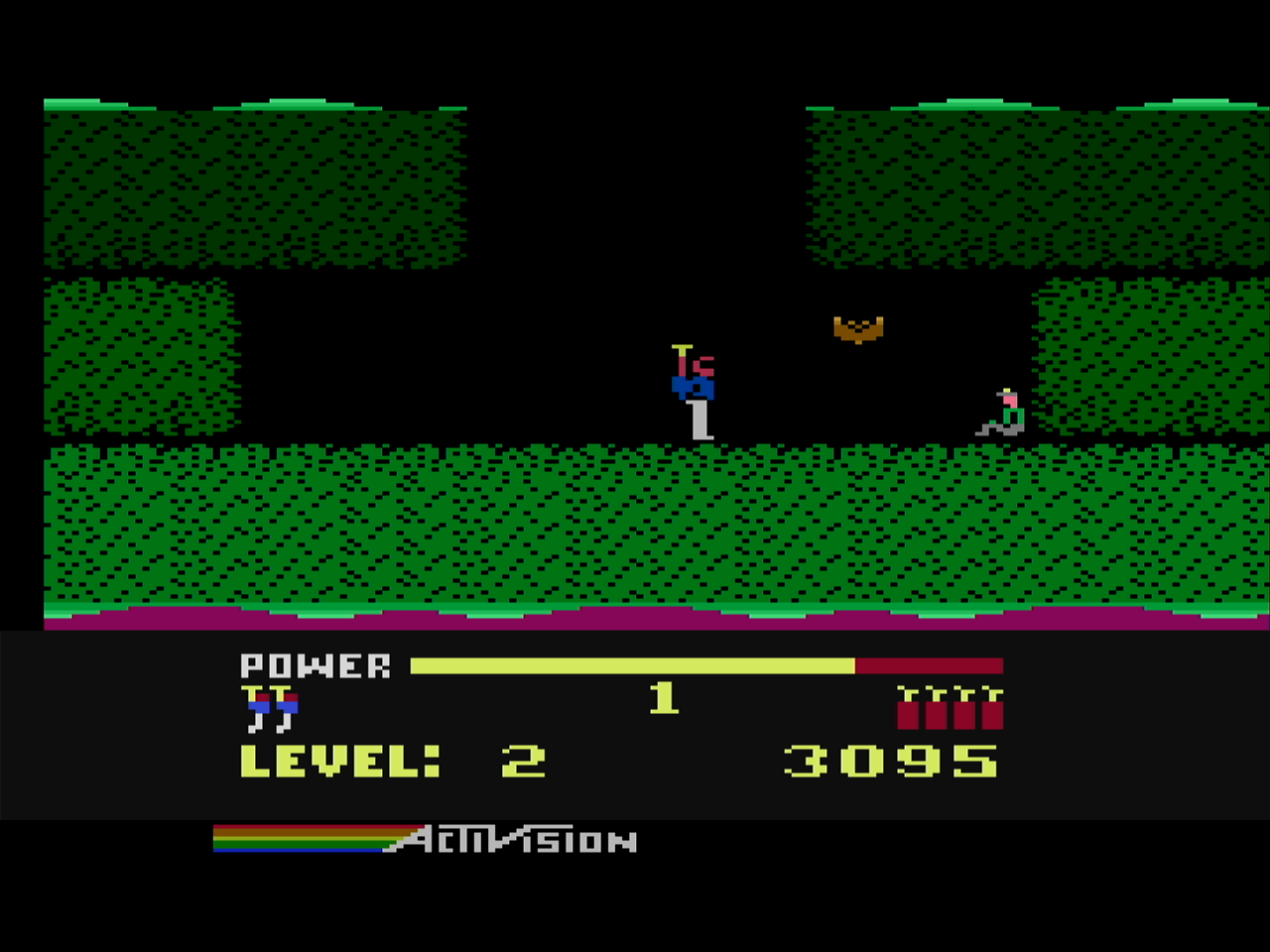
There is a nice version of the H.E.R.O. 2600 game that is good for a quick play.
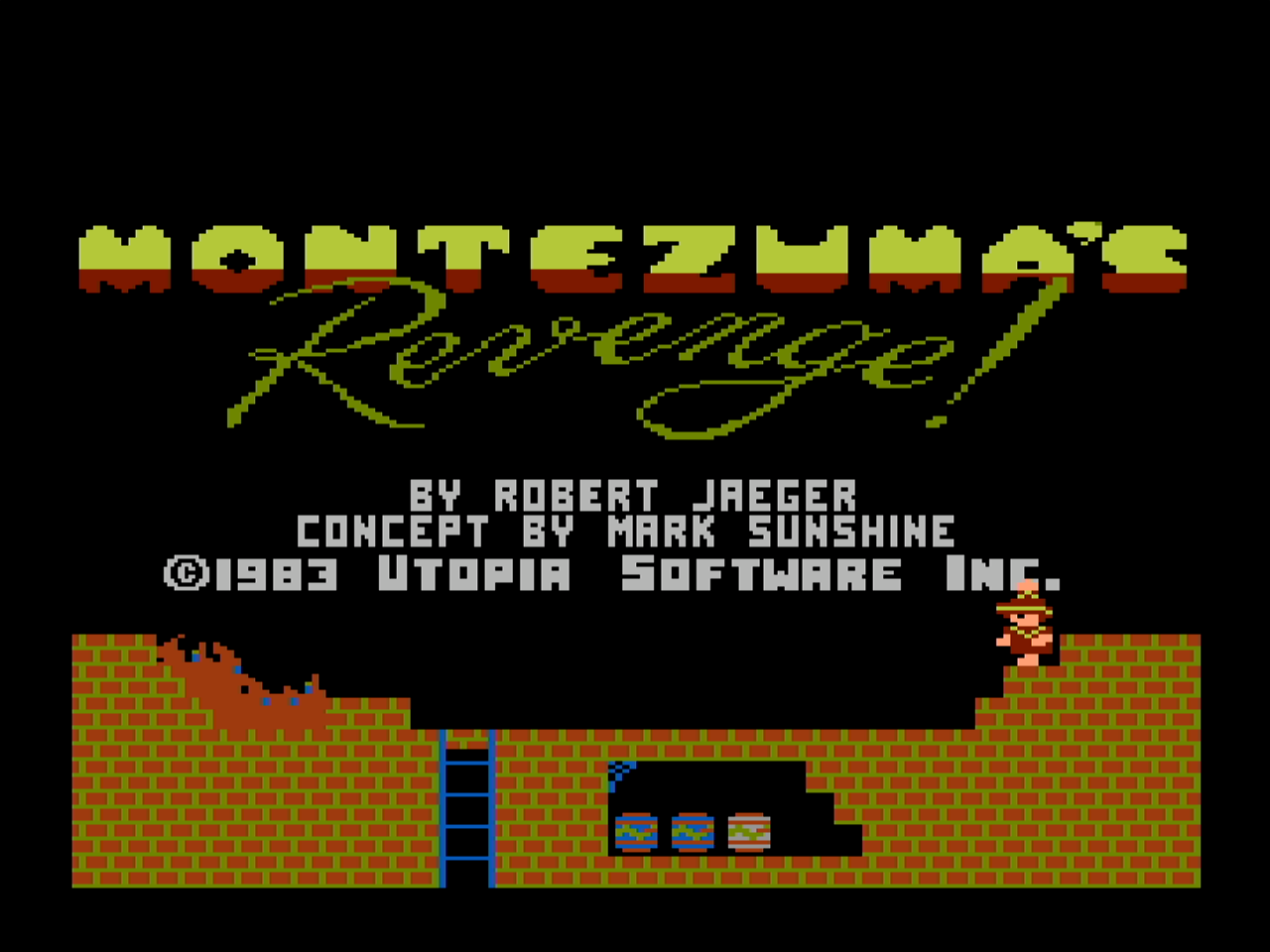
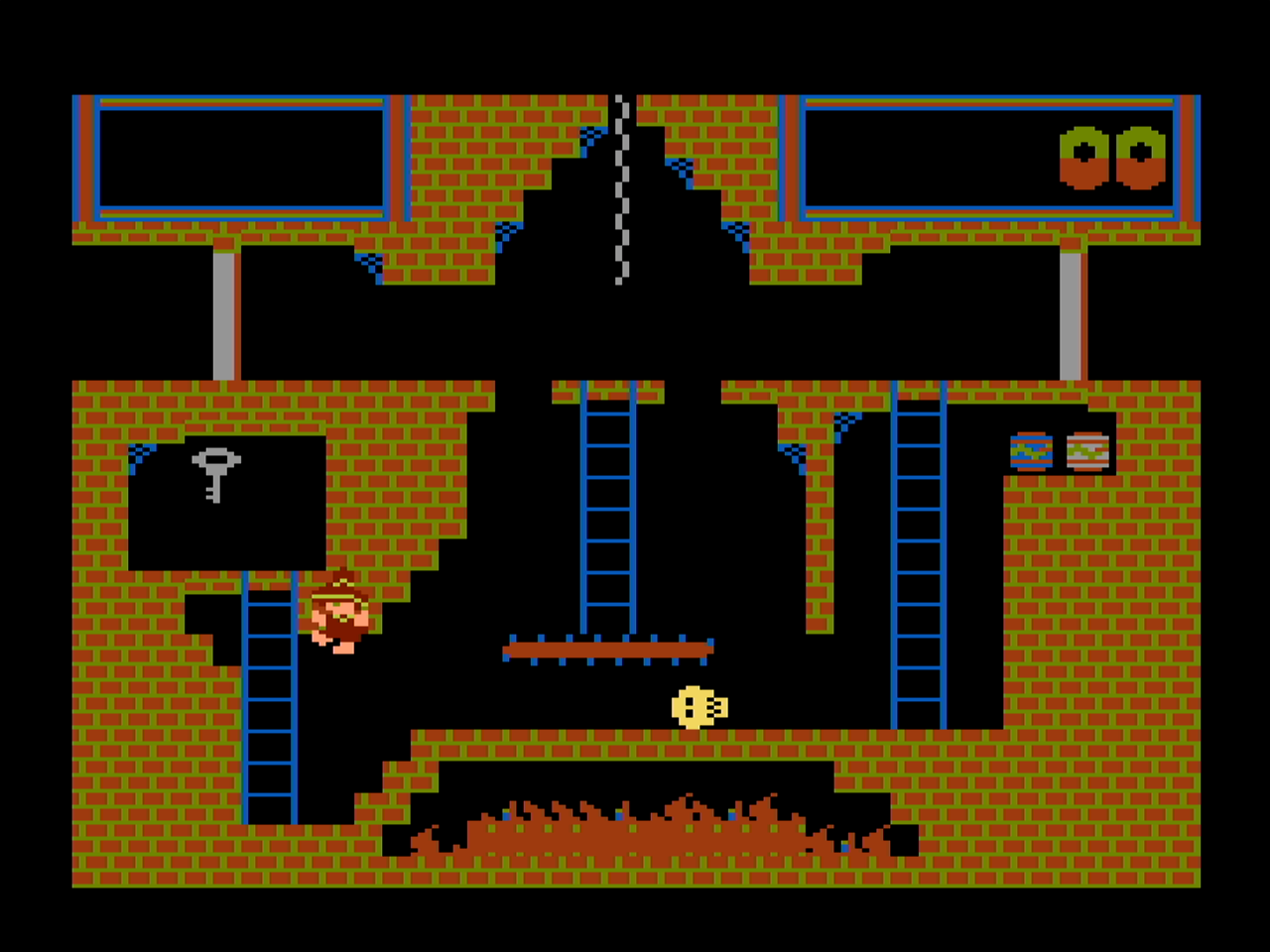
Montezuma’s Revenge is another favorite that was written for many systems.
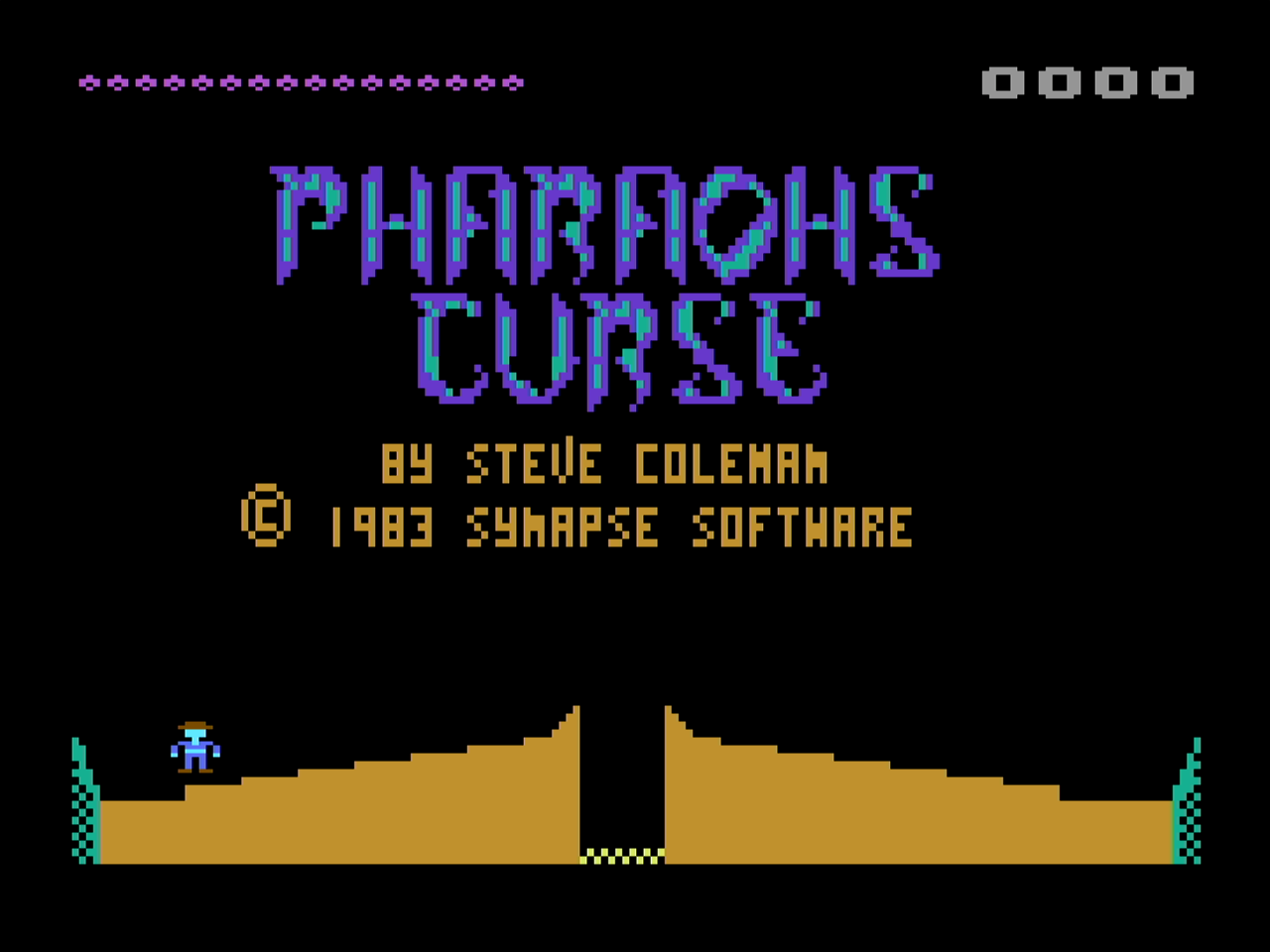
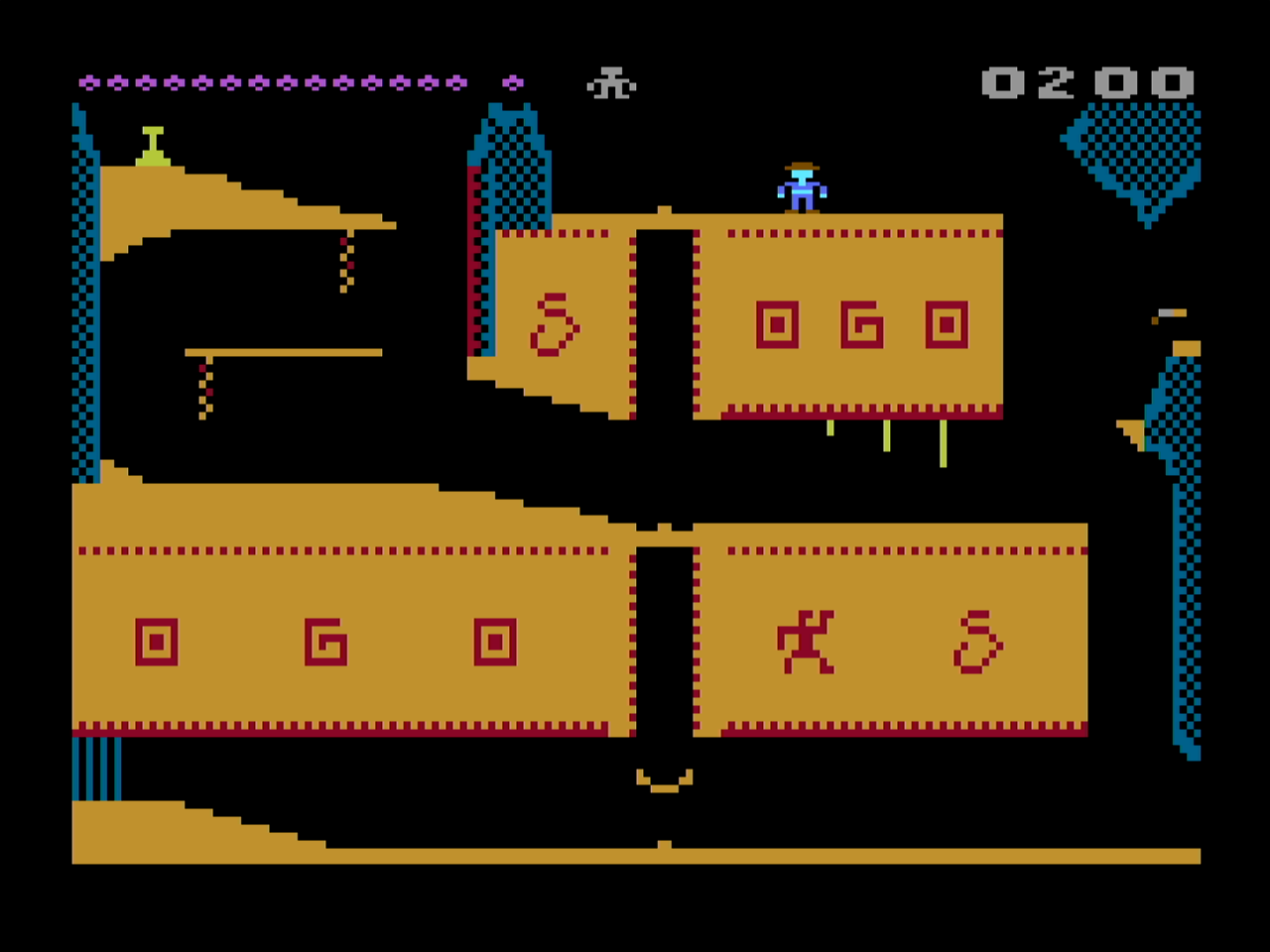
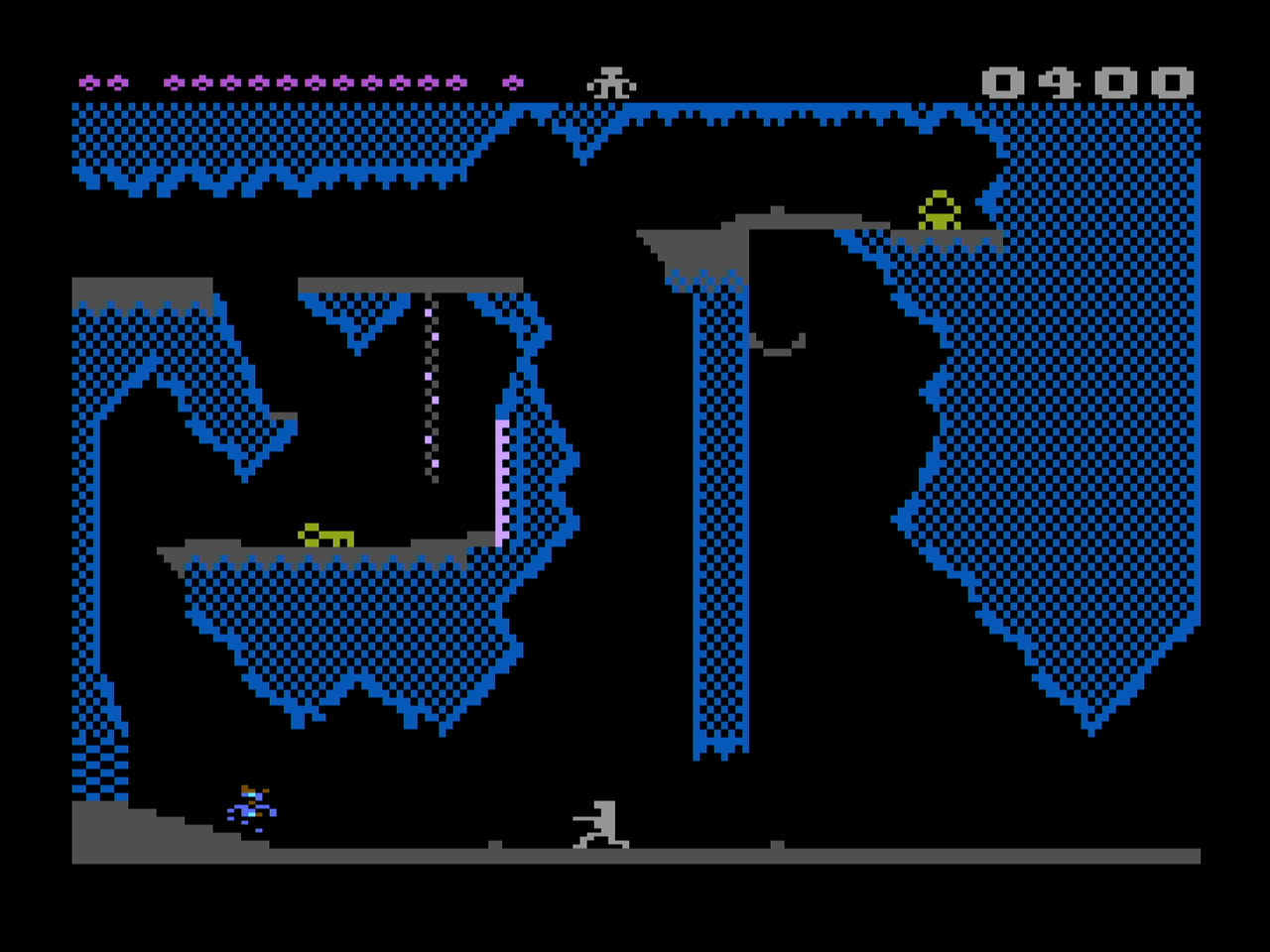
Along the same archaeological theme, Pharaoh’s Curse is a well designed platformer with great room designs and a frustrating bird that will pick you up and drop you randomly somewhere else.
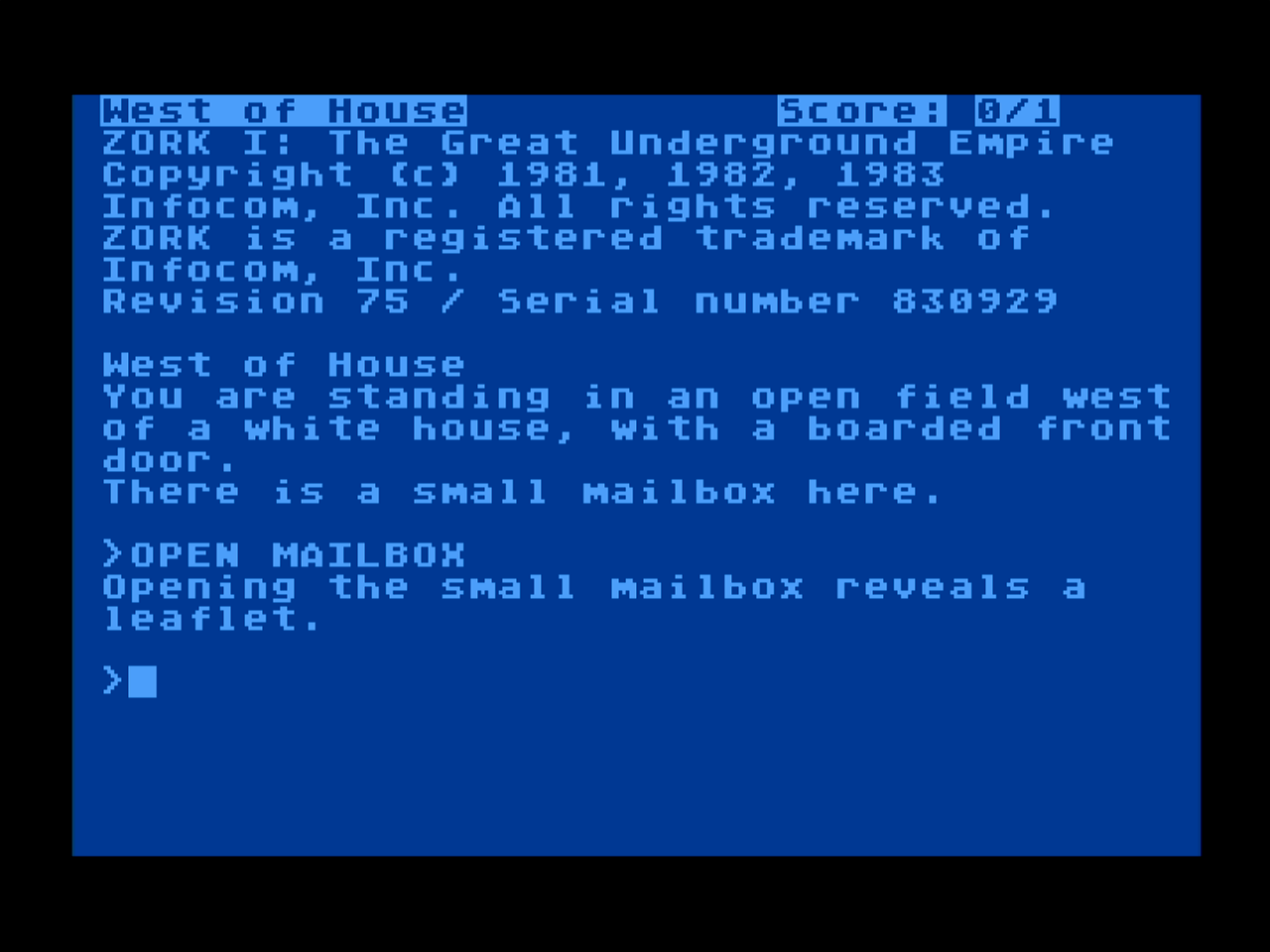
As Infocom interaction fiction games were really popular at the time there are versions of those games for the Atari 8-bit.
The games above are some I’ve played and dropped in a “favorites” folder on my Side3 cartridge SD card. This old software doesn’t take up a lot of SD card space so its possible to put an archive of the entire collection from back in the day. The Atari Mania games page has a list of popular titles as voted by the site users.
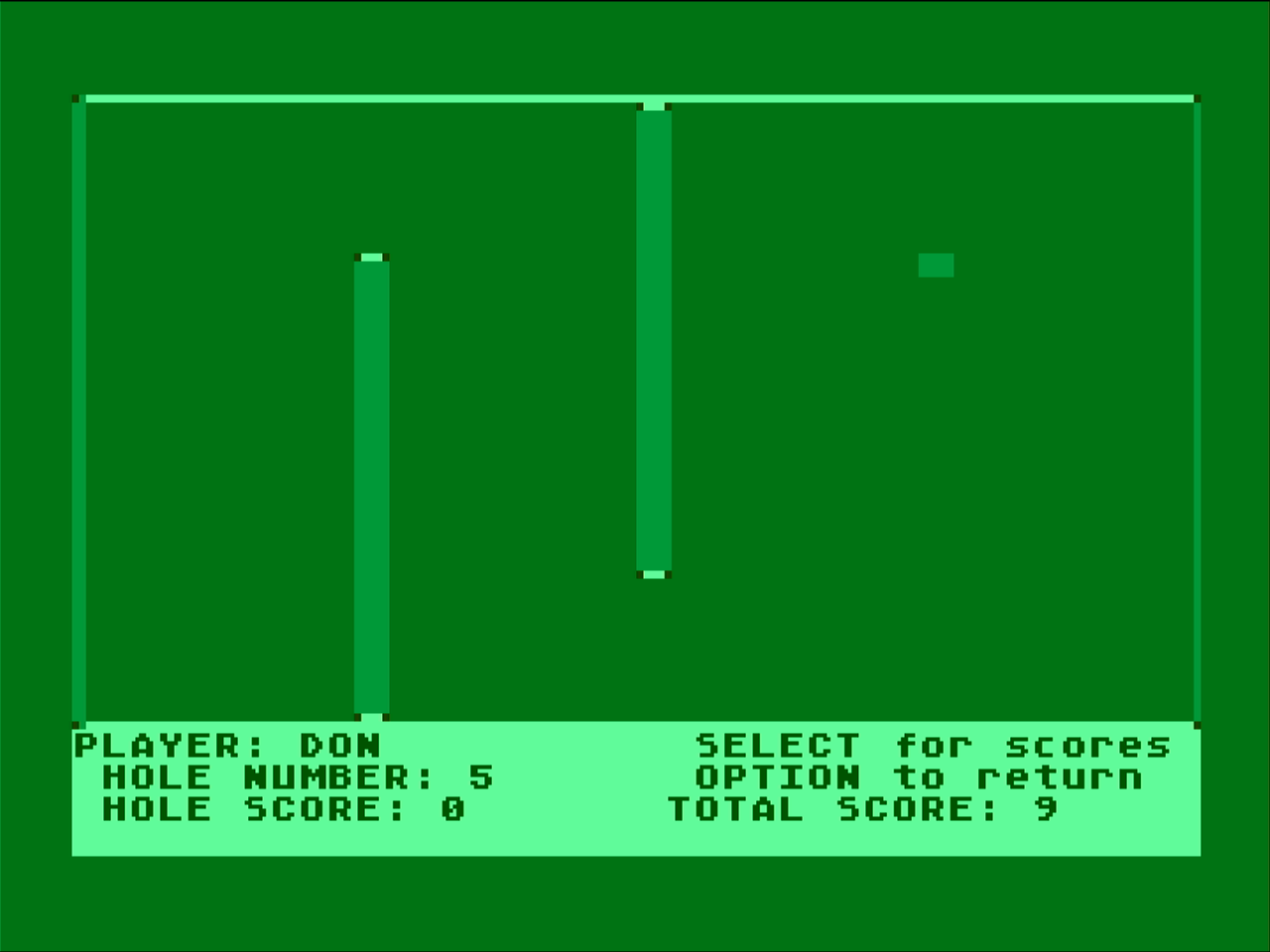
One game I recall playing in the 80’s with friends is a mini golf game written in BASIC. In BASIC it is pretty slow, but the game was a lot of fun.
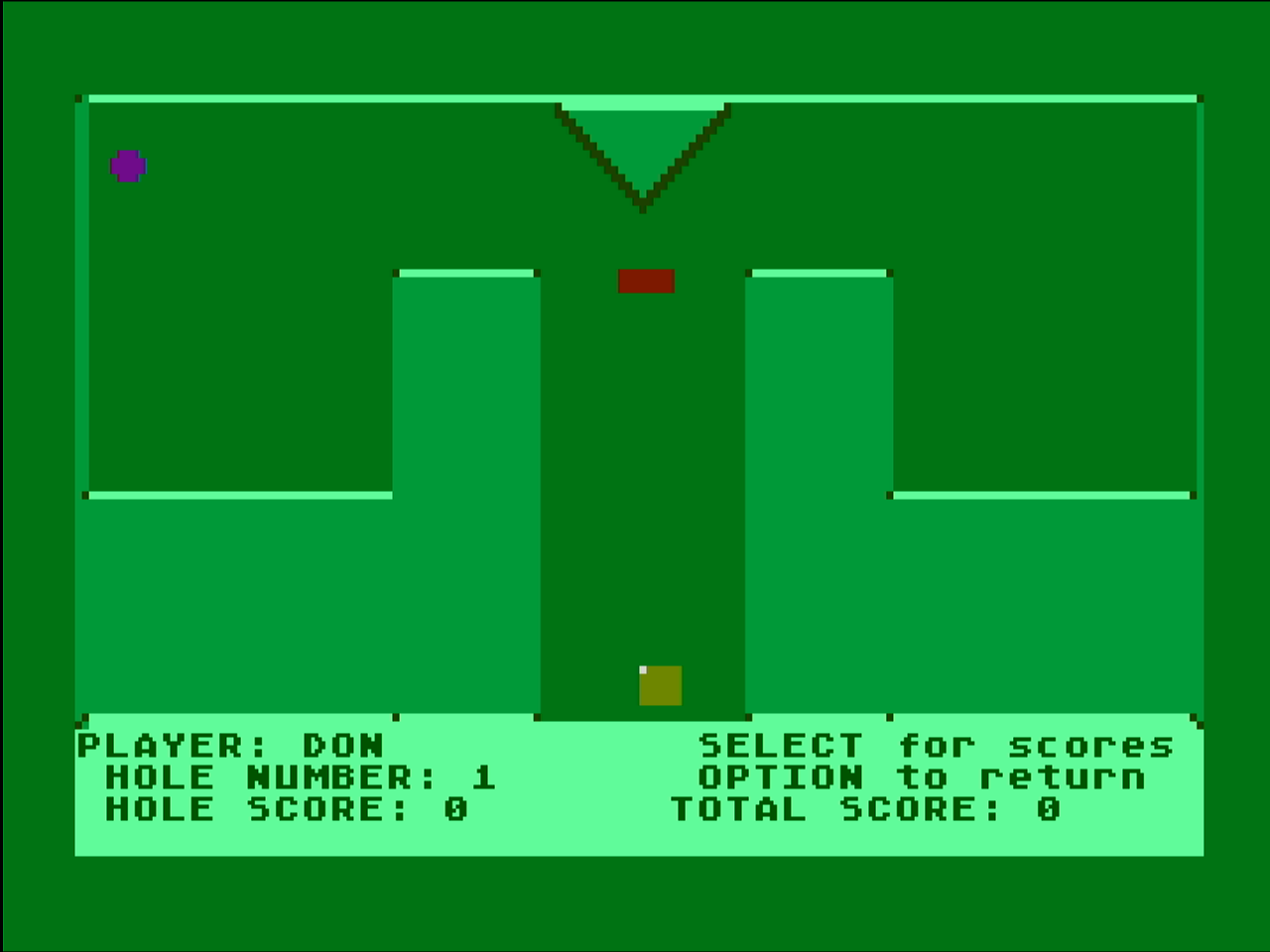
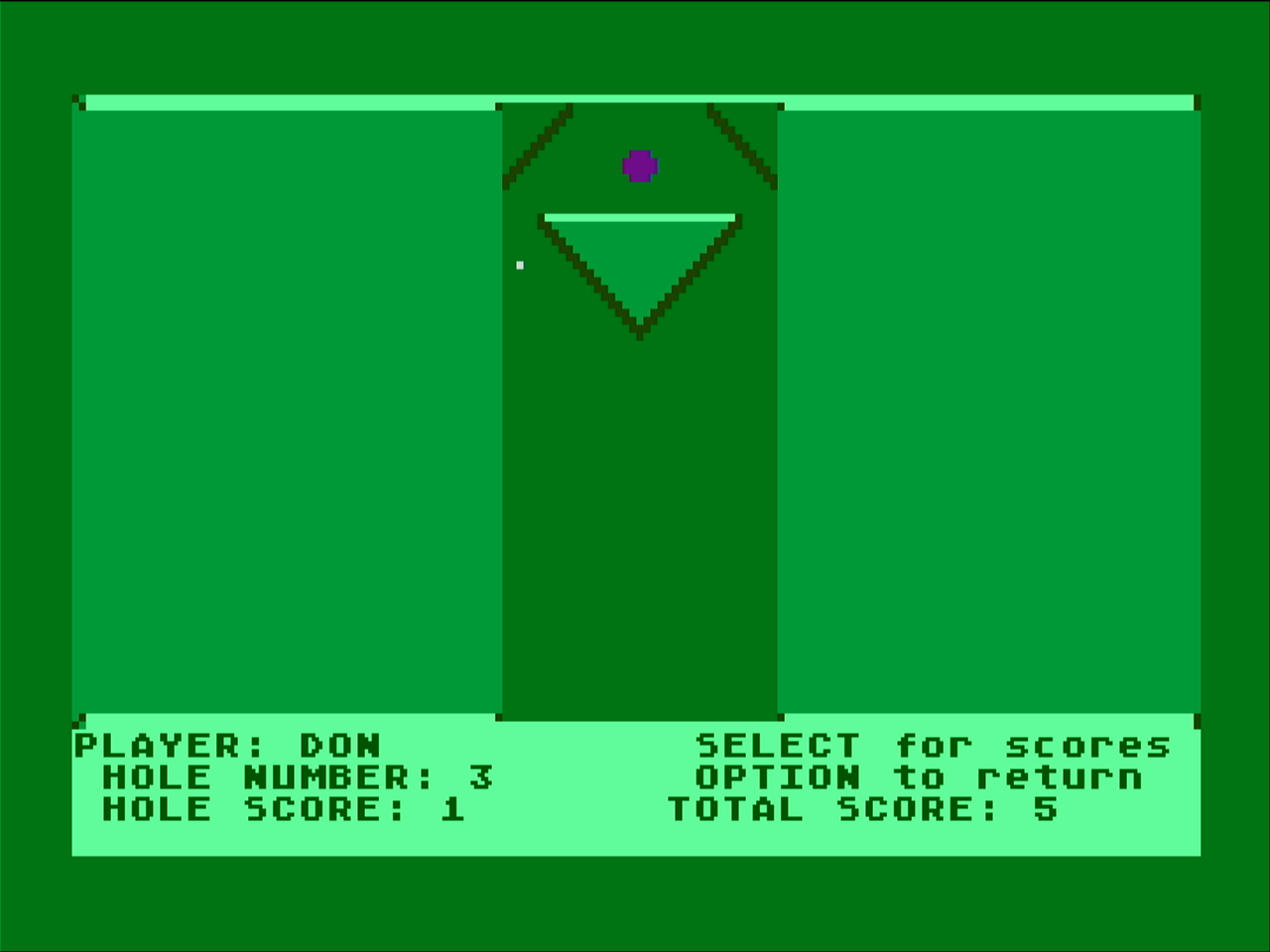
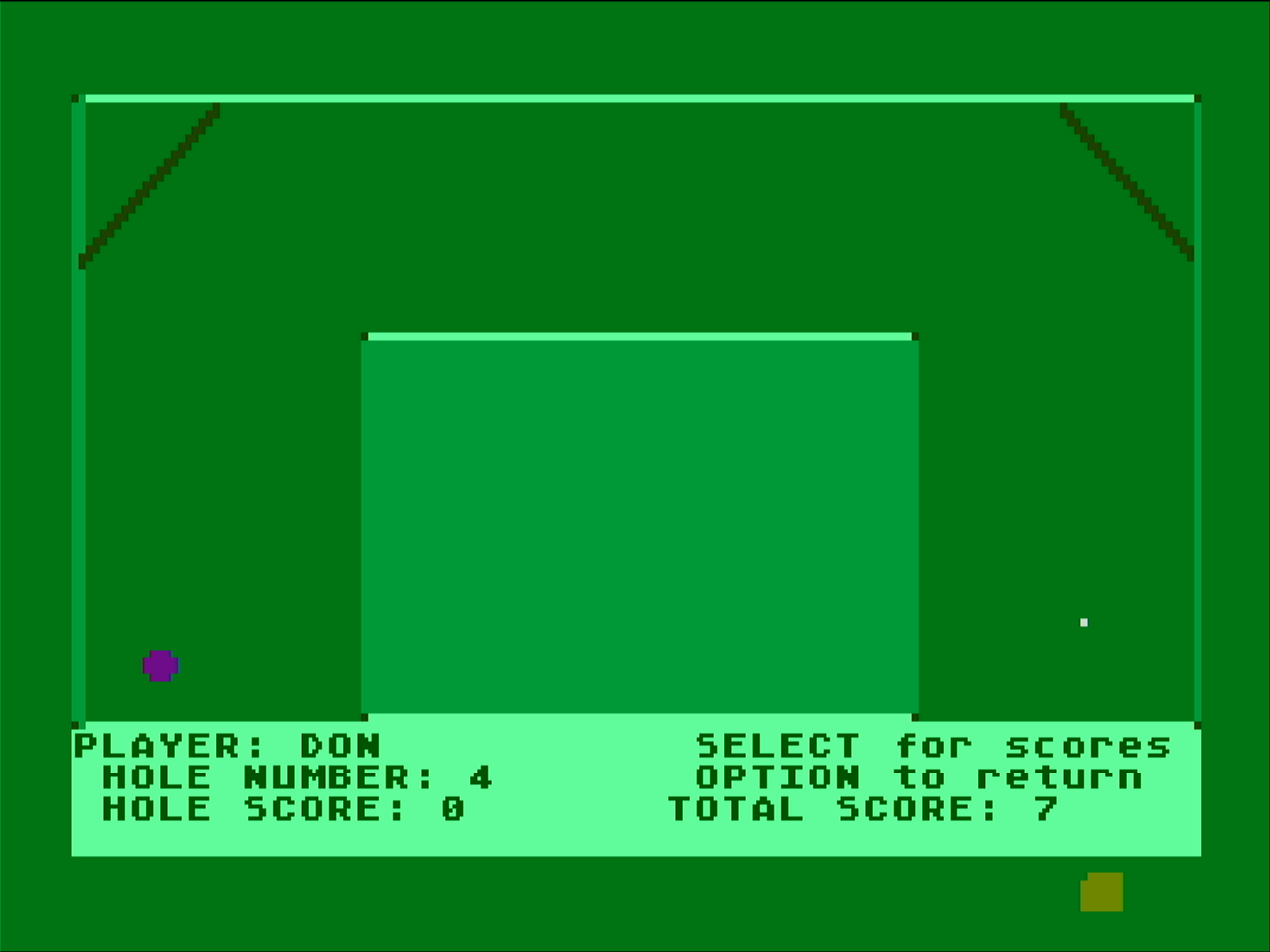
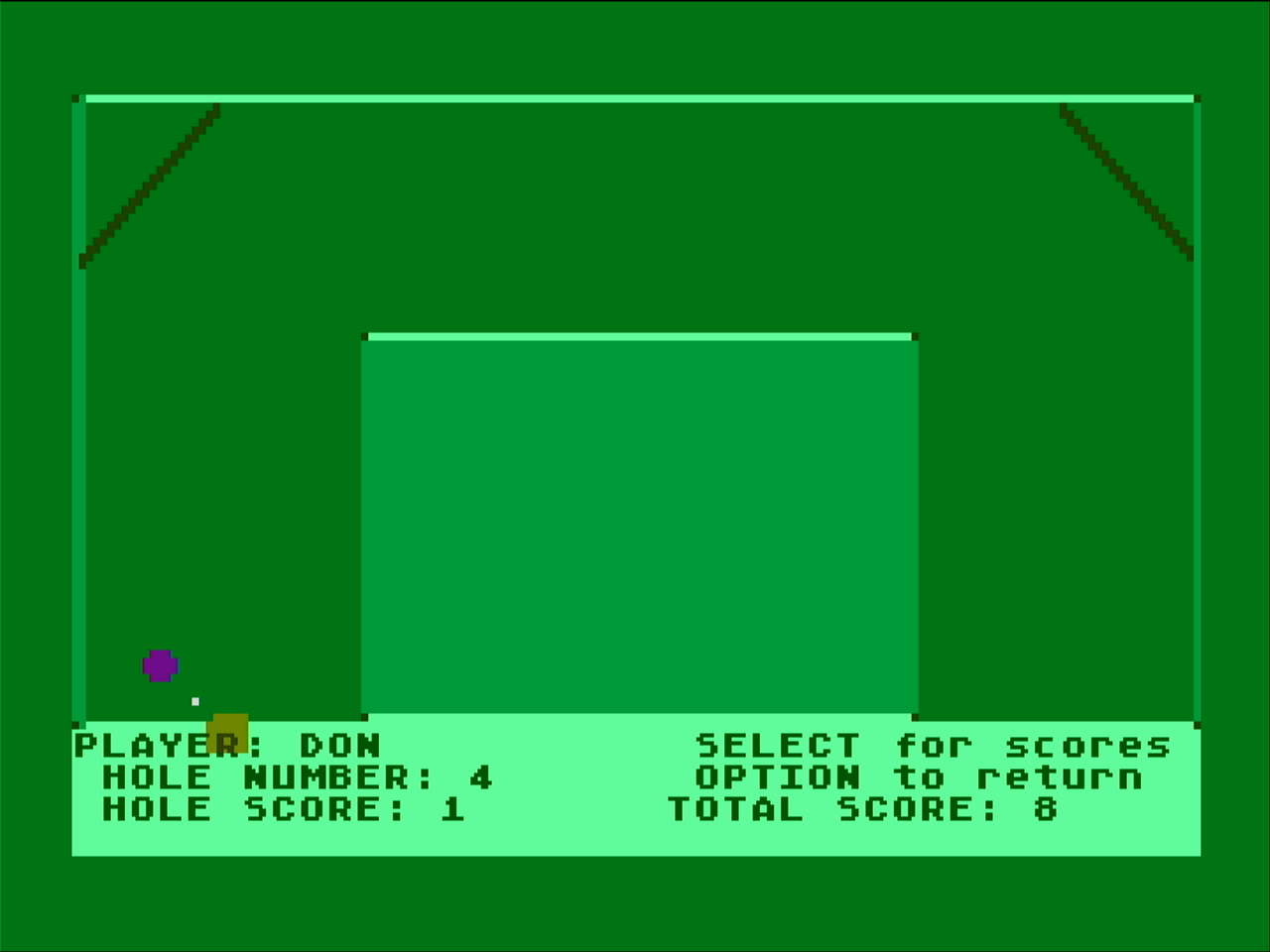
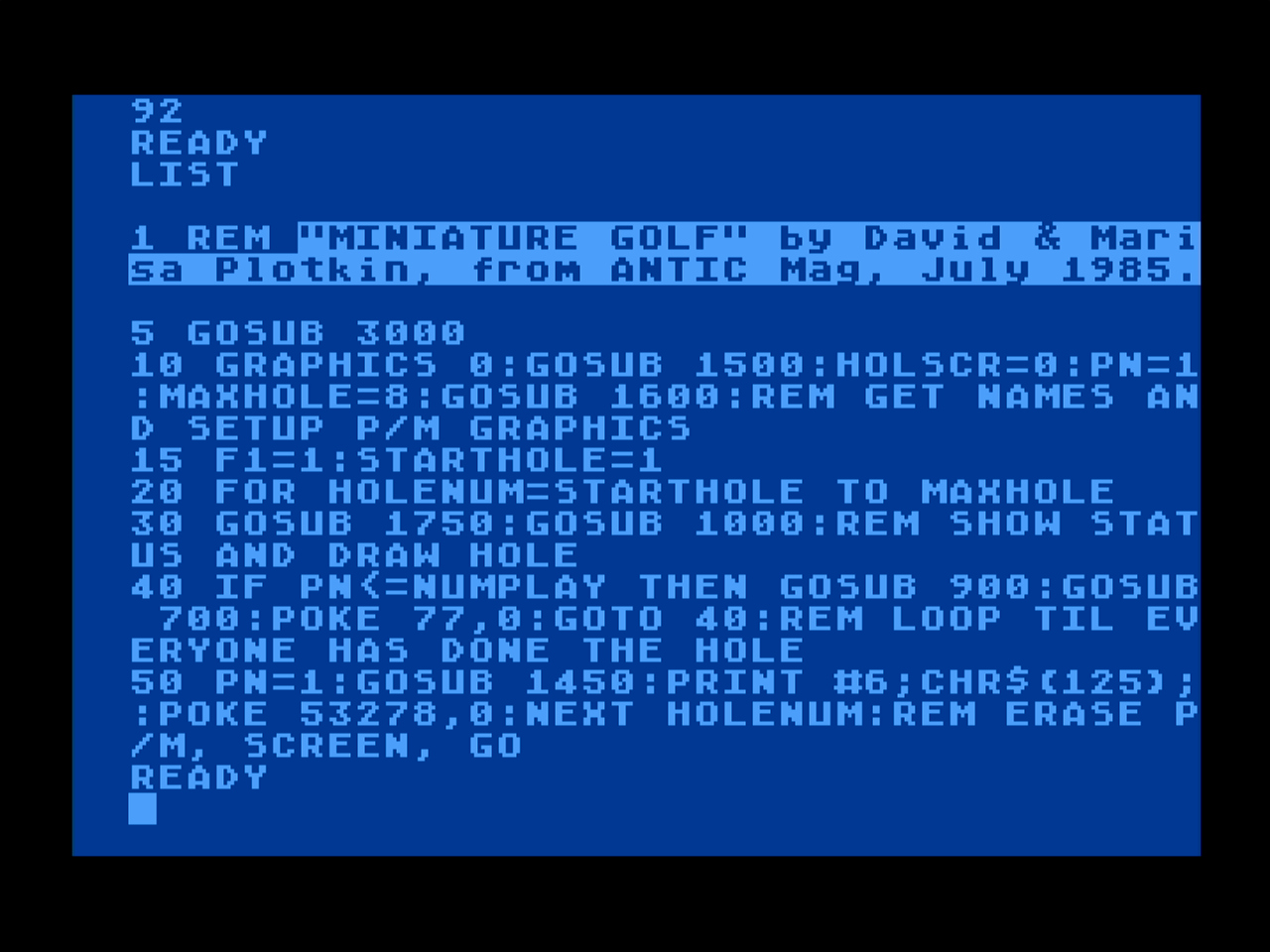
If you break out of the program and type LIST, you can see the code for the game.
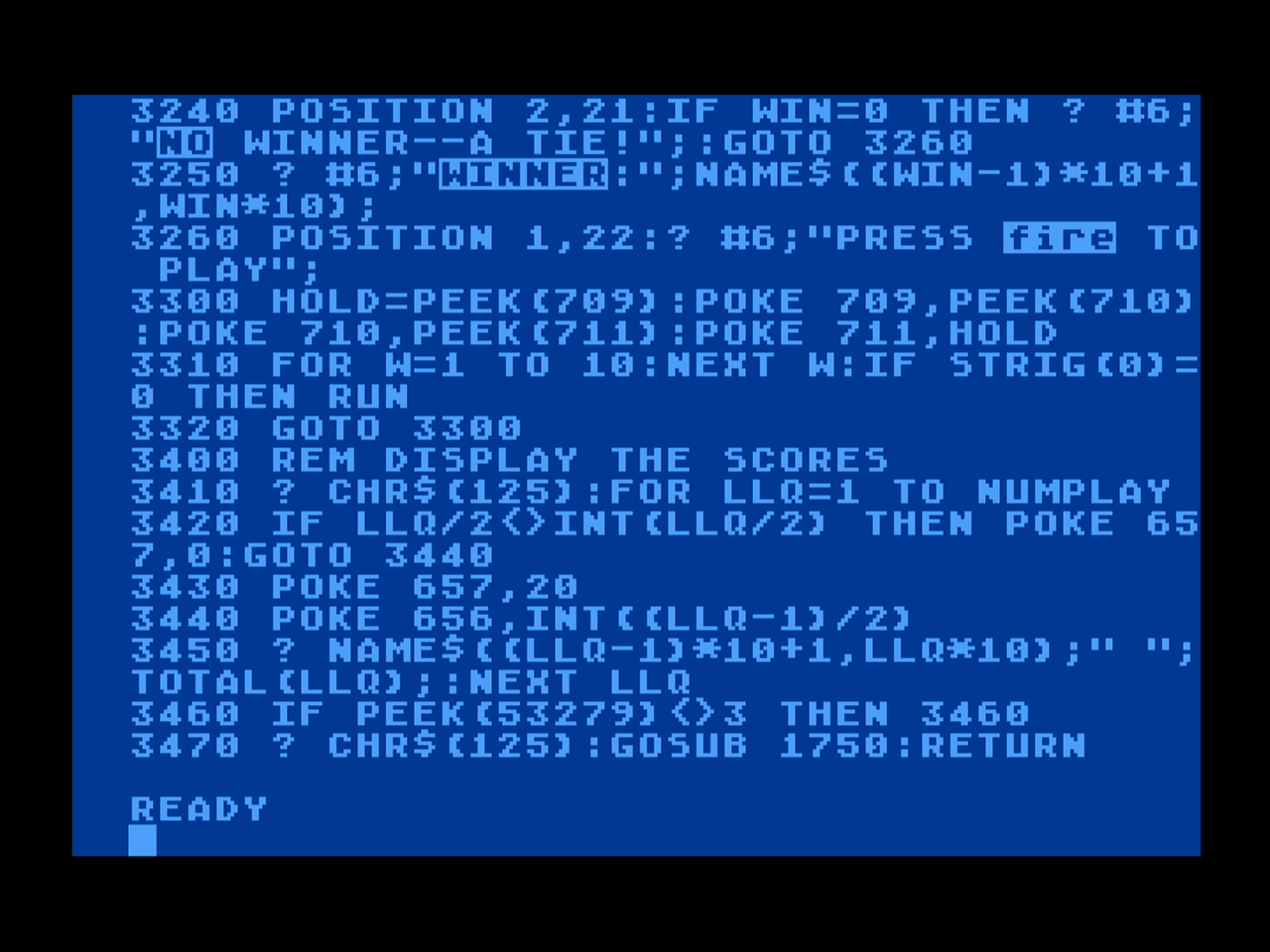
I’m currently working on a project that would simulate the BASIC and environment of Atari 8-bit computers and possibly other retro computers. If a program like this is to be able to run on the simulation, enough of the original hardware would need to be emulated. I’m making good early progress. Wish me luck!
Years ago I was learning some 6502 assembly. This program prints out the character set in alternating colors via a “display list” configuration.